Smash Balloon | Custom Twitter Feeds Pro
- Type
- Plugin
- Category
- Other Plugins
- Licence
- GNU GPL
- Delivery
- Instant download
- Access
- 12 months, or lifetime
- Sites
- Unlimited
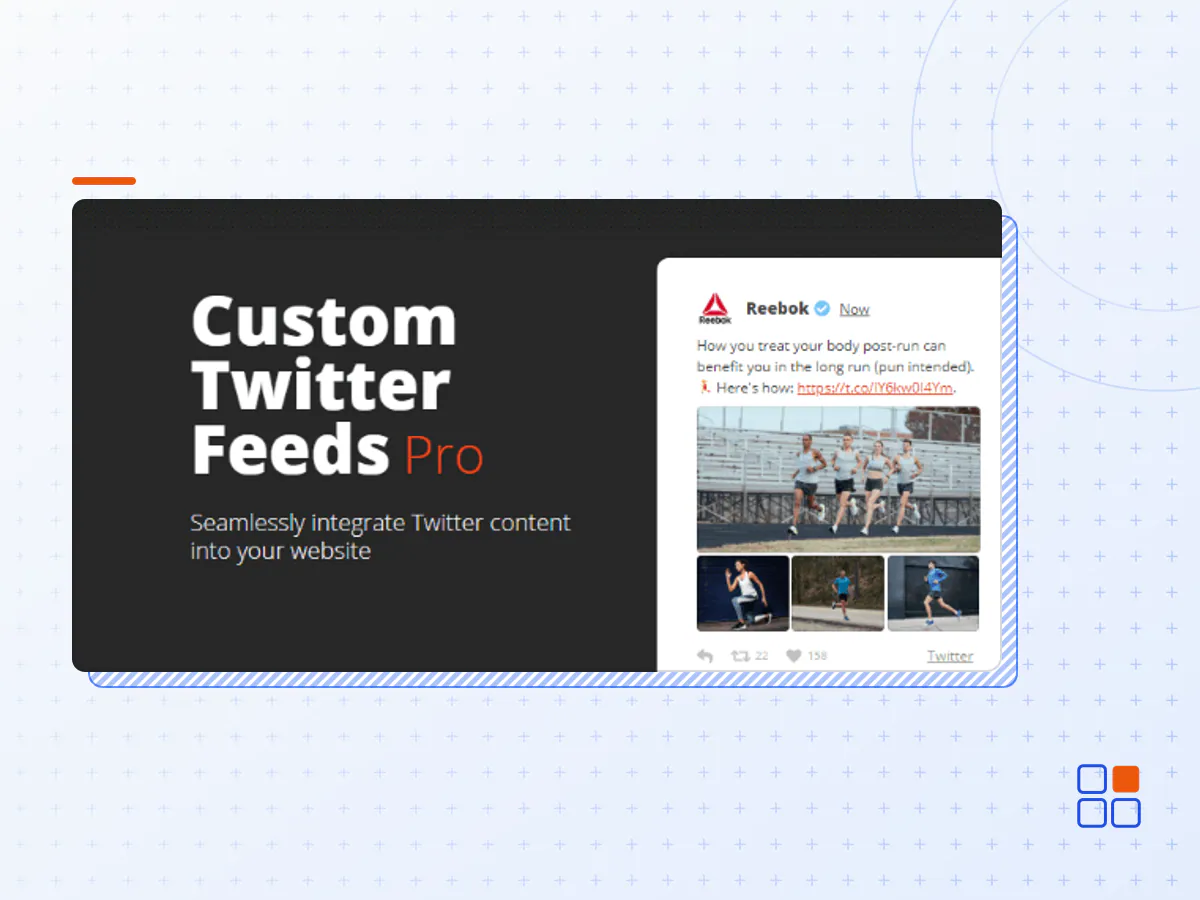
Seamlessly integrate Twitter content into your website
Save Time
Don’t have time to post updates on your site all the time? Save time and increase efficiency by posting new content to Twitter and automatically displaying it on your website.
Get More Followers
Increase engagement between you and your Twitter followers. Increase your number of followers by displaying your Twitter content directly on your site.
Display Social Proof
Twitter testimonials are one of the best ways to add verifiable social proof to your website. They add credibility to your brand, product, or service by displaying reviews from real people to your site, helping to convert more visitors into customers.
Dynamic SEO Content
All of that quality keyword-rich Twitter content is directly embedded into your website – keeping things fresh for both your visitors and the search bots.
Why our plugin is the right fit for you
We’ve been working hard to create the most flexible, customizable, and feature-packed Twitter feed WordPress plugin in the world. Super-simple to set up and a ton of built-in customization options make it a piece of cake to integrate Twitter content into your website in a variety of different ways.
Super Easy to setup
Once installed, you can have everything set up within 30 seconds! Use the button on the Settings page to authorize the plugin and then simply embed it in to any WordPress page, post or widget on your site. It really is that simple.
Completely customizable
By default the feed will adopt the style of your website, but can be completely customized to look however you like! We’ve included tons of built-in customization options that allow you to tweak your Twitter feeds so that they look just right.
Responsive and Mobile Optimized
Your responsive WordPress theme deserves a responsive Twitter Plugin. Twitter Feed Pro is created with mobile devices in mind, so that it looks great on any screen size and any device.
No Technical Knowledge Required
Twitter Feed Pro looks and works great right out of the box. It’s designed to inherit your website styles from your WordPress theme doesn’t require any work to get it looking great.
Page Speed optimized
Most social media plugins slow down your website, due to making a lot of external requests. Our Twitter plugin is built from the ground up with performance in mind.
Automatically Moderate Tweets
Don’t want Tweets containing certain words to show up, or want to hide specific Tweets in your feed? We’ve got you covered.
Incredibly Advanced search based feeds
Use a wide selection of search terms and operators to form advanced search queries to display the exact types of Tweets you require. Want to display Tweets that contain a specific hashtag and also include photos of puppies? No problem.
Multiple Twitter Feeds
Display as many feeds as you like – from as many different users, hashtags, or search terms as you like – either on the same page or throughout your site, and customize each one using our easy customization system.
Twitter Cards
Unlike other plugins, when sharing links in your feed the Custom Twitter Feeds plugin will automatically create and display a “Twitter card” for that link to help make your Tweets pop!
Multi-column masonry layout
Create beautiful and responsive full width grids of your Twitter content. Create multiple grids on the same page or throughout your site. See the demo for an example.
Display Tweets that mention your account
Kind of a big deal? Display tweets from other accounts that mention your Twitter handle in a single feed.
Infinite Scroll
Visitors of your site will trigger the loading of more tweets as they scroll down the page.
Customizable rotating carousels
Display customizable and responsive rotating carousels/slideshows of your Tweets. See the demo for an example.
Gutenberg Block
Use our Gutenberg block to quickly and conveniently add, customize, and preview your feed directly in the Gutenberg page editor.
Combine multiple feed types
Use multiple feed types in a single feed. Combine a user timeline, mentions timeline, home timeline, and hashtag/search feed in one.
Show off your statistics
Display the number of tweets and followers at the top of your feed. Include a “Follow Me” button to gain more followers.
Popup media lightbox
View the photos and videos from your feed in a beautiful pop-up lightbox which allows users to experience your content without leaving your site.
Developer Friendly templating and Hooks
Use our templating system to completely customize the HTML output of your Twitter feed, or utilize built-in hooks to modify feed settings and functionality programmatically.
GDPR Compliant
Automatically integrates with many of the most popular GDPR consent plugins in a single click. If enabled, it will display a GDPR compliant version of your Twitter feed with no third party requests.
Display a feed from Twitter Lists
Twitter Lists are great for curating content. Display these curated lists easily on your WordPress site with our built-in Twitter List feature.
Like, retweet, and reply actions
Allow visitors to like, retweet, and reply to tweets in your feed while staying on your site.
International Language Support
Change or translate any of the text strings in your Twitter feeds to display the text in any language you like.
Always reliable
Our reliable backup caching system means that your posts will always display even if there’s a problem with Twitter, and our admin alerts and email notifications mean you are notified if you need to take action.
- The Smash Balloon plugin archive (.zip), exactly as the developer released it.
- Uploads straight from the WordPress dashboard — no FTP or extra tools needed.
- GPL licensing: install it on every site you manage, client sites included.
- A year of downloads and newer versions with a single purchase, or permanent access with the lifetime upgrade.
- Also unlocked by every membership plan, together with the rest of the plugin catalogue.
Not included
- A licence key from the developer — features that run on the developer's own servers (cloud services, vendor auto-updates, vendor support) may be unavailable.
How to install Smash Balloon
- 1Download Smash Balloon from Downloads in your account. Keep the file zipped.
- 2In your WordPress dashboard open Plugins → Add New Plugin and click Upload Plugin.
- 3Choose the .zip, click Install Now, then Activate.
- 4Open the Smash Balloon settings screen and configure it for your site.
- 5If a notice asks for a licence key you can dismiss it; the plugin itself runs without one.
To update later, download the newer version from your account and upload it the same way — WordPress offers to replace the installed copy and keeps your settings.
Is this the developer's original Smash Balloon file?
Yes. The archive is the release the developer published, with nothing added or removed. It is distributed under the GNU GPL, which is what allows WordPress GPL to offer it; you are buying the download and updates, not a licence key from the vendor.
Can I use Smash Balloon on client websites?
Yes. The GPL places no limit on the number of sites, so you can install it on your own projects and on sites you build for clients.
How do I get newer versions of Smash Balloon?
When a newer release reaches our catalogue it replaces the file in your account, and you can request one from this page if you need it sooner. A single purchase covers a year of downloads (or longer with the lifetime upgrade); a membership covers updates while it is active.
Does it come with support from the developer?
No — vendor support is tied to a licence bought from the developer. We help with downloading and installing the file, and if it turns out to be broken you can ask for a refund within 14 days.