JetFormBuilder - Best WordPress Form Builder Plugin
- Type
- Plugin
- Category
- Crocoblock
- Licence
- GNU GPL
- Delivery
- Instant download
- Access
- 12 months, or lifetime
- Sites
- Unlimited
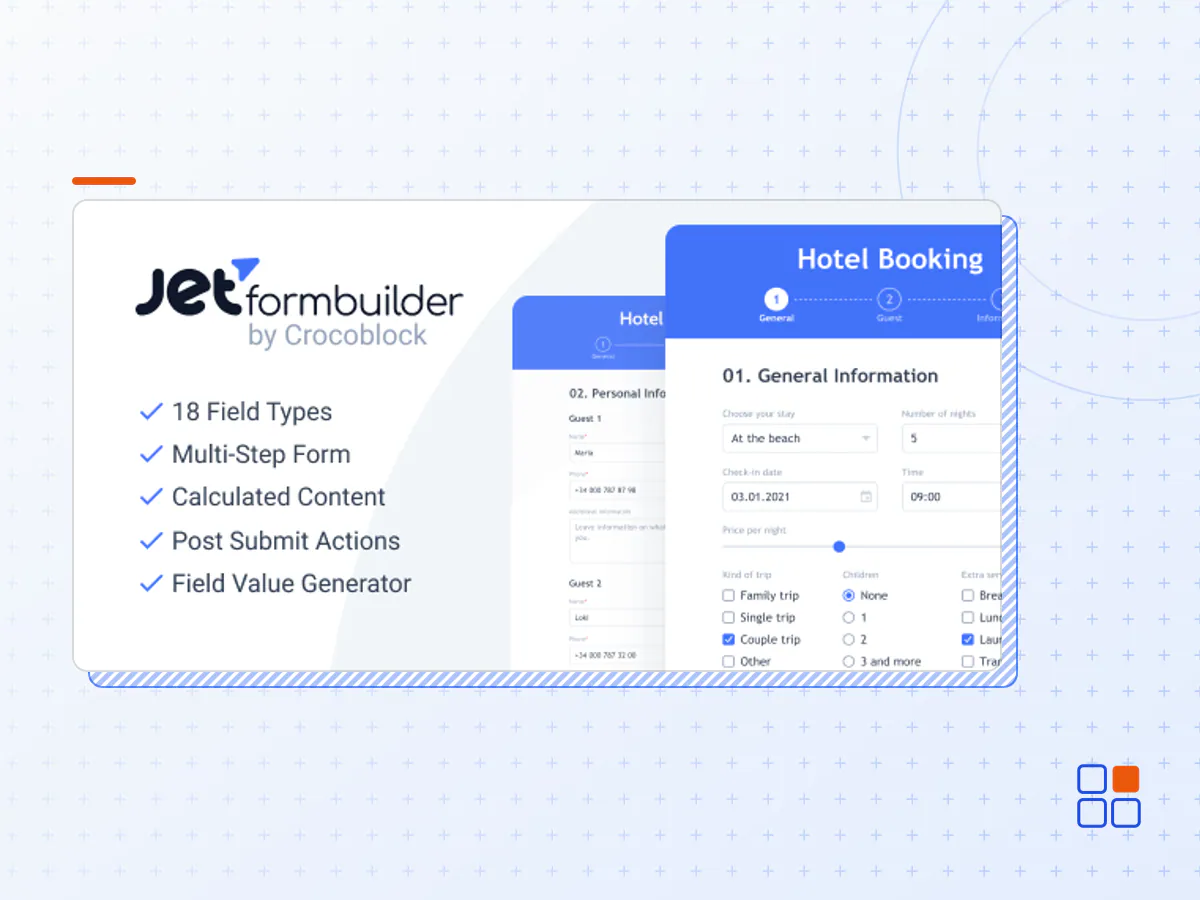
Form creation is not a game of chance. JetFormBuilder + Pro Addons allows you to create the backend structure and customize each form component all at once. The layout you design in the editor will be the final outcome on the site.
PRO Version Addons: User Login; WooCommerce Cart & Checkout; Color Picker; Select Autocomplete; Address Autocomplete; Save Form Progress; MailPoet; HubSpot; Moosend; Schedule Forms; Stripe; ConvertKit; Mailer lite; Limit Form Responses.
Use Smart Features with JetFormBuilder + Pro Addons
Conditional Logic. Create intelligent web forms that respond to user input and customise the form experience.
Dynamic Values. You may connect the desired field to the database's relevant data. As a result, certain field values will be prepopulated on the frontend..
Calculated Content & Hidden Fields. Create calculator forms that can do simple and sophisticated calculations. Is it possible to have too many system fields in a form? It's not an issue. JetFormBuilder allows you to make them unnoticeable to users.
Create Multi-Step Forms. Divide the form fields into logical phases to make them easier to understand and to conserve webpage space..
Make Forms User-Friendly. A simple form is more likely to gather user information. Add features that helps to ease the filling-out process, such as tips, highlights, and autofill.
Frontend Post Submission. Select this option to insert a new post or amend an existing one.
User Registration. Allows you to create a new user or edit an existing one's profile.
Redirect to Page. Users can be sent to a Thank You/Home/Checkout page or any other page you desire.
Third-Party Webhooks. Integrate JetFormBuilder forms with third-party services such as Zapier and Integromat.
Subscribe to Mailing Lists. Users may be added to mailing lists in ActiveCampaign, GetResponse, or MailChimp.
Accept Payments & Donations. Add a PayPal checkout to your form to securely take all types of payments.
- The JetFormBuilder plugin archive (.zip), exactly as the developer released it.
- Uploads straight from the WordPress dashboard — no FTP or extra tools needed.
- GPL licensing: install it on every site you manage, client sites included.
- A year of downloads and newer versions with a single purchase, or permanent access with the lifetime upgrade.
- Also unlocked by every membership plan, together with the rest of the plugin catalogue.
Not included
- A licence key from the developer — features that run on the developer's own servers (cloud services, vendor auto-updates, vendor support) may be unavailable.
How to install JetFormBuilder
- 1Download JetFormBuilder from Downloads in your account. Keep the file zipped.
- 2In your WordPress dashboard open Plugins → Add New Plugin and click Upload Plugin.
- 3Choose the .zip, click Install Now, then Activate.
- 4Open the JetFormBuilder settings screen and configure it for your site.
- 5If a notice asks for a licence key you can dismiss it; the plugin itself runs without one.
To update later, download the newer version from your account and upload it the same way — WordPress offers to replace the installed copy and keeps your settings.
Is this the developer's original JetFormBuilder file?
Yes. The archive is the release the developer published, with nothing added or removed. It is distributed under the GNU GPL, which is what allows WordPress GPL to offer it; you are buying the download and updates, not a licence key from the vendor.
Can I use JetFormBuilder on client websites?
Yes. The GPL places no limit on the number of sites, so you can install it on your own projects and on sites you build for clients.
How do I get newer versions of JetFormBuilder?
When a newer release reaches our catalogue it replaces the file in your account, and you can request one from this page if you need it sooner. A single purchase covers a year of downloads (or longer with the lifetime upgrade); a membership covers updates while it is active.
Does it come with support from the developer?
No — vendor support is tied to a licence bought from the developer. We help with downloading and installing the file, and if it turns out to be broken you can ask for a refund within 14 days.