JetEngine Plugin for Elementor
- Type
- Plugin
- Category
- Crocoblock
- Licence
- GNU GPL
- Delivery
- Instant download
- Access
- 12 months, or lifetime
- Sites
- Unlimited
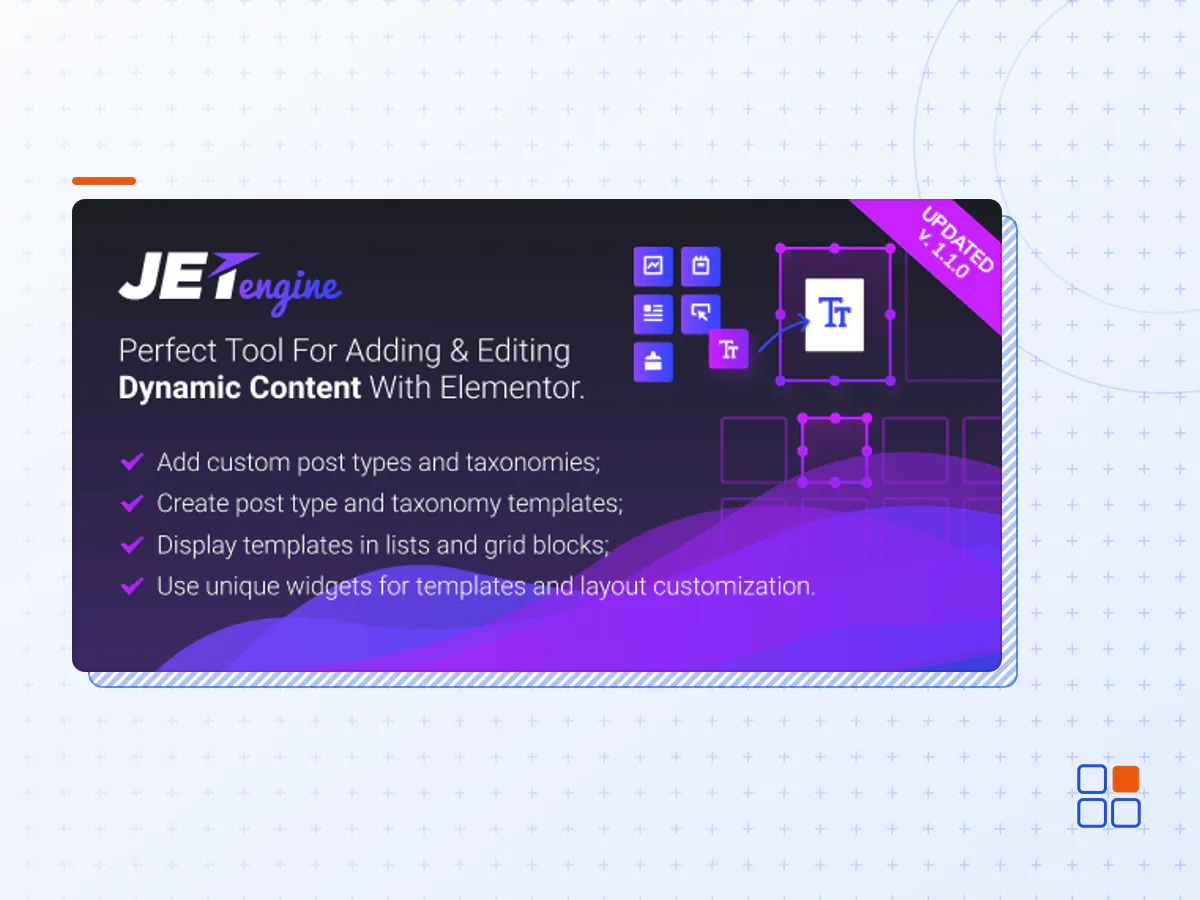
JetEngine is a dynamic content plugin that lets you build a complex websites fast and cost-effectively. JetEngine gives you the opportunity to build a stronger connection with your visitors. Make your web property more interactive by implementing a fully-responsive step-by-step form.
Registration, Contact, Feedback, Booking, Order – whatever you’re up to, JetEngine & Elementor are here to slay all form types. Plugin features:
Custom Post Type. Arrange your website exterior using Custom Post Types. Structure the content to make it easy to grasp and visually perceptible.
Taxonomy. Group the existing and newly-added post types into specific categories to ensure smooth page-to-page redirecting.
Custom fields. Expand the custom post types. Add as many meta fields as you need for the CPTs to look informative and neat.
Relations. Interrelate each and every custom post type in your arsenal to deliver relevant information on demand.
Options page. Create a special page storing all the additional options that can be further assigned to any custom post type or taxonomy.
Dynamic Widgets. A streamlined module management UI allows creating dynamic structures with little to no coding skills. Use all dynamic widgets to make your content engaging and interactive.
Explore listing grid. Develop dynamic listings and flexible grid layouts so your CPTs, taxonomies, and User listings are displayed neatly and artfully. Insert and showcase all the requested meta-contents and see how cool it looks on the frontend
Store Data in a Single Base Table with CCT. Store all custom fields metadata in structured database tables. It will speed up the data search, optimize server resources, and give room for project scalability.
Easy data management. All CCT data are saved to one database table, which makes it easy to view, edit, and export whatever you need.
Higher loading speed. Pull out any data from the backend faster than ever through more efficient database queries.
Improved project scalability. As a one-stop data storage, the CCT functionality is a win for high-volume websites.
Enable users to create any posts collection. All posts, products, and items that users liked, viewed, or saved will be stored in their personal data cells.
Dynamic user profile. Build a user-editable profile with an unlimited number of account pages. Customize the Elementor-built templates and JetEngine listings, set different privacy settings for user account pages, and much more.
Profile Menu widget. Embed the Profile Menu widget to any user account page template and decide between the ultra-fast AJAX or reload method.
Frontend posts submission. Enable the customers to submit any information to your site through a simple, understandable, and most convenient way – forms.
Dynamic Visibility module. You can easily set visibility conditions for any site content and define which pages will be visible to users based on their Roles.
- The JetEngine Plugin for Elementor plugin archive (.zip), exactly as the developer released it.
- Uploads straight from the WordPress dashboard — no FTP or extra tools needed.
- GPL licensing: install it on every site you manage, client sites included.
- A year of downloads and newer versions with a single purchase, or permanent access with the lifetime upgrade.
- Also unlocked by every membership plan, together with the rest of the plugin catalogue.
Not included
- A licence key from the developer — features that run on the developer's own servers (cloud services, vendor auto-updates, vendor support) may be unavailable.
How to install JetEngine Plugin for Elementor
- 1Download JetEngine Plugin for Elementor from Downloads in your account. Keep the file zipped.
- 2In your WordPress dashboard open Plugins → Add New Plugin and click Upload Plugin.
- 3Choose the .zip, click Install Now, then Activate.
- 4Open the JetEngine Plugin for Elementor settings screen and configure it for your site.
- 5If a notice asks for a licence key you can dismiss it; the plugin itself runs without one.
To update later, download the newer version from your account and upload it the same way — WordPress offers to replace the installed copy and keeps your settings.
Is this the developer's original JetEngine Plugin for Elementor file?
Yes. The archive is the release the developer published, with nothing added or removed. It is distributed under the GNU GPL, which is what allows WordPress GPL to offer it; you are buying the download and updates, not a licence key from the vendor.
Can I use JetEngine Plugin for Elementor on client websites?
Yes. The GPL places no limit on the number of sites, so you can install it on your own projects and on sites you build for clients.
How do I get newer versions of JetEngine Plugin for Elementor?
When a newer release reaches our catalogue it replaces the file in your account, and you can request one from this page if you need it sooner. A single purchase covers a year of downloads (or longer with the lifetime upgrade); a membership covers updates while it is active.
Does it come with support from the developer?
No — vendor support is tied to a licence bought from the developer. We help with downloading and installing the file, and if it turns out to be broken you can ask for a refund within 14 days.