WP Dark Mode Ultimate
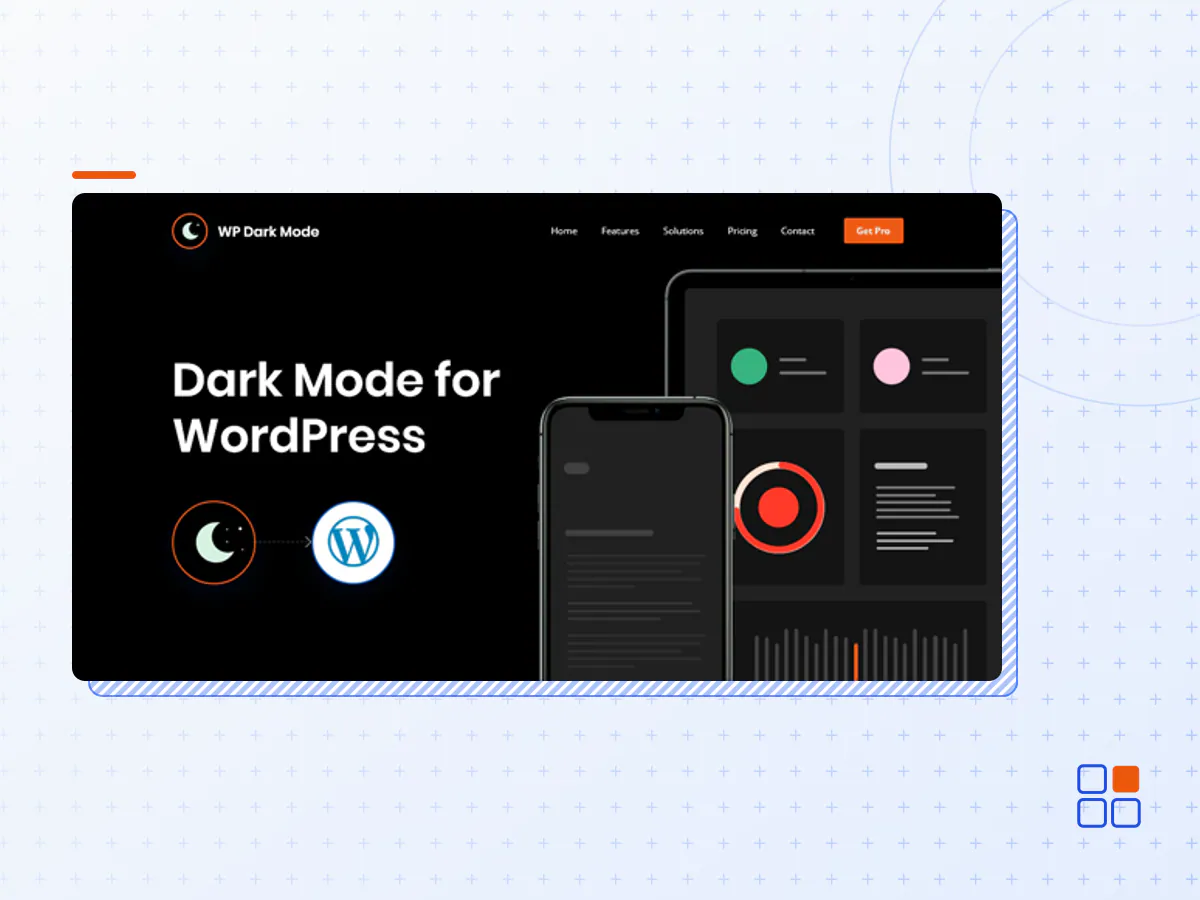
- Type
- Plugin
- Category
- Other Plugins
- Licence
- GNU GPL
- Delivery
- Instant download
- Access
- 12 months, or lifetime
- Sites
- Unlimited
Help your website visitors spend more time and eye-pleasing reading experience. Personal preference rules always king. WP Dark Mode can be a game-changer for your website.
Just activate the plugin and your users will experience a dark mode version of your website as per their preferred operating system preference WP Dark Mode Ultimate.
Dark mode. Go all in on lights out.
Help your audience spend more time by providing an eye-pleasing user experience. Boost conversion and engagement up to 323%. Accept darkness. Live through the night.
Dark mode & light mode Lifelike colors for unreal beauty
Less eye strain. More user satisfaction. Dark mode is not only a modern-day trend rather a user demand. It is the future of the user interface. Research says users are going to spend more time in front of screens in Dark Mode that translates to increased ROI and superior conversion rate.
Core features
OS-based color mode
WP Dark Mode automatically shows the dark mode if the OS preferred theme is dark. Your hassle ends here!
Time mode
No need to worry about scheduling time for dark mode! WP Dark Mode Pro will turn your website into dark mode based on the local time of the user.
Multiple switch
Multiple dark mode switch button style is available in WP Dark Mode Pro which you can display for your user to turn on-off the dark mode.
Ready-made color schema
Quickly change the dark mode color from the predefined ready-made color schema and make your website look standout for the user!
Custom position, CTA & attention effects
Brand new switch styles with custom switch position feature. Seven types of animation effects for your dark mode switch. You can also add CTA text on your dark mode switch as per your wish!
Make it yours
You can customize the dark mode background text and color as you want with the custom color feature of our WP Dark Mode. Pick the color schema of your preference and make it yours!
Popular page builder support
WP Dark Mode supports all the popular page builders in WordPress. After install and activation of the plugin, it works perfectly with all the page builders. You can also easily place the dedicated dark mode switch widget anywhere on your page or post with our page builder support.
- The WP Dark Mode Ultimate plugin archive (.zip), exactly as the developer released it.
- Uploads straight from the WordPress dashboard — no FTP or extra tools needed.
- GPL licensing: install it on every site you manage, client sites included.
- A year of downloads and newer versions with a single purchase, or permanent access with the lifetime upgrade.
- Also unlocked by every membership plan, together with the rest of the plugin catalogue.
Not included
- A licence key from the developer — features that run on the developer's own servers (cloud services, vendor auto-updates, vendor support) may be unavailable.
How to install WP Dark Mode Ultimate
- 1Download WP Dark Mode Ultimate from Downloads in your account. Keep the file zipped.
- 2In your WordPress dashboard open Plugins → Add New Plugin and click Upload Plugin.
- 3Choose the .zip, click Install Now, then Activate.
- 4Open the WP Dark Mode Ultimate settings screen and configure it for your site.
- 5If a notice asks for a licence key you can dismiss it; the plugin itself runs without one.
To update later, download the newer version from your account and upload it the same way — WordPress offers to replace the installed copy and keeps your settings.
Is this the developer's original WP Dark Mode Ultimate file?
Yes. The archive is the release the developer published, with nothing added or removed. It is distributed under the GNU GPL, which is what allows WordPress GPL to offer it; you are buying the download and updates, not a licence key from the vendor.
Can I use WP Dark Mode Ultimate on client websites?
Yes. The GPL places no limit on the number of sites, so you can install it on your own projects and on sites you build for clients.
How do I get newer versions of WP Dark Mode Ultimate?
When a newer release reaches our catalogue it replaces the file in your account, and you can request one from this page if you need it sooner. A single purchase covers a year of downloads (or longer with the lifetime upgrade); a membership covers updates while it is active.
Does it come with support from the developer?
No — vendor support is tied to a licence bought from the developer. We help with downloading and installing the file, and if it turns out to be broken you can ask for a refund within 14 days.