XT Floating Cart for WooCommerce
- Type
- Plugin
- Category
- WooCommerce Plugins
- Licence
- GNU GPL
- Delivery
- Instant download
- Access
- 12 months, or lifetime
- Sites
- Unlimited
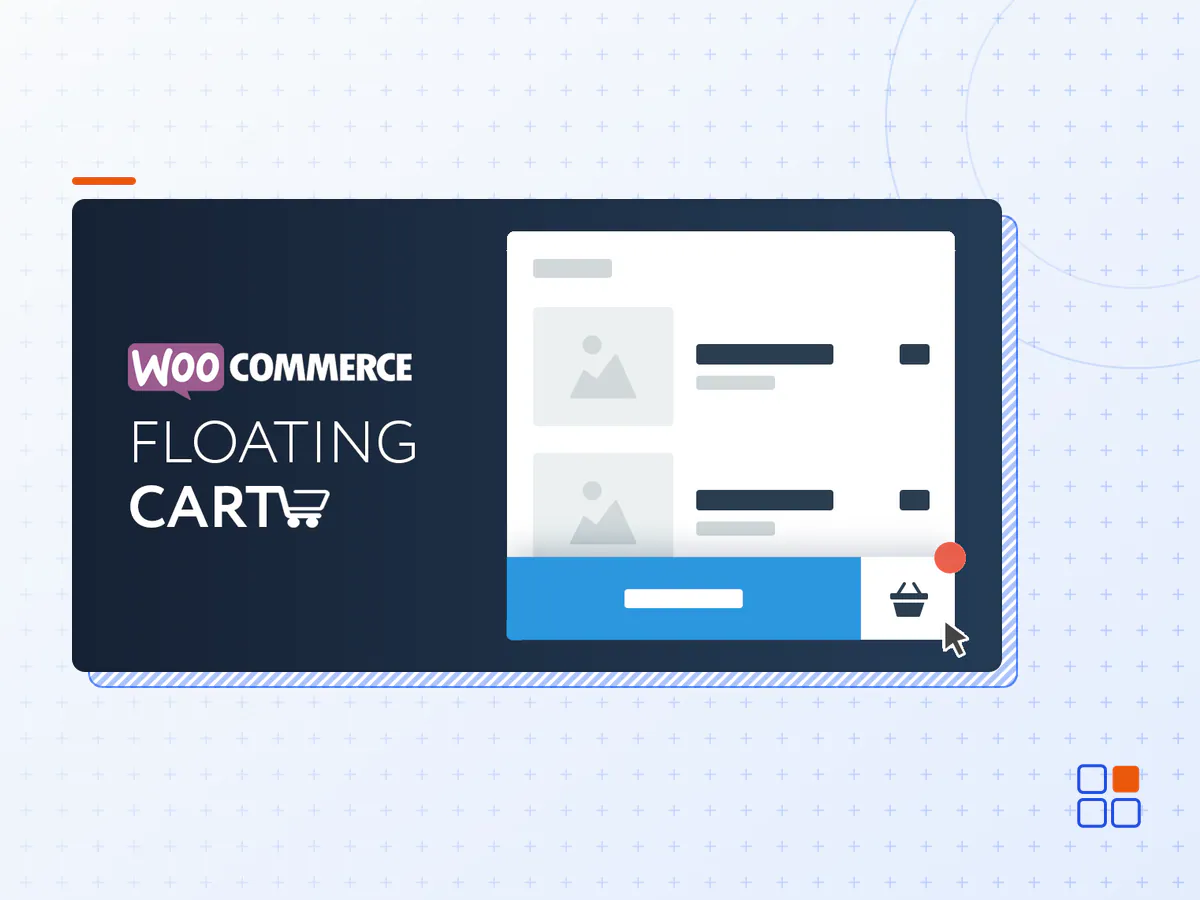
Introducing the Floating Cart for WooCommerce, the ultimate tool to improve your customer’s online shopping experience. This innovative cart follows your customers as they browse your store, making it easy for them to keep track of their purchases and quickly click the “checkout” button when they’re ready to complete their order.
With the Floating Cart, your customers can easily add and remove items from their cart without ever having to leave the page they’re on. This saves time and allows for a seamless shopping experience. Plus, the floating nature of the cart makes it easy for customers to see exactly how much they’re spending and how many items they have in their cart at all times.
What Would More Sales and Higher Conversions be Worth to You?
Have you ever found yourself in a situation where site visitors add products to their cart, but then leave your store without finalizing their purchase?
Not only does the Floating Cart improve the customer experience, but it also leads to increased conversions and a reduction in cart abandonment rates of up to 40%. This is achieved by simplifying the process for customers to complete their purchase with a few clicks. As a result, your business will experience an increase in sales and higher revenue.
By installing the WooCommerce Side Cart, your website will have a visually appealing icon with item count that is always visible on all pages. When clicked, the cart will appear. The Floating Cart also includes a full checkout form that allows customers to place orders without the need to reload the page. This feature-rich plugin offers a variety of options such as a free shipping progress bar, coupons, upsell and cross-sell options, a PayPal button, Ajax add to cart functionality, and an auto-height feature, among others.
Upgrade your online store and give your customers the best shopping experience possible with the Floating Cart for WooCommerce. Try it today and watch your sales soar!
Features
- Live Preview Customizer
- Enable Fly To Cart animation
- Enable Coupons
- Enable Cart Totals
- Enable Total Savings
- Enable Express Checkout Form
- Enable Cart Menu Item
- Enable Auto Height
- Enable Suggested Products (Related / Cross-Sell / Upsell)
- Enable Free Shipping Bar
- Select Between Morph Slide Animation
- Support variations, bundles & composites
- Clear / Restore entire cart in 1 click.
- Display product attributes within the cart
- Change Cart Width / Height
- Apply Google Fonts
- Custom Colors / Backgrounds
- Custom Icons (SVG / Image / Font Icons)
- Select from 11 loading spinner animations
- Exclude pages from displaying the cart
- Device Visibility options
- Ajax add to cart on Single Product pages
- Ajax add to cart within Quick View Modals
- Select between Checkout Or View Cart button
- Option to trigger the cart on Mouse Over
- Display Subtotal or Total
- RTL Support
- Automated Updates & Security Patches
- Priority Email & Help Center Support
- The XT Floating Cart for WooCommerce plugin archive (.zip), exactly as the developer released it.
- Uploads straight from the WordPress dashboard — no FTP or extra tools needed.
- GPL licensing: install it on every site you manage, client sites included.
- A year of downloads and newer versions with a single purchase, or permanent access with the lifetime upgrade.
- Also unlocked by every membership plan, together with the rest of the plugin catalogue.
Not included
- A licence key from the developer — features that run on the developer's own servers (cloud services, vendor auto-updates, vendor support) may be unavailable.
How to install XT Floating Cart for WooCommerce
- 1Download XT Floating Cart for WooCommerce from Downloads in your account. Keep the file zipped.
- 2In your WordPress dashboard open Plugins → Add New Plugin and click Upload Plugin.
- 3Choose the .zip, click Install Now, then Activate.
- 4Open the XT Floating Cart for WooCommerce settings screen and configure it for your site.
- 5If a notice asks for a licence key you can dismiss it; the plugin itself runs without one.
To update later, download the newer version from your account and upload it the same way — WordPress offers to replace the installed copy and keeps your settings.
Is this the developer's original XT Floating Cart for WooCommerce file?
Yes. The archive is the release the developer published, with nothing added or removed. It is distributed under the GNU GPL, which is what allows WordPress GPL to offer it; you are buying the download and updates, not a licence key from the vendor.
Can I use XT Floating Cart for WooCommerce on client websites?
Yes. The GPL places no limit on the number of sites, so you can install it on your own projects and on sites you build for clients.
How do I get newer versions of XT Floating Cart for WooCommerce?
When a newer release reaches our catalogue it replaces the file in your account, and you can request one from this page if you need it sooner. A single purchase covers a year of downloads (or longer with the lifetime upgrade); a membership covers updates while it is active.
Does it come with support from the developer?
No — vendor support is tied to a licence bought from the developer. We help with downloading and installing the file, and if it turns out to be broken you can ask for a refund within 14 days.