School Management System for WordPress
- Type
- Plugin
- Category
- CodeCanyon
- Licence
- GNU GPL
- Delivery
- Instant download
- Access
- 12 months, or lifetime
- Sites
- Unlimited
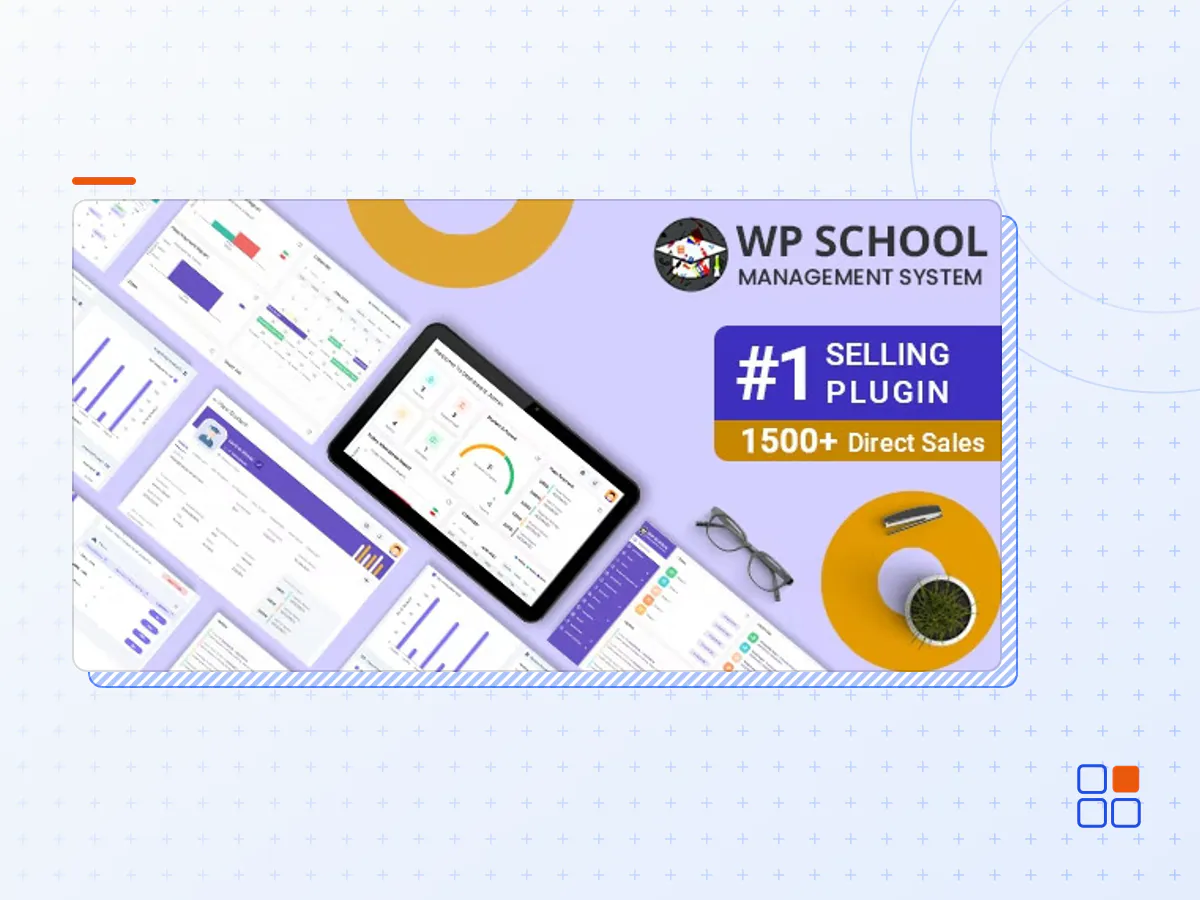
School Management System Plugin for wordpress is ideal way to manage complete school operation. The system has different access rights for Admin, Teacher, Student and Parent.
Module List:
- Rich Dashboard with analytics
- Admin Module
- Student Module
- Teacher Module
- Parent Module
- Subject Module
- Class Module
- Grade Module
- Manage Marks
- Attendance Module
- Message Module
- Notice-Event Module
- Transportation Module
- Hall List
- Holiday Module
- Migration Module
- Payment Module
- Reports
- Student Class Routine
- Teacher Routine
- Print marksheet in PDF
- Migrate student in single click
- Once click Install
- Powerful features with unique design
- Admission Module
- Exam Module
- Hall List update Exam Hall Module
- Homework Module
- Hostel Module
- Fees Payment Module
- Library Module
- Custom Fields Module
Note* The Plugin works best on Cpanel/WHM enabled hosting. Usage/installation on Nginx / Plesk is not recommended and we will not be able to provide support for the same..
- The School Management System for WordPress plugin archive (.zip), exactly as the developer released it.
- Uploads straight from the WordPress dashboard — no FTP or extra tools needed.
- GPL licensing: install it on every site you manage, client sites included.
- A year of downloads and newer versions with a single purchase, or permanent access with the lifetime upgrade.
- Also unlocked by every membership plan, together with the rest of the plugin catalogue.
Not included
- A licence key from the developer — features that run on the developer's own servers (cloud services, vendor auto-updates, vendor support) may be unavailable.
How to install School Management System for WordPress
- 1Download School Management System for WordPress from Downloads in your account. Keep the file zipped.
- 2In your WordPress dashboard open Plugins → Add New Plugin and click Upload Plugin.
- 3Choose the .zip, click Install Now, then Activate.
- 4Open the School Management System for WordPress settings screen and configure it for your site.
- 5If a notice asks for a licence key you can dismiss it; the plugin itself runs without one.
To update later, download the newer version from your account and upload it the same way — WordPress offers to replace the installed copy and keeps your settings.
Is this the developer's original School Management System for WordPress file?
Yes. The archive is the release the developer published, with nothing added or removed. It is distributed under the GNU GPL, which is what allows WordPress GPL to offer it; you are buying the download and updates, not a licence key from the vendor.
Can I use School Management System for WordPress on client websites?
Yes. The GPL places no limit on the number of sites, so you can install it on your own projects and on sites you build for clients.
How do I get newer versions of School Management System for WordPress?
When a newer release reaches our catalogue it replaces the file in your account, and you can request one from this page if you need it sooner. A single purchase covers a year of downloads (or longer with the lifetime upgrade); a membership covers updates while it is active.
Does it come with support from the developer?
No — vendor support is tied to a licence bought from the developer. We help with downloading and installing the file, and if it turns out to be broken you can ask for a refund within 14 days.