Orderable Pro - The Best Food Ordering System for Restaurants WordPress
- Type
- Plugin
- Licence
- GNU GPL
- Delivery
- Instant download
- Access
- 12 months, or lifetime
- Sites
- Unlimited
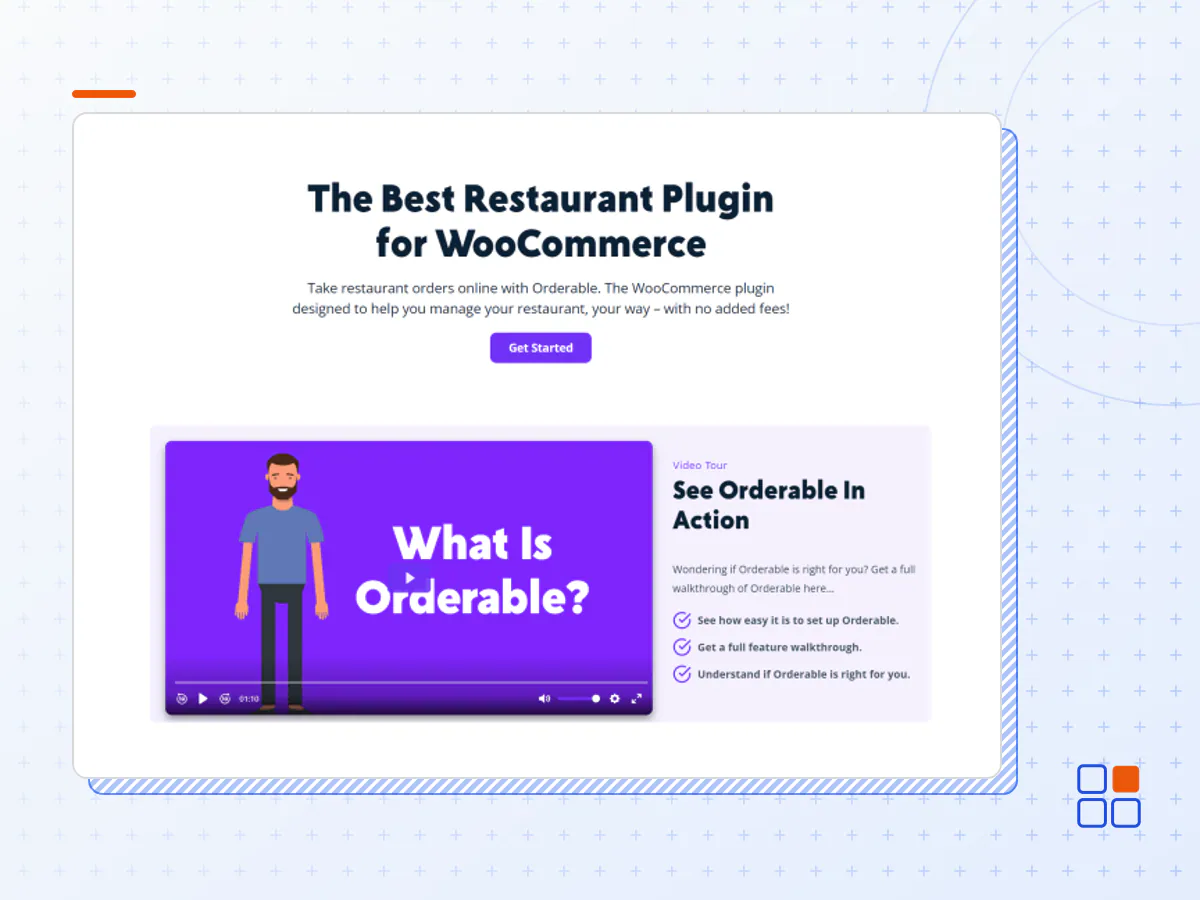
The Best Online Ordering System for Restaurants
Take restaurant orders online with Orderable. The WordPress plugin designed to help you manage your restaurant website your way – with no added fees!
Great for any online ordering business
Restaurants & Cafes
Handle both food delivery and dine-in table ordering with ease.
Bakeries
Offer local collection and allow customers to pre-order their goods.
Florists
Take orders online and open your store to more customers.
Specialty Stores
Create unlimited products and set lead time to keep customers up to date.
Virtual Restaurants & Takeout
Set your own delivery schedule and send customers delivery update notifications.
Mom-and-Pop Stores
Set up your online store and have it running in minutes.
How Orderable Works
-
Set up ShopSet your open hours, delivery/collection schedule, and sales-boosting features.
-
Hang a SignAdd your products and customize our ready-made product layouts.
-
Start Accepting OrdersSit back and get ready to start fulfilling your orders.
Create a restaurant with WooCommerce in minutes
By using Orderable, you’ll have full control over your website, ordering process, promotions, prices, and more. It even installs WooCommerce on your WordPress site!
Delivery and Pickup Timeslots
Make your restaurant management easy by setting exactly when you’re available to deliver and accept orders. Then refine with maximum orders, holidays, ASAP delivery, lead time, and more.
Ready-made Product Layouts
With our ready-made layouts, no coding skills are required to create your online food-ordering menu.
Keep track of orders
Keep back-of-house running smoothly with WooCommerce’s built-in ordering system and Orderable’s customized order management screen.
Boost your store’s sales
You don’t have to pay Orderable a hefty commission on each transaction because it’s commission-free. Which means more money in your pocket. Instead, our sales-boosting features are designed to earn you even more.
Checkout Tipping
Add tip prompts to your checkout to boost revenue.
Order Bumps
Suggest additional items that go with menu items to increase your average order value.
Product Add-ons
Allow customers to customize their orders with add-ons and customization.
Keep customers coming back
Compete with the big delivery apps and make ordering from you as user-friendly as possible.
App-like Design
Make your ordering experience a breeze with our easy-to-use app-like design. Perfect for fast mobile ordering.
Nutritional Information &
Product Labels
Give customers the information they need to buy with nutritional information. Make this even easier with dietary and promotional product labels.
WhatsApp & SMS Notifications
Notify customers when their order is on the way with customizable order statuses and notifications.
Multiple Restaurant Locations, One Website
Let customers order food from their closest location. All you need is one website with Orderable.
Multiple Locations in One Website
Keep your restaurant online ordering system simple with all your restaurant locations added to one website.
Customizable Location
Delivery Services
Each restaurant location is different, so the opening hours, delivery services, order screen, delivery times, and dates are customizable.
Customer Location Selection
Customers select their nearest location before shopping by inputting their postcode to ‘find stores near them’
- The Orderable Pro plugin archive (.zip), exactly as the developer released it.
- Uploads straight from the WordPress dashboard — no FTP or extra tools needed.
- GPL licensing: install it on every site you manage, client sites included.
- A year of downloads and newer versions with a single purchase, or permanent access with the lifetime upgrade.
- Also unlocked by every membership plan, together with the rest of the plugin catalogue.
Not included
- A licence key from the developer — features that run on the developer's own servers (cloud services, vendor auto-updates, vendor support) may be unavailable.
How to install Orderable Pro
- 1Download Orderable Pro from Downloads in your account. Keep the file zipped.
- 2In your WordPress dashboard open Plugins → Add New Plugin and click Upload Plugin.
- 3Choose the .zip, click Install Now, then Activate.
- 4Open the Orderable Pro settings screen and configure it for your site.
- 5If a notice asks for a licence key you can dismiss it; the plugin itself runs without one.
To update later, download the newer version from your account and upload it the same way — WordPress offers to replace the installed copy and keeps your settings.
Is this the developer's original Orderable Pro file?
Yes. The archive is the release the developer published, with nothing added or removed. It is distributed under the GNU GPL, which is what allows WordPress GPL to offer it; you are buying the download and updates, not a licence key from the vendor.
Can I use Orderable Pro on client websites?
Yes. The GPL places no limit on the number of sites, so you can install it on your own projects and on sites you build for clients.
How do I get newer versions of Orderable Pro?
When a newer release reaches our catalogue it replaces the file in your account, and you can request one from this page if you need it sooner. A single purchase covers a year of downloads (or longer with the lifetime upgrade); a membership covers updates while it is active.
Does it come with support from the developer?
No — vendor support is tied to a licence bought from the developer. We help with downloading and installing the file, and if it turns out to be broken you can ask for a refund within 14 days.