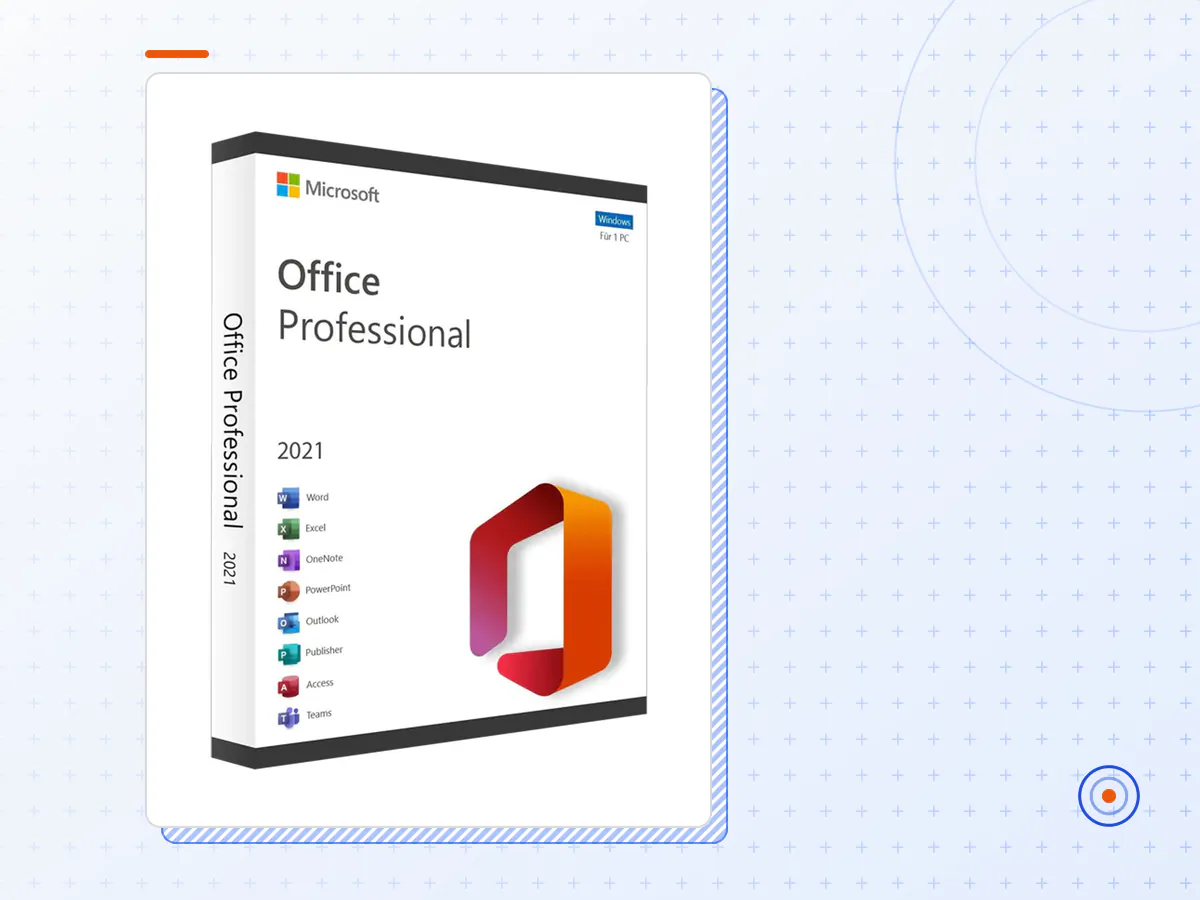
Microsoft Office 2024 Professional Plus
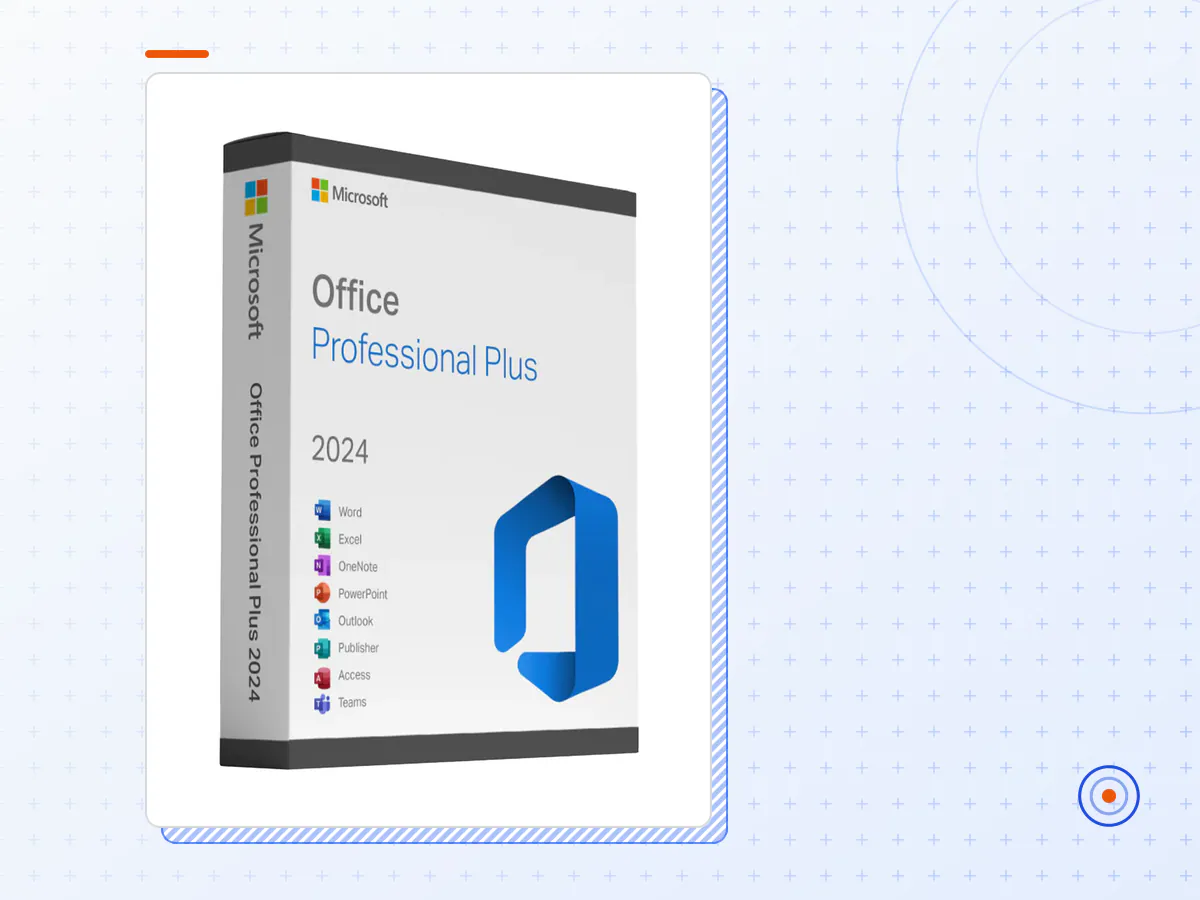
Introducing Microsoft Office 2024 Professional Plus
Microsoft Office Professional Plus 2024 Features:
Enhanced Collaboration Tools:
- Real-Time Co-Authoring: Boost productivity with real-time collaboration across all applications.
- Advanced Version Control: Easily track changes and revert to previous document versions.
AI-Powered Enhancements:
- Copilot AI Integration: An intelligent assistant that drafts content, generates summaries, and offers contextual support.
- Improved Grammar and Style Suggestions: Get enhanced grammar and style suggestions directly in Word, PowerPoint, and Outlook.
Excel Upgrades:
- Advanced Data Visualization: New options including dynamic arrays and enhanced chart types.
- Expanded Data Connectivity: Integrate with more data sources for comprehensive analysis.
PowerPoint Innovations:
- AI-Driven Design Suggestions: Automatic slide generation and design improvements.
- Enhanced Video and Animation Effects: Create more engaging presentations with new effects.
Outlook Features:
- AI-Based Clutter Management: Improved email organization.
- Smart Scheduling and Reminders: Advanced calendar integration for better time management.
Security and Compliance:
- Enhanced Data Encryption: Meet international standards with improved encryption.
- Identity and Access Management: Better tools for managing identity and access.
Accessibility Improvements:
- Robust Accessibility Tools: Create accessible content with ease.
- Comprehensive Screen Reader Support: Full support for screen readers and other assistive technologies.
- Access to Microsoft Office 2024 Professional Plus as described in the product title — a licence key or account details, depending on the product.
- Delivered to the email address you check out with, after the payment clears.
- Valid for the full term stated in the title.
- Setup help, and a replacement if it stops working during its term.
- Members get 10% off software automatically at checkout.
Not included
- Software is sold on its own: it is not part of any membership plan and is not a GPL download.
How to activate Microsoft Office 2024 Professional Plus
- 1Complete checkout with an email address you can read straight away.
- 2Watch for the delivery email with your Microsoft Office 2024 Professional Plus details; it also lists the steps for this product.
- 3Activate or sign in exactly as the delivery email describes, within the period it mentions.
- 4If anything doesn't work, reply with your order number and we'll sort it out.
Keep the delivery email — you need it if you reinstall or move to a new device.
How is Microsoft Office 2024 Professional Plus delivered?
By email, to the address used at checkout, once the payment clears. Check your spam folder if nothing arrives, or contact us with your order number.
How long does it last?
For the term stated in the product title. If it stops working during that term, we help you fix it or replace it.
Is it included in the membership?
No. Software is sold separately from the plugin, theme and kit catalogue, but members get 10% off it automatically at checkout.
What if activation fails?
Send us your order number and a screenshot of the error. If we can't get it working, you're covered by our refund policy for 14 days from purchase.