Microsoft 365 Pro Plus Account – 5 Devices (12-Month Warranty)
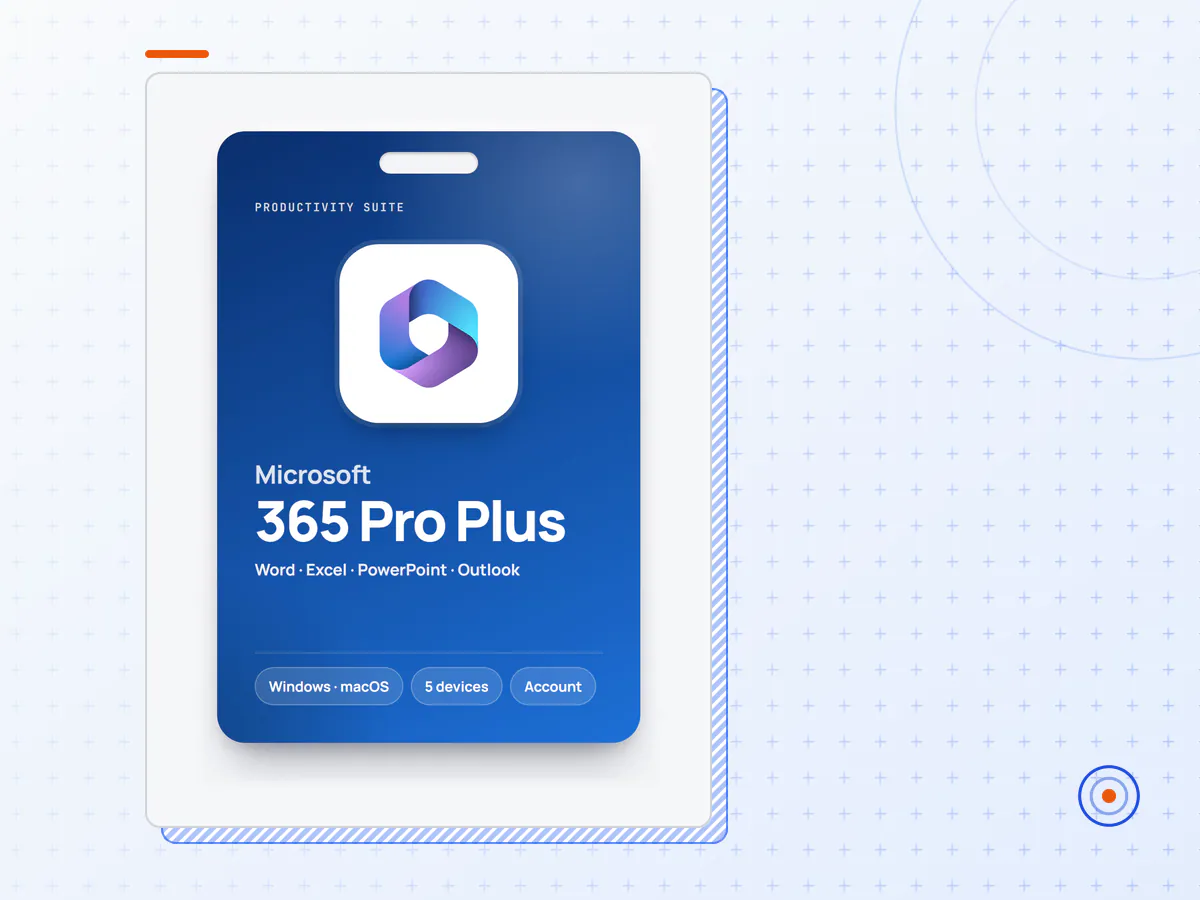
This is a ready-to-use Microsoft 365 account with the Microsoft 365 Apps (formerly Office 365 ProPlus). Sign in with the details we email you, choose your own password, and install the full desktop versions of Word, Excel, PowerPoint and Outlook on up to five PCs or Macs — plus the Office mobile apps on your phone and tablet.
Included apps- Word, Excel, PowerPoint and Outlook — for Windows and macOS
- OneNote
- Access — Windows only
- The Office mobile apps for iOS and Android, and Office on the web
- OneDrive storage linked to the account
- After payment you receive the account's sign-in address and a temporary password by email.
- Sign in at portal.office.com and set your own password.
- Install the apps from your account page on up to 5 devices and sign in to them with the same account.
- The account comes with a generated username — it is not linked to your personal email address.
- 12-month warranty: if the account stops working within 12 months, open a ticket and we'll replace it.
- Keep copies of important files on your own devices as well as in OneDrive: files stored only in this account go with it if it is ever replaced.
- Uninstall older Office versions before installing.
Do I need my own Microsoft account?
No. You sign in with the account we send you.
Does it work on a Mac?
Yes — Word, Excel, PowerPoint, Outlook and OneNote install on macOS too.
Will I be charged again later?
No. You pay once; nothing renews on your card.
GPL Market is an independent reseller and is not affiliated with Microsoft Corporation. Microsoft 365, Word, Excel, PowerPoint and Outlook are trademarks of Microsoft Corporation.
- Access to Microsoft 365 Pro Plus Account as described in the product title — a licence key or account details, depending on the product.
- Delivered to the email address you check out with, after the payment clears.
- Valid for the full term stated in the title.
- Setup help, and a replacement if it stops working during its term.
- Members get 10% off software automatically at checkout.
Not included
- Software is sold on its own: it is not part of any membership plan and is not a GPL download.
How to activate Microsoft 365 Pro Plus Account
- 1Complete checkout with an email address you can read straight away.
- 2Watch for the delivery email with your Microsoft 365 Pro Plus Account details; it also lists the steps for this product.
- 3Activate or sign in exactly as the delivery email describes, within the period it mentions.
- 4If anything doesn't work, reply with your order number and we'll sort it out.
Keep the delivery email — you need it if you reinstall or move to a new device.
How is Microsoft 365 Pro Plus Account delivered?
By email, to the address used at checkout, once the payment clears. Check your spam folder if nothing arrives, or contact us with your order number.
How long does it last?
For the term stated in the product title. If it stops working during that term, we help you fix it or replace it.
Is it included in the membership?
No. Software is sold separately from the plugin, theme and kit catalogue, but members get 10% off it automatically at checkout.
What if activation fails?
Send us your order number and a screenshot of the error. If we can't get it working, you're covered by our refund policy for 14 days from purchase.