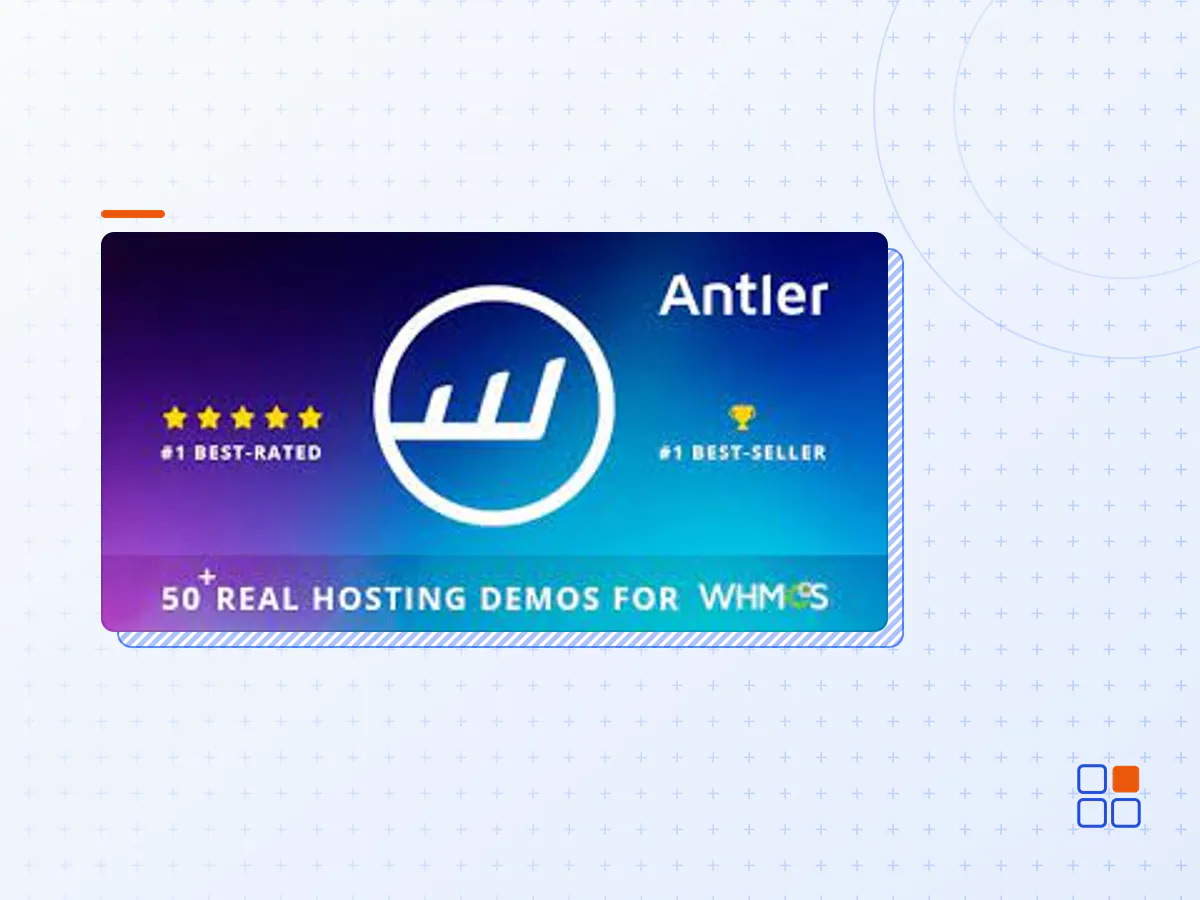
Antler - Hosting Provider & WHMCS Template
- Type
- Plugin
- Licence
- GNU GPL
- Delivery
- Instant download
- Access
- 12 months, or lifetime
- Sites
- Unlimited
Antler the Most complete Hosting Template on the Market!
Antler is a Responsive Premium Template. Developed with the latest HTML5 and CSS3 technology, based on the Bootstrap Framework.
Comes with 50+ real hosting demos, and 35+ custom short-code elements with special reference to the professional Filter of Dedicated Servers and Domains – Switch prices dynamically – And customize servers according to your needs.
Antler Template include the Latest WHMCS and Order Form Template. Designed for all web hosting, business, multi purpose, domain sale websites, online business, personal blogs and similar sites. Antler is fully responsive and 100% compatible to all large, medium or small devices. Now, customise your template and run your project.
Antler Main Features
- Latest Bootstrap Framework v5.2.3 ready
- Latest WHMCS v8.8 Ready
- WHMCS Template Included + RTL Version
- WHMCS Email & Newsletter Template Available
- Login, Domain Search & Hosting and Servers Plans Integration
- Filter Of Dedicated Servers And Domains
- Working PHP / Ajax Contact Form
- Switch Plans Price Dynamically
- Custom VPS Servers With Interactive Slider
- 70+ Illustration and Patterns in SVG & AI Editable Format
- 50+ Real Hosting Demos
- Login, Register And Countdown Full Screen
- 35+ Custom Short-code Elements
- W3C Validated HTML & CSS Code
- Language Translation “I18next” System Available
- Cloudicon – 300 Simple Line Icons (Save $16)
- Video Modal Full Screen
- Font Awesome Icons (easy to use)
- Full Width Responsive Pricing Tables
- Responsive Layout Design
- Clean And Simple Design
- Retina Display Ready
- Google Fonts Supported
- Modern Browsers Compatible
- Custom Blog Page
- Free Live Chat
- Detailed Documentation
- And much more…
- The Antler plugin archive (.zip), exactly as the developer released it.
- Uploads straight from the WordPress dashboard — no FTP or extra tools needed.
- GPL licensing: install it on every site you manage, client sites included.
- A year of downloads and newer versions with a single purchase, or permanent access with the lifetime upgrade.
- Also unlocked by every membership plan, together with the rest of the plugin catalogue.
Not included
- A licence key from the developer — features that run on the developer's own servers (cloud services, vendor auto-updates, vendor support) may be unavailable.
How to install Antler
- 1Download Antler from Downloads in your account. Keep the file zipped.
- 2In your WordPress dashboard open Plugins → Add New Plugin and click Upload Plugin.
- 3Choose the .zip, click Install Now, then Activate.
- 4Open the Antler settings screen and configure it for your site.
- 5If a notice asks for a licence key you can dismiss it; the plugin itself runs without one.
To update later, download the newer version from your account and upload it the same way — WordPress offers to replace the installed copy and keeps your settings.
Is this the developer's original Antler file?
Yes. The archive is the release the developer published, with nothing added or removed. It is distributed under the GNU GPL, which is what allows WordPress GPL to offer it; you are buying the download and updates, not a licence key from the vendor.
Can I use Antler on client websites?
Yes. The GPL places no limit on the number of sites, so you can install it on your own projects and on sites you build for clients.
How do I get newer versions of Antler?
When a newer release reaches our catalogue it replaces the file in your account, and you can request one from this page if you need it sooner. A single purchase covers a year of downloads (or longer with the lifetime upgrade); a membership covers updates while it is active.
Does it come with support from the developer?
No — vendor support is tied to a licence bought from the developer. We help with downloading and installing the file, and if it turns out to be broken you can ask for a refund within 14 days.