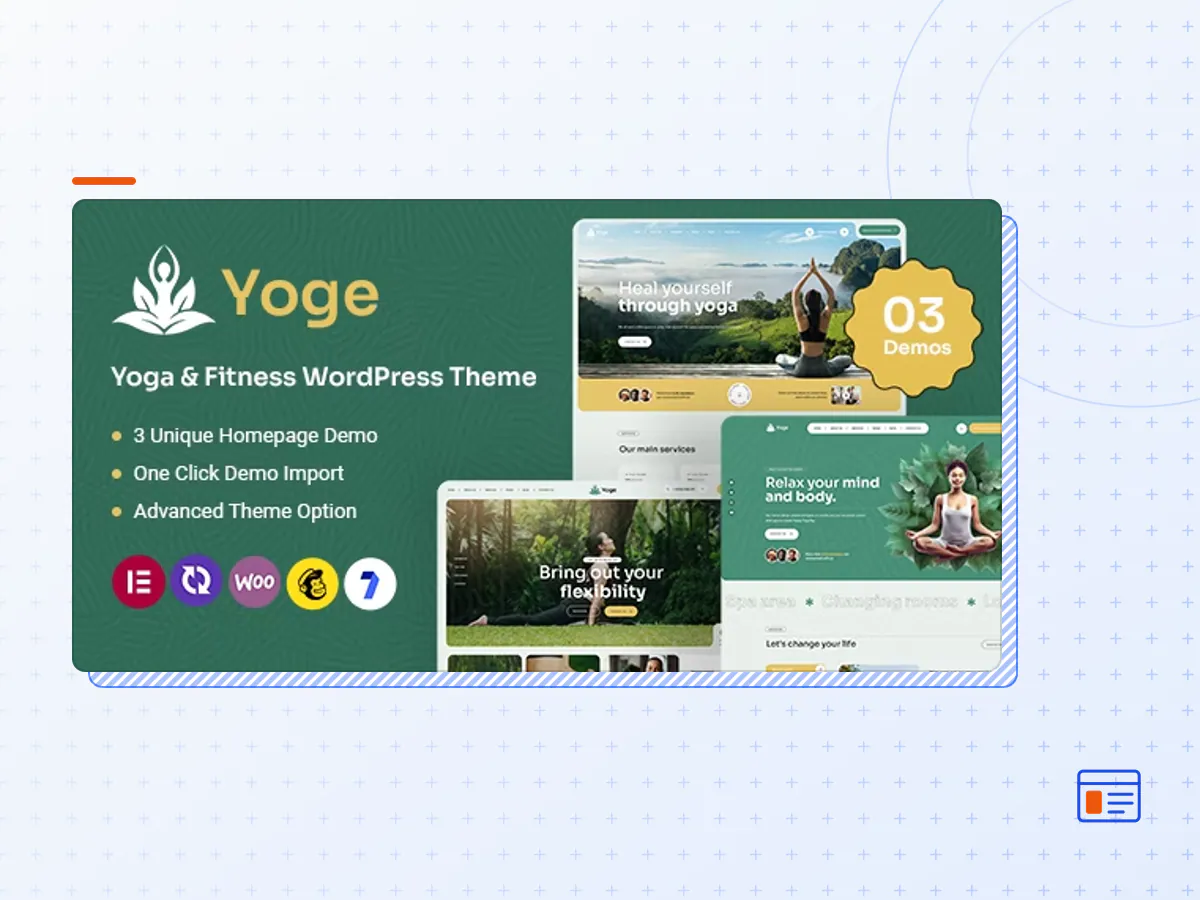
Yoge - Fitness and Yoga WordPress Theme
- Type
- Theme
- Licence
- GNU GPL
- Delivery
- Instant download
- Access
- 12 months, or lifetime
- Sites
- Unlimited
Yoge – a revolutionary Fitness and Yoga WordPress Theme meticulously crafted for yoga enthusiasts, fitness aficionados, and wellness professionals. Immerse yourself in a seamless online experience designed to elevate your yoga, asana, dance, and fitness journey. Tailored with precision, Yoge caters to a spectrum of health and wellness domains, including pilates, gym facilities, sports activities, office fitness programs, yoga classes, meditation practices, and a plethora of health-oriented services.
What sets Yoge apart is its seamless integration with the popular Elementor page builder, offering you unparalleled flexibility and customization options. This means you can effortlessly design and personalize your website with drag-and-drop simplicity, creating a unique online space that reflects your brand and vision. Yoge isn’t just a theme; it’s a comprehensive solution for individuals and businesses committed to promoting a balanced and healthy lifestyle.
The Yoge’s intuitive design and robust functionalities make it the ideal choice for yoga courses, yoga studios, and health-centric enterprises. Whether you’re a seasoned yoga professional or managing a fitness business, Yoge provides the perfect platform to showcase your expertise and promote a culture of well-being. Elevate your online presence with Yoge – where health, lifestyle, and technology converge to create a harmonious digital space for yoga and fitness enthusiasts.
Overview
- Easy Installation and Setup with demo content wizard
- Built with Elementor Page Builder
- Customizer options panel with live preview.
- 15 Homepage Layouts
- Fully Responsive, your website will work on almost device
- A lot of options to manage from top to bottom
- Additional Widgets included.
- Custom typography. You can change font style, colour etc without touching code
- Unlimited Color Options with Backend Color Picker for any kind of gorgeous color settings.
- SEO Optimized: our Code is built with SEO best practice in mind.
- Child theme included for easy customization, that is not affected by theme updates.
- Online Documentation with video
- The Yoge theme package as the developer released it.
- The installable theme .zip, plus whatever else the developer ships with it — often a child theme and documentation.
- GPL licensing: use it on as many sites as you like, for yourself or for clients.
- A year of downloads and newer versions with a single purchase, or permanent access with the lifetime upgrade.
- Also unlocked by every membership plan, together with the rest of the theme catalogue.
Not included
- A licence key from the developer — demo importers or bundled-plugin updates that check a key on the developer's servers may need manual steps.
How to install Yoge
- 1Download Yoge from Downloads in your account.
- 2If the download holds several files, unzip only that outer package and find the installable theme .zip (usually named after the theme).
- 3In WordPress open Appearance → Themes → Add New Theme → Upload Theme, choose that .zip and click Install Now.
- 4Activate the theme. If it recommends companion plugins, install them from the notice it shows.
- 5Optional: import the demo content from the theme's own setup screen, then replace the demo text and images with yours.
Using a child theme keeps your custom CSS and template edits safe when you upload a newer version of the parent theme.
Is Yoge the original theme?
Yes — the package is the developer's release, unmodified, redistributed under the GNU GPL. WordPress GPL sells the download and updates; it does not issue vendor licence keys.
Will the Yoge demo import work?
Usually, yes. Most demo importers run inside WordPress. A few download demo files from the developer's servers and check a licence key first; in that case you can still build the pages yourself with the bundled templates.
How do theme updates work?
When a newer version of Yoge reaches our catalogue it replaces the file in your account. Upload it over the current theme (Appearance → Themes → Add New Theme → Upload Theme) and WordPress replaces it while keeping your settings.
What if the theme doesn't work?
Contact us with your order number. If the file is broken or clearly not what this page describes and we can't fix it, you get a refund within 14 days of purchase.