YITH WooCommerce Product Add-Ons & Extra Options
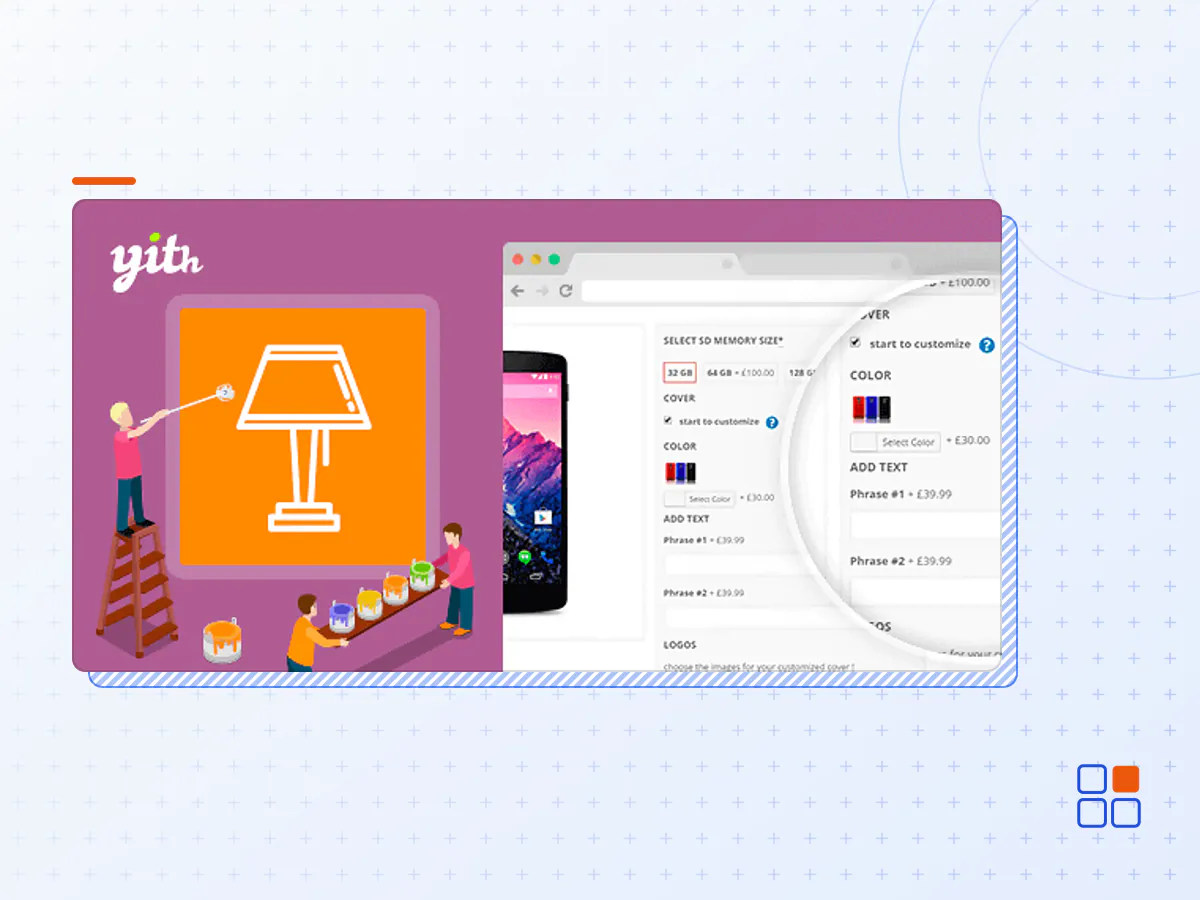
- Type
- Plugin
- Category
- WooCommerce Plugins
- Licence
- GNU GPL
- Delivery
- Instant download
- Access
- 12 months, or lifetime
- Sites
- Unlimited
What the plugin does
Add paid or free advanced options to your product pages using fields like radio buttons, checkboxes, drop-downs, custom text inputs, and more.
How you can benefit from it:
- Offer additional services on your product pages (warranty, insurance, special transfer services, customizations, etc.) to increase the order value;
- Promote products that are either optional or related to the one the users are viewing to encourage them to purchase more items with the same order;
- Allow users to upload photos, images, or files to request a customized product;
- Configure your options by using the comprehensive library of elements included in the plugin: text fields, select dropdowns, radio buttons, checkboxes, images, date pickers, upload fields, color swatches, etc.
- Use images, icons, labels, and color swatches to show the available product variations;
- Set dependency rules to show different options according to the user's selection (e.g., show an Upload field ONLY IF the user has selected the checkbox "Customize product");
The ultimate tool to add options and extra services (free or paid) to your products and offer them to your users
WooCommerce allows selling any type of product and lets users choose simple variations, like size and color.
Yet, this is not enough. If you sell your products online, you most likely need more advanced options. For example, if you sell rings or jewelry, you might need to let your customers add a custom text to be engraved in a piece of jewelry or choose carats for a gemstone, the size, the color for gold.
If you sell T-shirts, cups, and other custom items, you certainly need a field to let your customers upload files, like their photos, during the checkout process. Or if you run an e-commerce site for tech products, you might want to offer warranty and assistance services for an extra cost or allow users to select a large number of options like RAM, processor, screen size, weight, etc.
Some options might have a cost higher than others or require a dependency and show only after a specific selection has been made by the user. All these scenarios need a versatile and powerful tool to help you add an unlimited number of options, of any kind, to a product page.
With YITH WooCommerce Product Add-ons & Extra Options, you can create several blocks of options to insert in your products: after creating the block, you can add the options you need by choosing elements through an amazing library (input fields, text areas, select dropdowns, checkboxes, images, labels, radio buttons, upload fields, date pickers, etc.). For each option, you can set an additional cost, which will be added to the standard product price, and, in a few minutes, you’ll be ready to sell complex or customizable products and offer any kind of optional service to your customers.
- The YITH WooCommerce Product Add-Ons & Extra plugin archive (.zip), exactly as the developer released it.
- Uploads straight from the WordPress dashboard — no FTP or extra tools needed.
- GPL licensing: install it on every site you manage, client sites included.
- A year of downloads and newer versions with a single purchase, or permanent access with the lifetime upgrade.
- Also unlocked by every membership plan, together with the rest of the plugin catalogue.
Not included
- A licence key from the developer — features that run on the developer's own servers (cloud services, vendor auto-updates, vendor support) may be unavailable.
How to install YITH WooCommerce Product Add-Ons & Extra
- 1Download YITH WooCommerce Product Add-Ons & Extra from Downloads in your account. Keep the file zipped.
- 2In your WordPress dashboard open Plugins → Add New Plugin and click Upload Plugin.
- 3Choose the .zip, click Install Now, then Activate.
- 4Open the YITH WooCommerce Product Add-Ons & Extra settings screen and configure it for your site.
- 5If a notice asks for a licence key you can dismiss it; the plugin itself runs without one.
To update later, download the newer version from your account and upload it the same way — WordPress offers to replace the installed copy and keeps your settings.
Is this the developer's original YITH WooCommerce Product Add-Ons & Extra file?
Yes. The archive is the release the developer published, with nothing added or removed. It is distributed under the GNU GPL, which is what allows WordPress GPL to offer it; you are buying the download and updates, not a licence key from the vendor.
Can I use YITH WooCommerce Product Add-Ons & Extra on client websites?
Yes. The GPL places no limit on the number of sites, so you can install it on your own projects and on sites you build for clients.
How do I get newer versions of YITH WooCommerce Product Add-Ons & Extra?
When a newer release reaches our catalogue it replaces the file in your account, and you can request one from this page if you need it sooner. A single purchase covers a year of downloads (or longer with the lifetime upgrade); a membership covers updates while it is active.
Does it come with support from the developer?
No — vendor support is tied to a licence bought from the developer. We help with downloading and installing the file, and if it turns out to be broken you can ask for a refund within 14 days.