YITH PayPal Payouts for WooCommerce Premium
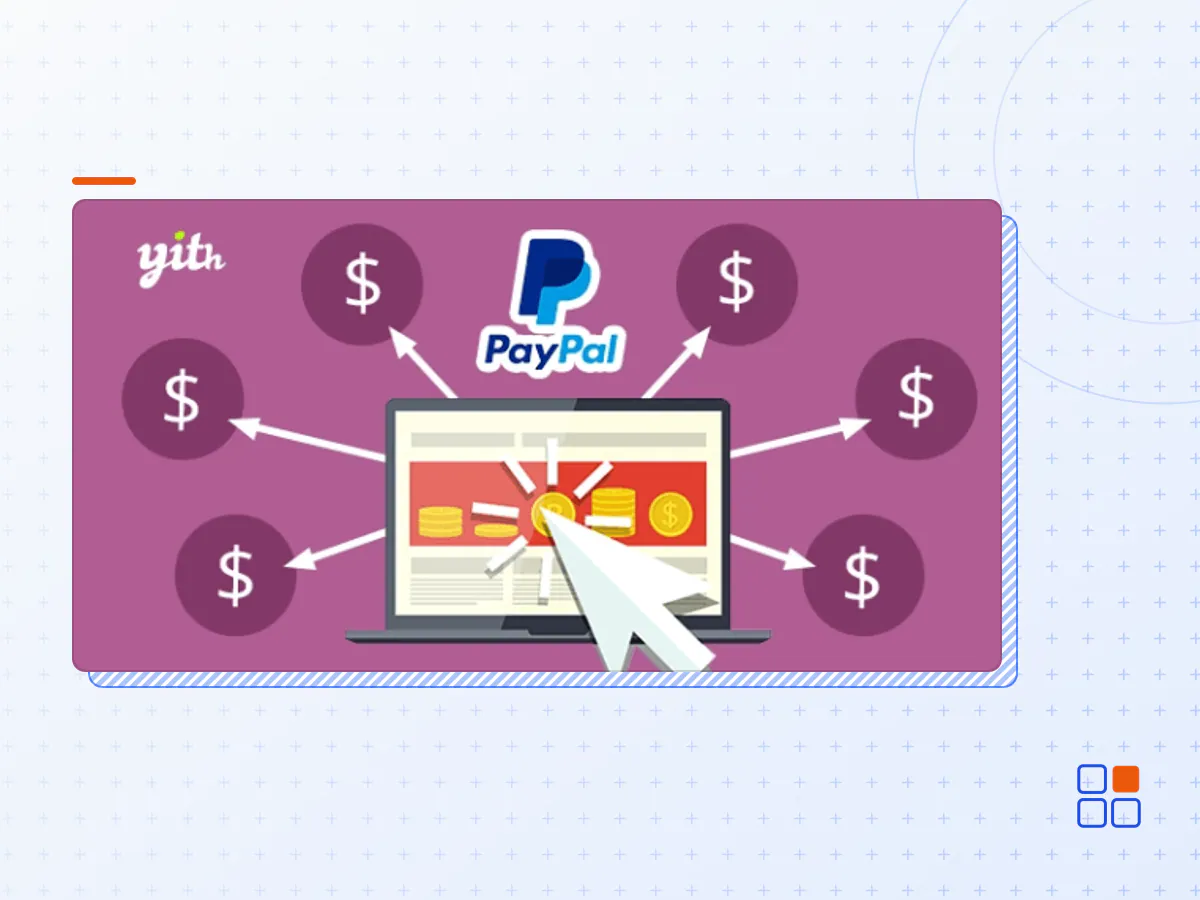
- Type
- Plugin
- Licence
- GNU GPL
- Delivery
- Instant download
- Access
- 12 months, or lifetime
- Sites
- Unlimited
What the plugin does
Uses your PayPal Business account funds to automate the payment of commissions to vendors, affiliates, and partners.
How you can benefit from it:
- automate the payments for affiliates, vendors, and partners through PayPal;
- save time and issue all payments with just one click thanks to the Mass Pay feature;
- set a custom percentage commission for each PayPal account and issue payments automatically and in real-time as soon as the order payment is processed;
- use it in combination with YITH Affiliates to automate payments to your affiliates or with YITH Multi Vendor to manage your marketplace commissions.
Use your PayPal Business account funds to automate the payment of commissions to vendors, affiliates, and partners
YITH PayPal Payouts for WooCommerce is the ultimate solution to automate the payment of commissions with PayPal.
How does it work? A customer purchases on your shop and, regardless of the payment method used, the plugin calculates the commissions to generate and pay (based on the connected accounts and the relative percentages set for each account). It will then automatically issue the payment of the commissions by using the funds available in your PayPal business account.
Do you have a partner to whom you want to assign a percentage of the sales in your shop? Do you run a marketplace created with our YITH Multi Vendor / Marketplace plugin? Do you have an affiliate program in your e-commerce built with YITH WooCommerce Affiliates? This plugin is essential to manage and pay any type of commission with PayPal.
Connect your PayPal Business account
To use the PayPal Payouts plugin, you need to connect your PayPal Business account. In this way, the plugin will divide the order total based on the commission percentages configured and will issue the payment by using the funds available on PayPal (regardless of the payment method used by the customer: even if they paid by bank transfer or credit card, commissions will always be paid using your PayPal account balance).
Create your receivers list and set their commissions
Populate the table with the receivers to whom you want to pay commissions and set the commission percentage for each receiver.
Automatically calculate and pay commissions
When a customer purchases on your shop, regardless of the payment method used, the plugin will calculate the commissions to generate and pay (based on the connected accounts and the relative percentages set for each account). It will then automatically issue the payment of the commissions by using the funds available in your PayPal business account.
Use case # 1: pay a percentage out of each sale to a business associate or partner
Do you run the shop with a partner to whom you want to assign a percentage out of all sales? Add this person to the receivers table and let the plugin automatically generate the commission for every order placed in the shop. You can structure any ad-hoc solution according to your needs: for example, you can split half the sale between both accounts for each order received, 25% to your account and 25% to your partner’s account.
Use case #2: pay commissions to your affiliates
Are you using our YITH WooCommerce Affiliates plugin to manage an affiliate campaign in your shop? The plugin allows calculating and paying generated commissions to affiliates using your PayPal account.
Use case #3: pay commissions to vendors of your marketplace
Do you manage a marketplace created with our YITH WooCommerce Multi Vendor / Marketplace plugin? With this plugin, you can calculate and pay the generated commissions to your vendors using your PayPal account.
Features
- Connect your PayPal Business account
- Create a list of receivers (partners, affiliates, vendors, etc.) to pay commissions to
- Set the commission percentage to be paid to each receiver
- Upon payment of every order placed on your shop, the plugin generates the commissions and issues the payment by using the funds available on PayPal
- Integrated with YITH Multi Vendor: automatically pay commissions in real-time with PayPal to the vendors of your marketplace
- Integrated with YITH Affiliates: automatically pay your affiliates' commissions with PayPal funds
- The YITH PayPal Payouts for WooCommerce Premium plugin archive (.zip), exactly as the developer released it.
- Uploads straight from the WordPress dashboard — no FTP or extra tools needed.
- GPL licensing: install it on every site you manage, client sites included.
- A year of downloads and newer versions with a single purchase, or permanent access with the lifetime upgrade.
- Also unlocked by every membership plan, together with the rest of the plugin catalogue.
Not included
- A licence key from the developer — features that run on the developer's own servers (cloud services, vendor auto-updates, vendor support) may be unavailable.
How to install YITH PayPal Payouts for WooCommerce Premium
- 1Download YITH PayPal Payouts for WooCommerce Premium from Downloads in your account. Keep the file zipped.
- 2In your WordPress dashboard open Plugins → Add New Plugin and click Upload Plugin.
- 3Choose the .zip, click Install Now, then Activate.
- 4Open the YITH PayPal Payouts for WooCommerce Premium settings screen and configure it for your site.
- 5If a notice asks for a licence key you can dismiss it; the plugin itself runs without one.
To update later, download the newer version from your account and upload it the same way — WordPress offers to replace the installed copy and keeps your settings.
Is this the developer's original YITH PayPal Payouts for WooCommerce Premium file?
Yes. The archive is the release the developer published, with nothing added or removed. It is distributed under the GNU GPL, which is what allows WordPress GPL to offer it; you are buying the download and updates, not a licence key from the vendor.
Can I use YITH PayPal Payouts for WooCommerce Premium on client websites?
Yes. The GPL places no limit on the number of sites, so you can install it on your own projects and on sites you build for clients.
How do I get newer versions of YITH PayPal Payouts for WooCommerce Premium?
When a newer release reaches our catalogue it replaces the file in your account, and you can request one from this page if you need it sooner. A single purchase covers a year of downloads (or longer with the lifetime upgrade); a membership covers updates while it is active.
Does it come with support from the developer?
No — vendor support is tied to a licence bought from the developer. We help with downloading and installing the file, and if it turns out to be broken you can ask for a refund within 14 days.