YITH WooCommerce Frequently Bought Together
- Type
- Plugin
- Category
- WooCommerce Plugins
- Licence
- GNU GPL
- Delivery
- Instant download
- Access
- 12 months, or lifetime
- Sites
- Unlimited
The right strategy to increase your sales
Many statistics carried on most popular e-commerce shops have proved that sales are considerably increased by correct selling strategies, which show even figures are but a really great sale success. Suggested products that users generally buy together is one of the most effective among these marketing strategies.
The right cross-selling strategy in your shop is crucial because it affects conversion rates in a very significant way. Products suggested as “frequently bought together” are, in fact, much more appealing and customers who see them might be already interested in them. This way, conversion rates are really high.
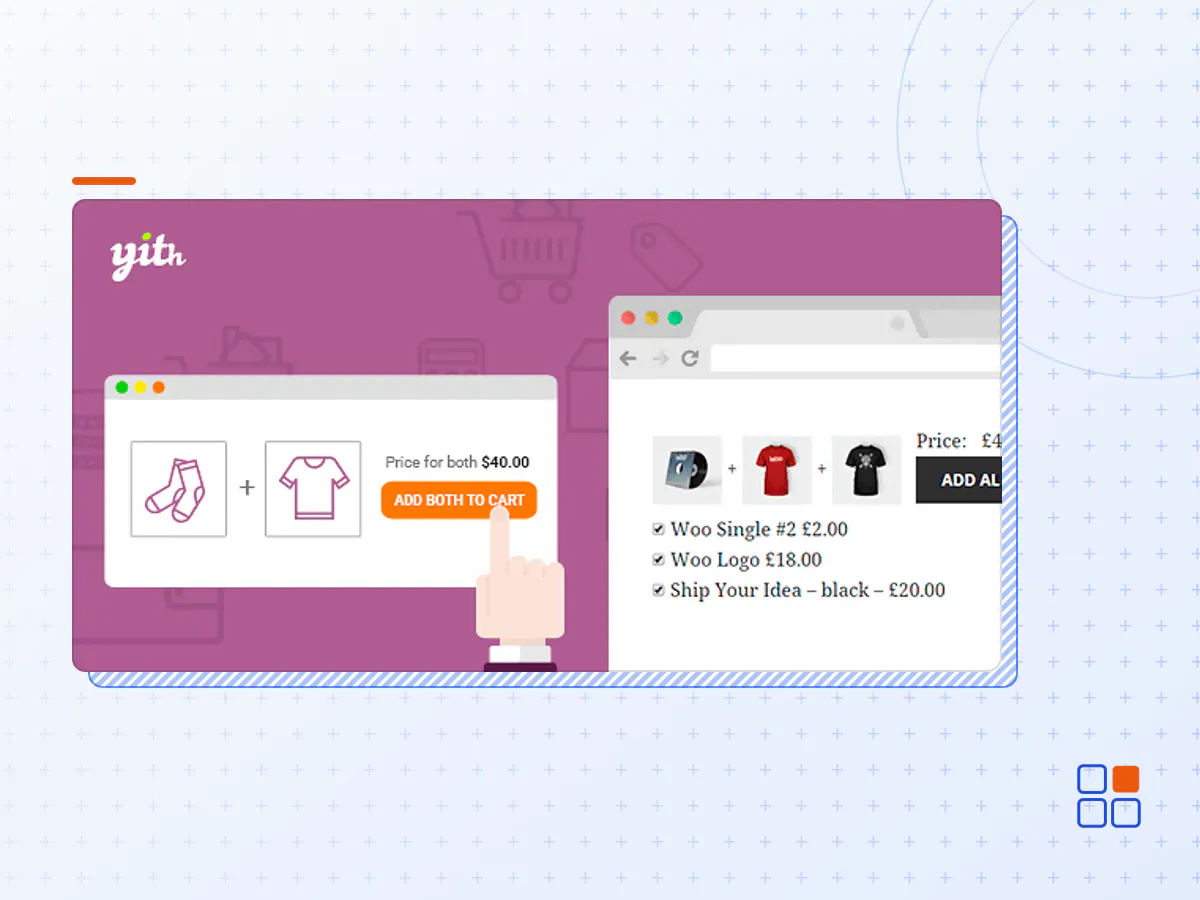
YITH WooCommerce Frequently Bought Together plugin is the best choice for implementing this feature into your website. You can show products to a highly specific and selected target.
Explicitly designed to let you make your offers in the most direct way ever, a well-planned proposal has double advantages for shop owners and customers. Your suggestions might allow them to save a lot of time and grant you a highly targeted advertising, which is always the most effective one.
Select the recommended products for a targeted upselling strategy
Encourage the user who’s checking out a product to add accessories and related products to the cart. You can choose whether to automatically promote the related products, the up-sells or the cross-sells, or pick some custom products to set out a more solid strategy.
Decide how many products you want to recommend and choose whether to always show the same ones or display them randomly
For every product, you can decide how many objects to show as “frequently bought together”. For example, you can recommend 10 products and decide whether to show them all or just some of them randomly and keep your customers’ interest high with new products every time.
Set the size of the recommended product image
To make sure that the plugin suits every theme and layout at its best, you can set the size of the suggested products with custom settings.
Customize all the texts from the “Frequently bought together” section
The plugin is so versatile that you can customize all the texts displayed to your users, like the section title and the Add to Cart button.
Choose where to show the up-selling product box
Decide how visible your “Frequently bought together” products are by choosing the box position on the product page. You can show the products below the Add to Cart button, below the product tabs or on the bottom of the page. As an alternative, you can also use the built-in shortcode to choose the best position in your shop with more freedom.
Set a discount to push your users to buy more products
Once you select the up-selling products, set up a discount (either a fixed or a percentage discount) to encourage the users to buy the recommended products in one order.
Handle the linked products from a handy and easy-to-use list
Thanks to a list showing all the linked products you will be able to monitor or remove the related products without having to edit them from every single product page.
Take advantage of the integration with YITH WooCommerce Wishlist
If activated, you can show a slider in the wishlists of every user with the products linked to the ones they’ve added to the wishlist
- The YITH WooCommerce Frequently Bought Together plugin archive (.zip), exactly as the developer released it.
- Uploads straight from the WordPress dashboard — no FTP or extra tools needed.
- GPL licensing: install it on every site you manage, client sites included.
- A year of downloads and newer versions with a single purchase, or permanent access with the lifetime upgrade.
- Also unlocked by every membership plan, together with the rest of the plugin catalogue.
Not included
- A licence key from the developer — features that run on the developer's own servers (cloud services, vendor auto-updates, vendor support) may be unavailable.
How to install YITH WooCommerce Frequently Bought Together
- 1Download YITH WooCommerce Frequently Bought Together from Downloads in your account. Keep the file zipped.
- 2In your WordPress dashboard open Plugins → Add New Plugin and click Upload Plugin.
- 3Choose the .zip, click Install Now, then Activate.
- 4Open the YITH WooCommerce Frequently Bought Together settings screen and configure it for your site.
- 5If a notice asks for a licence key you can dismiss it; the plugin itself runs without one.
To update later, download the newer version from your account and upload it the same way — WordPress offers to replace the installed copy and keeps your settings.
Is this the developer's original YITH WooCommerce Frequently Bought Together file?
Yes. The archive is the release the developer published, with nothing added or removed. It is distributed under the GNU GPL, which is what allows WordPress GPL to offer it; you are buying the download and updates, not a licence key from the vendor.
Can I use YITH WooCommerce Frequently Bought Together on client websites?
Yes. The GPL places no limit on the number of sites, so you can install it on your own projects and on sites you build for clients.
How do I get newer versions of YITH WooCommerce Frequently Bought Together?
When a newer release reaches our catalogue it replaces the file in your account, and you can request one from this page if you need it sooner. A single purchase covers a year of downloads (or longer with the lifetime upgrade); a membership covers updates while it is active.
Does it come with support from the developer?
No — vendor support is tied to a licence bought from the developer. We help with downloading and installing the file, and if it turns out to be broken you can ask for a refund within 14 days.