YITH WooCommerce Dynamic Pricing and Discounts Premium
- Type
- Plugin
- Licence
- GNU GPL
- Delivery
- Instant download
- Access
- 12 months, or lifetime
- Sites
- Unlimited
What the plugin does
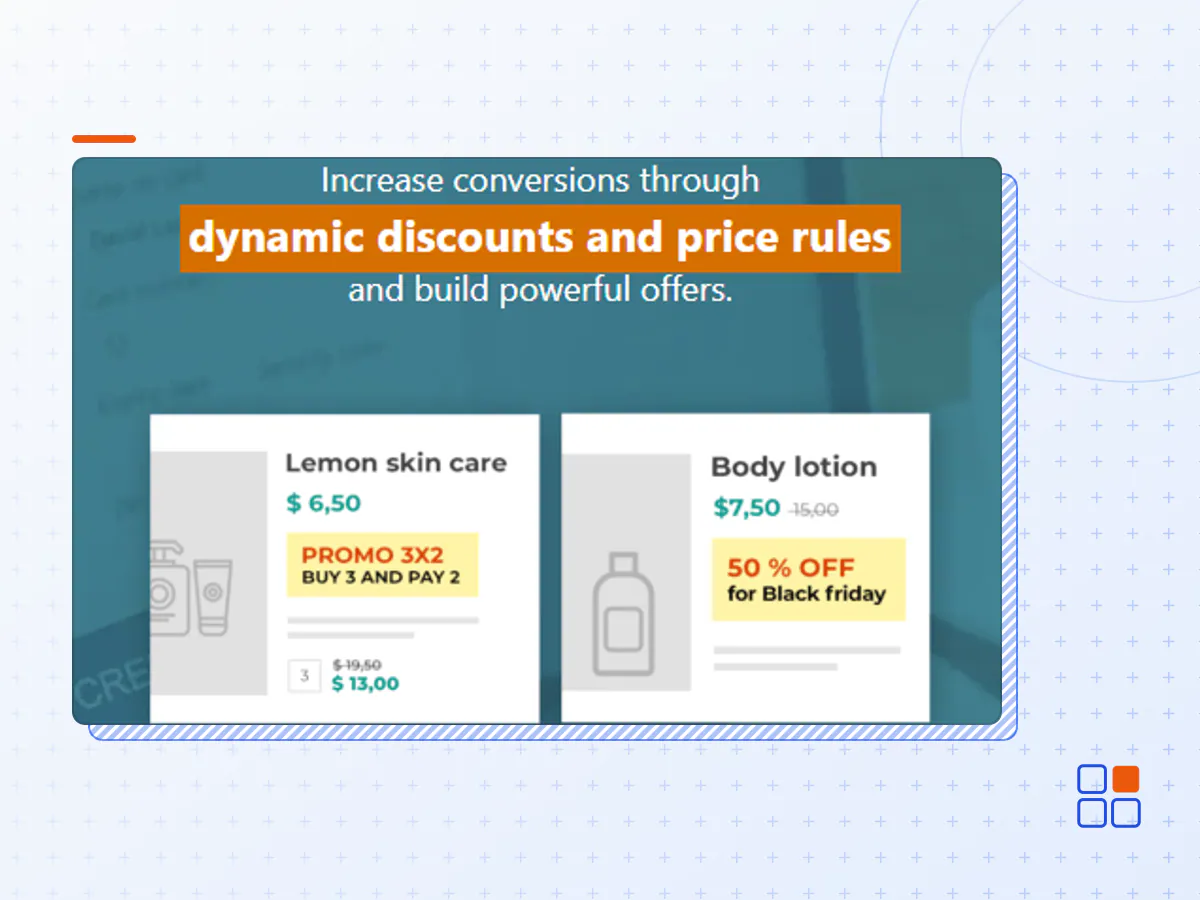
Increase conversions through dynamic discounts and price rules, and build powerful and targeted offers.
How you can benefit from it:
- Apply a discount on the whole shop or on all products of a specific category with just a few clicks;
- Create targeted offers and increase the average order value through discounts based on the quantity or the total amount in the cart.
- Set up the most popular promotions (like 3 for 2, 2 for 1, BOGO etc.) in your shop
- Schedule discounts and promotions that will start and end automatically (Black Friday, Cyber Monday, Halloween, Christmas, etc.)
- Offer a product as a gift or a discount to all users that buy a specific product or spend a specific amount;
- Offer dynamic discounts in cart or free shipping when users spend a minimum amount;
Loyalize your customers through targeted promotions and dynamic pricing rules
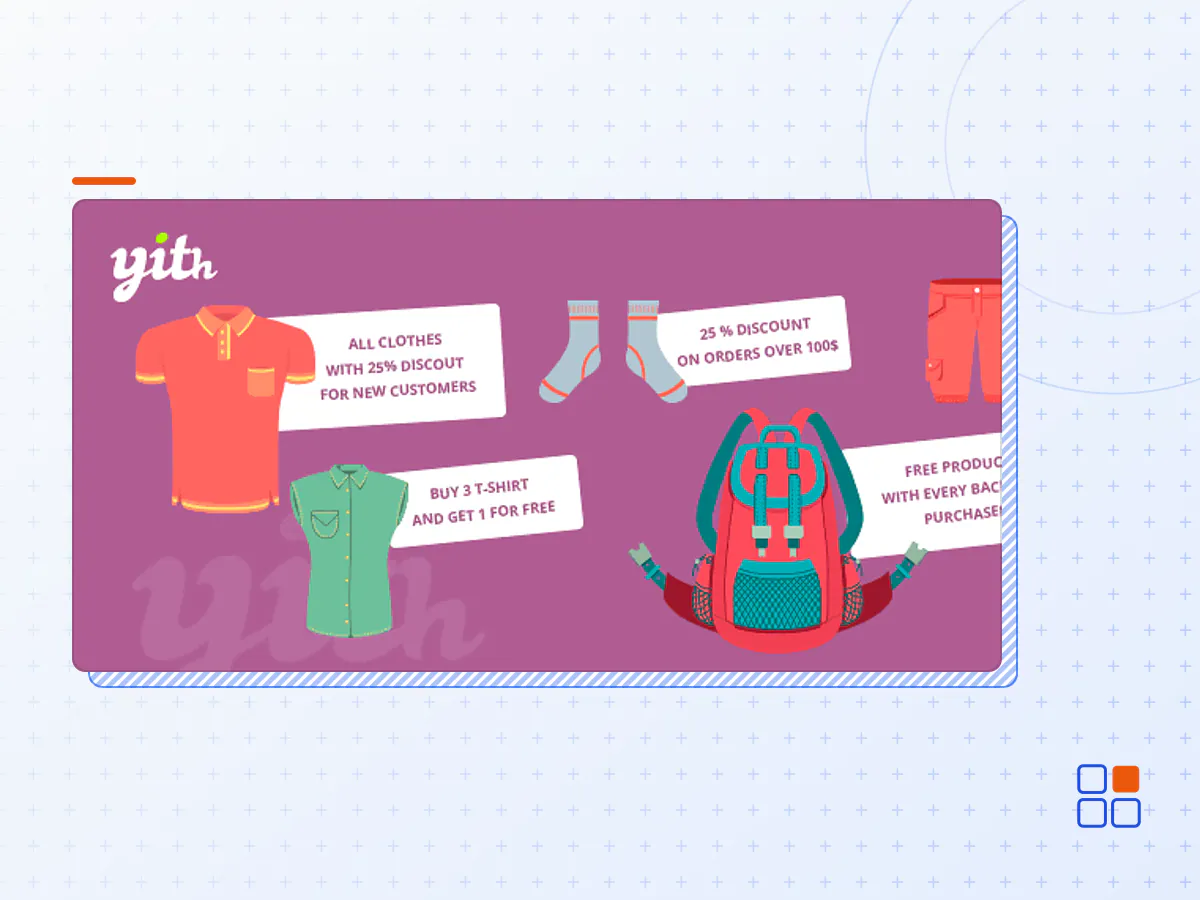
Imagine walking down the street in the city center, surrounded by any kind of shop. Which are the shop windows that catch your attention? The answer is simple: those that offer particular promotions and discounts. Colored posters that present end-of-season sales, buy two get three, or everything at $10 until the end of the week: these are only some of the most used tricks for commercial activities.
Use the same marketing tricks in your shop using YITH WooCommerce Dynamic Pricing & Discounts: a powerful tool to create targeted promotions to catch your customers’ attention and loyalize them day after day. It’s a plugin that gives dynamism to your e-commerce and lets you increase the visits – and consequently the sales – taking advantage of the fundamental marketing strategies.
Discounts, special prices, promotions, bonuses, free products: there are no limits but your own imagination: with just one plugin, you will be able to build hundreds of promotions to boost up your shop.
Manage any type of discounts, promotions, and special offers in a few clicks
Use the plugin builder to configure, plan and manage discounts and advanced promotions. You can choose among the most popular offers or create custom promotions based on your needs.
Create any kind of discount or promotion: 3 for 2, 2 for 1, Buy One Get One Free, 50% on the second item, Buy X and get Y for free, and so on and so forth.
The only limit to the special offers you can create will be your imagination: from the intuitive plugin panel, you can create any kind of promotions, choose the products they will apply to, and schedule them for a specific time span.
Apply a massive discount on the whole shop catalog or on products of a specific category with few clicks
You have hundreds of products and you want to give a 10% discount for Black Friday? Want to discount all products in a certain category for one week? No need to manually edit every product, now you can create the discount rule with just a few clicks.
Set up different prices based on the selected product quantity and encourage your users to buy more to get a discount
Set dynamic discounts based on product quantity and choose whether to show the quantity/price table to inform the user about the active promotion or not.
Create discount rules to apply to the cart
Apply any advanced discount rule to the cart: you can offer a 10% off and free shipping only for orders totalling exceeding $300 or if the cart includes at least a specific number of items; you can create a discount that applies only to specific users or user roles as well as customers who placed a certain number of orders in your shop or exceeded a defined spent threshold.
Show dynamic messages in the cart to encourage users to spend more to benefit from discounts and free shipping
Offering discounts or free shipping based on the cart total is useless if you don’t advertise these promotions. You can show dynamic notices for discount rules applied according to the cart total. This will encourage users to add more products to their cart to benefit from the offer and/or free shipping. A best practice used by the biggest stores that you can’t miss if you want to offer discounts and promotions on the cart page and improve the user experience.
Show a modal window in the cart and give one or more products as a gift to users who are going to pay more than a certain amount or those who purchase specific products
A free product or a “gift” is a great incentive to convince your users to finalize the purchase. Use the “gift product” option and decide how many and which products will be gifted, to whom, and on which conditions (e.g. users whose cart total is at least $100 or with the product X in cart).
Show a modal window to promote the active special offers available on the products in the cart
Do you want to offer a gift or a discount to customers who buy a specific product? Set up the rule and promote it through a modal window that will open up when the user adds the product to the cart. The most efficient solution is to emphasize discounts and promotions and push the user to take advantage of these targeted offers.
New Hot
Create a last-minute deal to show on the cart or checkout page
Take advantage of the principle of urgency to promote upsell products on the cart or checkout page, before your customers complete the order. You can set the deal for a limited time by showing a dynamic countdown to push customers to purchase immediately.
Create dynamic messages to show on your product pages
Enhance your promotions and show dynamic messages on your product pages to inform users about the offer and push them to buy.
Decide if the offers can be cumulated or not
Decide whether to let your users cumulate more than one promotion and get the maximum available discount or if you prefer setting some restrictions so they can only benefit from one promotion at a time when they purchase from your shop.
Decide whether to give discounts to all your users or a specific niche only
You can create discounts and promotions for all users or reserve the offers only for users with a specific role. Set up offers for the members of a specific plan if used together with our Membership plugin. Or even more: create cart discounts that will only be applied to customers who have already spent a certain amount in your shop or to those who have placed a minimum number of orders.
Schedule a start and end date for your discount rules to automate discounts and offers
You can start and end a promotion manually or set the start and end date to run automatically. In this way, you can create discounts and special prices during specific times of the year (Black Friday, Christmas, end-of-season sale, etc.) ahead of time and make sure the plugin automates the full process.
Choose whether to apply the discount on the unit price or on the total price
Once in the cart, choose whether the discounts related to one product will edit the unit price of the product itself or the discount will only apply to the cart total.
Customize the labels that identify the discount on the Cart page
Decide how to identify the discount applied in the cart and give your users real-time feedback about the discounts and promotions they benefit from.
- The YITH WooCommerce Dynamic Pricing and plugin archive (.zip), exactly as the developer released it.
- Uploads straight from the WordPress dashboard — no FTP or extra tools needed.
- GPL licensing: install it on every site you manage, client sites included.
- A year of downloads and newer versions with a single purchase, or permanent access with the lifetime upgrade.
- Also unlocked by every membership plan, together with the rest of the plugin catalogue.
Not included
- A licence key from the developer — features that run on the developer's own servers (cloud services, vendor auto-updates, vendor support) may be unavailable.
How to install YITH WooCommerce Dynamic Pricing and
- 1Download YITH WooCommerce Dynamic Pricing and from Downloads in your account. Keep the file zipped.
- 2In your WordPress dashboard open Plugins → Add New Plugin and click Upload Plugin.
- 3Choose the .zip, click Install Now, then Activate.
- 4Open the YITH WooCommerce Dynamic Pricing and settings screen and configure it for your site.
- 5If a notice asks for a licence key you can dismiss it; the plugin itself runs without one.
To update later, download the newer version from your account and upload it the same way — WordPress offers to replace the installed copy and keeps your settings.
Is this the developer's original YITH WooCommerce Dynamic Pricing and file?
Yes. The archive is the release the developer published, with nothing added or removed. It is distributed under the GNU GPL, which is what allows WordPress GPL to offer it; you are buying the download and updates, not a licence key from the vendor.
Can I use YITH WooCommerce Dynamic Pricing and on client websites?
Yes. The GPL places no limit on the number of sites, so you can install it on your own projects and on sites you build for clients.
How do I get newer versions of YITH WooCommerce Dynamic Pricing and?
When a newer release reaches our catalogue it replaces the file in your account, and you can request one from this page if you need it sooner. A single purchase covers a year of downloads (or longer with the lifetime upgrade); a membership covers updates while it is active.
Does it come with support from the developer?
No — vendor support is tied to a licence bought from the developer. We help with downloading and installing the file, and if it turns out to be broken you can ask for a refund within 14 days.