WooCommerce Social Login - WordPress Plugin
- Type
- Plugin
- Category
- WooCommerce Plugins
- Licence
- GNU GPL
- Delivery
- Instant download
- Access
- 12 months, or lifetime
- Sites
- Unlimited
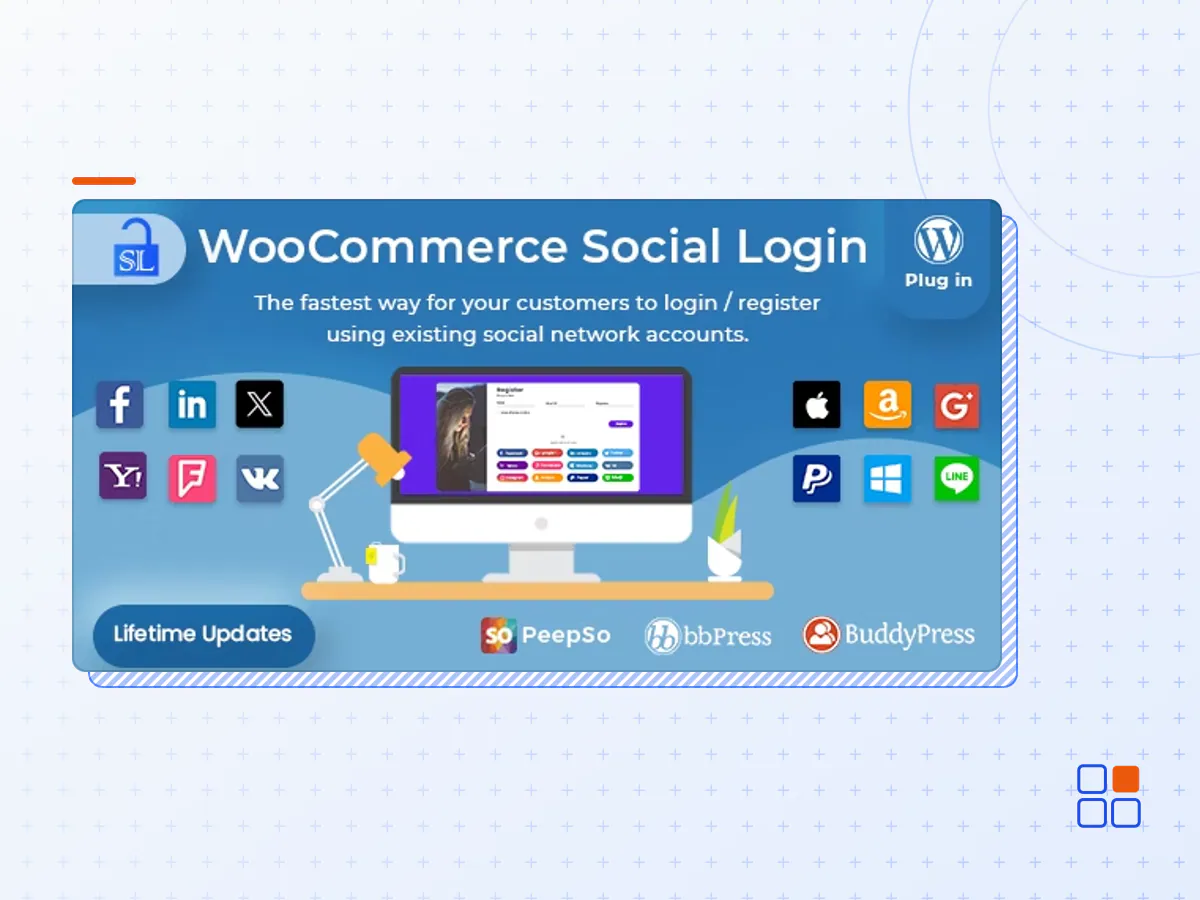
WooCommerce Social Login extension allows users to login and checkout with social networks such as Facebook, Twitter, Google, Yahoo, LinkedIn, Foursquare, Windows Live, VKontakte (VK.com), PayPal, Amazon, LINE and login with Email.
Enable Social Login for Seamless Checkout and Account Creation
If you have a registration system on your e-commerce website, then it take too much time of user to checkout so user get bored of it and thus it will decrease your sale. But, If you use WooCommerce Social Login, then it save user’s time so it will increase your sale.
When a customer first visits your site, you can simplify checkout by allowing them to check out as a guest. However, this introduces friction for customers that want to purchase from your store more than once (and hopefully many of them do!). They’ll have to create yet another username and password. WooCommerce Social Login makes this process as easy and secure as possible – customers can log into your site using their Facebook, Twitter, Google, Yahoo, LinkedIn, Foursquare, Windows Live, VKontakte (VK.com), PayPal, and Amazon accounts instead of creating a new user account credentials.
Link Social Accounts to User Accounts
New customer accounts that are created with social login will automatically be linked to the appropriate networks. Existing Socials will also be able to connect their accounts to social networks when logging in or via the “My Account” page.
You can even invite logged in users to link their accounts after checkout for faster purchase in the future. Simply enable Social login buttons on the Thank You page.
Social Login Report Page
Admin can change the order of social networks buttons by drag and drop interface and view number of sign-ups for each social network as shown in the image below. Generate Pie graph for Social Networks Register Percentage.
Provide Account Management Tools
Customers will always be able to link or unlink social accounts from your site by visiting the “My Account” page:
Make Your Shopping Experience Smoother
Use WooCommerce Social Login to reduce friction when checking out or creating user accounts. Returning customers can log into your site with as little as one click if they’ve linked a social profile. Not only can customers easily log into your site without remembering another set of login credentials, but they’ll be able to breeze through purchasing and checkout with their new account, and you’ll benefit from increased trust and security.
- The WooCommerce Social Login plugin archive (.zip), exactly as the developer released it.
- Uploads straight from the WordPress dashboard — no FTP or extra tools needed.
- GPL licensing: install it on every site you manage, client sites included.
- A year of downloads and newer versions with a single purchase, or permanent access with the lifetime upgrade.
- Also unlocked by every membership plan, together with the rest of the plugin catalogue.
Not included
- A licence key from the developer — features that run on the developer's own servers (cloud services, vendor auto-updates, vendor support) may be unavailable.
How to install WooCommerce Social Login
- 1Download WooCommerce Social Login from Downloads in your account. Keep the file zipped.
- 2In your WordPress dashboard open Plugins → Add New Plugin and click Upload Plugin.
- 3Choose the .zip, click Install Now, then Activate.
- 4Open the WooCommerce Social Login settings screen and configure it for your site.
- 5If a notice asks for a licence key you can dismiss it; the plugin itself runs without one.
To update later, download the newer version from your account and upload it the same way — WordPress offers to replace the installed copy and keeps your settings.
Is this the developer's original WooCommerce Social Login file?
Yes. The archive is the release the developer published, with nothing added or removed. It is distributed under the GNU GPL, which is what allows WordPress GPL to offer it; you are buying the download and updates, not a licence key from the vendor.
Can I use WooCommerce Social Login on client websites?
Yes. The GPL places no limit on the number of sites, so you can install it on your own projects and on sites you build for clients.
How do I get newer versions of WooCommerce Social Login?
When a newer release reaches our catalogue it replaces the file in your account, and you can request one from this page if you need it sooner. A single purchase covers a year of downloads (or longer with the lifetime upgrade); a membership covers updates while it is active.
Does it come with support from the developer?
No — vendor support is tied to a licence bought from the developer. We help with downloading and installing the file, and if it turns out to be broken you can ask for a refund within 14 days.