Voicer - Text to Speech Plugin for WP
- Type
- Plugin
- Category
- CodeCanyon
- Licence
- GNU GPL
- Delivery
- Instant download
- Access
- 12 months, or lifetime
- Sites
- Unlimited
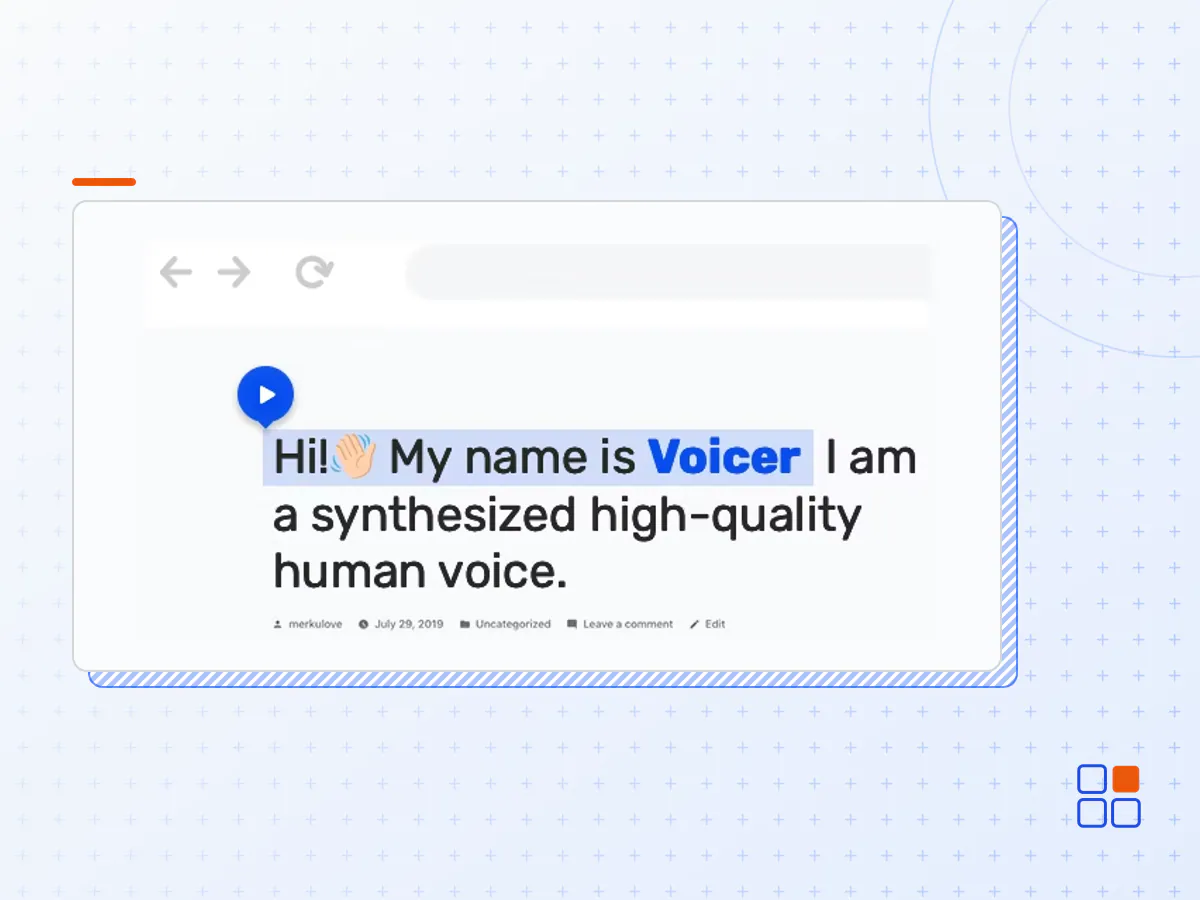
Voiсer is a WordPress Plugin designed to converts text into human-like speech. The Plugin uses the latest technology of machine learning and artificial intelligence to play a high-quality human voice. The Plugin basis is the Google Cloud Platform, which ensures the reliability and speed of the Plugin anywhere in the world.
The Voicer WordPress Plugin converts text into human-like speech in more than 310 voices across 45+ languages and variants. It applies groundbreaking research in speech synthesis (WaveNet) and Google’s robust neural networks to deliver high-fidelity audio. With this easy-to-use plugin, you can create lifelike interactions with your users that transform customer service, device interaction.
Features
- 45+ Languages Includes
- More than 275 human-like voices
- Support multilingual website
- Works well with all WordPress Themes
- Perfect for RTL direction
- Native Valid JavaScript, without jQuery
- Tested and Compatible up to Wordpress 5+
- Lightweight and Fast
- WPML compatible
- Powered by Google Cloud Platform
- Compatible with all Modern Browsers
- Includes exclusive access to WaveNet technology
- Compatible with WooCommerce
- All major browsers supported Chrome, Firefox, Safari, Edge, Opera
- Easy to use and customize
- Installation Guide
- Detailed Users Manual
- Huge Customization Capabilities
- Six months Included Support for CodeCanyon buyers
Voicer Text-to-Speech Plugin tested and compatible with All Major WP Plugins: Yoast SEO, Contact Form 7, W3 Total Cache, NextGen Gallery, Slider Revolution, WooCommerce, etc. It also works perfectly and improves the user experience with popular Website Page Builders, like Elementor, Visual Composer, Gutenberg, Beaver Builder, Divi, Themify Builder, WP Bakery Page Builder, Layers WP, and many others.
The plugin works perfectly with all significant WordPress frameworks: Genesis, Divi, Themify, Warp 7, Ultimatum, Beans, Unyson, Gantry, and others.
- The Voicer plugin archive (.zip), exactly as the developer released it.
- Uploads straight from the WordPress dashboard — no FTP or extra tools needed.
- GPL licensing: install it on every site you manage, client sites included.
- A year of downloads and newer versions with a single purchase, or permanent access with the lifetime upgrade.
- Also unlocked by every membership plan, together with the rest of the plugin catalogue.
Not included
- A licence key from the developer — features that run on the developer's own servers (cloud services, vendor auto-updates, vendor support) may be unavailable.
How to install Voicer
- 1Download Voicer from Downloads in your account. Keep the file zipped.
- 2In your WordPress dashboard open Plugins → Add New Plugin and click Upload Plugin.
- 3Choose the .zip, click Install Now, then Activate.
- 4Open the Voicer settings screen and configure it for your site.
- 5If a notice asks for a licence key you can dismiss it; the plugin itself runs without one.
To update later, download the newer version from your account and upload it the same way — WordPress offers to replace the installed copy and keeps your settings.
Is this the developer's original Voicer file?
Yes. The archive is the release the developer published, with nothing added or removed. It is distributed under the GNU GPL, which is what allows WordPress GPL to offer it; you are buying the download and updates, not a licence key from the vendor.
Can I use Voicer on client websites?
Yes. The GPL places no limit on the number of sites, so you can install it on your own projects and on sites you build for clients.
How do I get newer versions of Voicer?
When a newer release reaches our catalogue it replaces the file in your account, and you can request one from this page if you need it sooner. A single purchase covers a year of downloads (or longer with the lifetime upgrade); a membership covers updates while it is active.
Does it come with support from the developer?
No — vendor support is tied to a licence bought from the developer. We help with downloading and installing the file, and if it turns out to be broken you can ask for a refund within 14 days.