Typer - Amazing Blog and Multi Author Publishing Theme
- Type
- Theme
- Category
- WordPress Blog Themes
- Licence
- GNU GPL
- Delivery
- Instant download
- Access
- 12 months, or lifetime
- Sites
- Unlimited
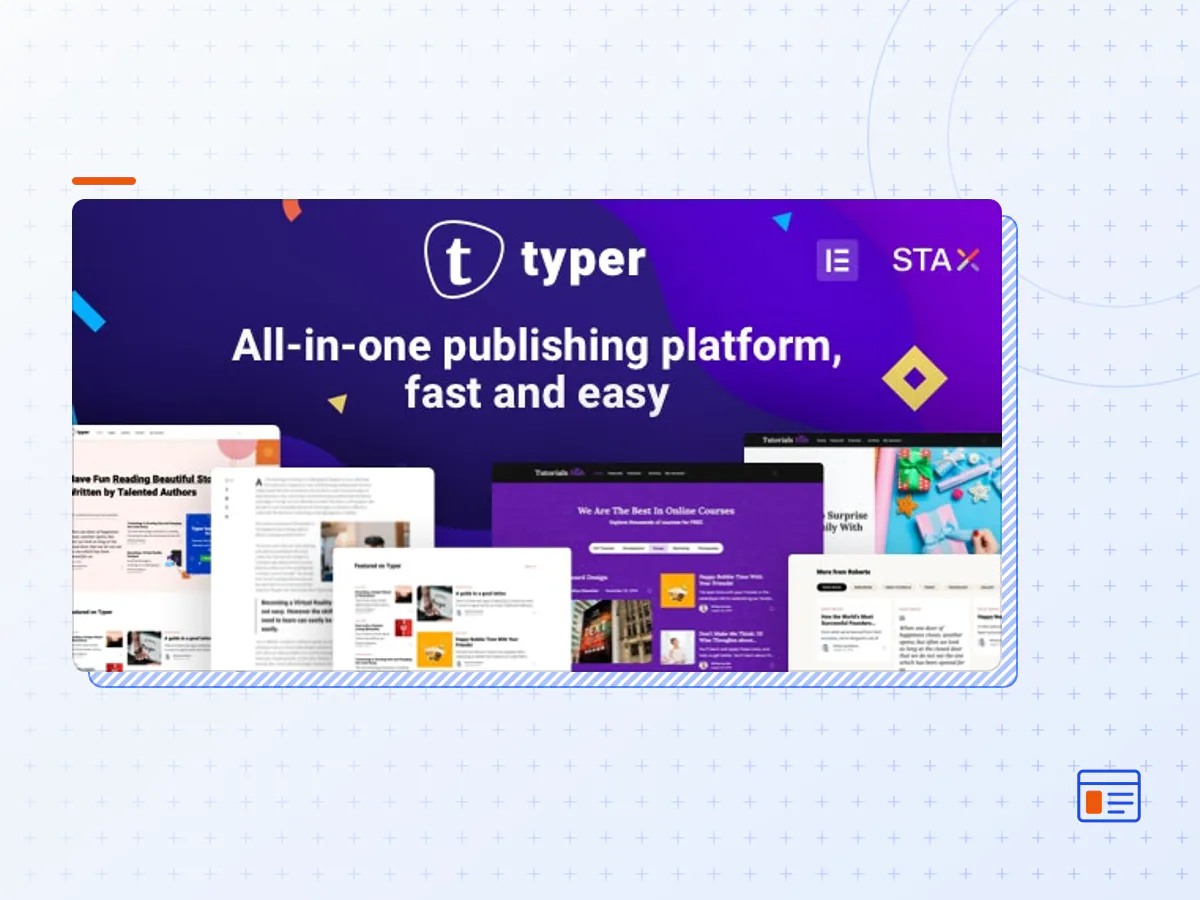
Typer is Fast & Modern WordPress Theme built for publishers, bloggers and news magazine websites. Typer lets you have Front User Profile and allow others to publish articles on your site. Write blog posts with 100% supported Gutenberg builder and build awesome landing pages with Elementor.
FEATURES
Typer theme is integrated and optimised for Gutenberg so you can take advantage of WordPress advanced page and posts builder.
Use Elementor builder in Typer to build and create stunning landing pages.
Optimised for speed. Typer code is modular and optimised so your site will be super fast. Lazy Image loading is a feature built-in with Typer that will make your pages load faster.
No coding skill required. Build pages with Elementor Drag&Drop builder or Gutenberg builder.
Easy Import demo content. Use our 1 Click installer to easily activate needed plugins, import pages, posts, theme settings, widgets and images.
Typer is 100% responsive, and it will work nicely on all devices(smart phones, tablets, computers and desktops)
Powerful Settings: Change colors, fonts, layouts and post designs from Live Customizer. Override settings on single post
Stax Header builder. Create amazing header layouts using Stax Drag and Drop header builder.
Jet Popup. Create stylish popups with Elementor easily.
Onboarding popup for users – Customizable using JetPopup.
Dark mode.
GIF Image supported for featured posts in single page and in lists.
AJAX Comments.
Comments in Modal or in normal expanded version.
Multiple sidebars and sticky sidebars.
Reading article time.
Bookmark posts and view them in your front use profile.
Weekly digest with posts based on your interests.
Social sharing options included.
Bottom sticky post navigation.
WPML Compatible
SEO Friendly
Child Theme Included
Dozens of options for Blog Page Layouts.
Bootstrap 4.1
Google Fonts
Modern Browsers Support and latest technologies like CSS variables.
Lifetime Updates
Documentation and Install Video tutorial
Professional and friendly support. Our team is always ready to help you with your queries.
- The Typer theme package as the developer released it.
- The installable theme .zip, plus whatever else the developer ships with it — often a child theme and documentation.
- GPL licensing: use it on as many sites as you like, for yourself or for clients.
- A year of downloads and newer versions with a single purchase, or permanent access with the lifetime upgrade.
- Also unlocked by every membership plan, together with the rest of the theme catalogue.
Not included
- A licence key from the developer — demo importers or bundled-plugin updates that check a key on the developer's servers may need manual steps.
How to install Typer
- 1Download Typer from Downloads in your account.
- 2If the download holds several files, unzip only that outer package and find the installable theme .zip (usually named after the theme).
- 3In WordPress open Appearance → Themes → Add New Theme → Upload Theme, choose that .zip and click Install Now.
- 4Activate the theme. If it recommends companion plugins, install them from the notice it shows.
- 5Optional: import the demo content from the theme's own setup screen, then replace the demo text and images with yours.
Using a child theme keeps your custom CSS and template edits safe when you upload a newer version of the parent theme.
Is Typer the original theme?
Yes — the package is the developer's release, unmodified, redistributed under the GNU GPL. WordPress GPL sells the download and updates; it does not issue vendor licence keys.
Will the Typer demo import work?
Usually, yes. Most demo importers run inside WordPress. A few download demo files from the developer's servers and check a licence key first; in that case you can still build the pages yourself with the bundled templates.
How do theme updates work?
When a newer version of Typer reaches our catalogue it replaces the file in your account. Upload it over the current theme (Appearance → Themes → Add New Theme → Upload Theme) and WordPress replaces it while keeping your settings.
What if the theme doesn't work?
Contact us with your order number. If the file is broken or clearly not what this page describes and we can't fix it, you get a refund within 14 days of purchase.