StoreApps Smart Manager - Manage Your WooCommerce Store 10x Faster
- Type
- Plugin
- Category
- WooCommerce Plugins
- Licence
- GNU GPL
- Delivery
- Instant download
- Access
- 12 months, or lifetime
- Sites
- Unlimited
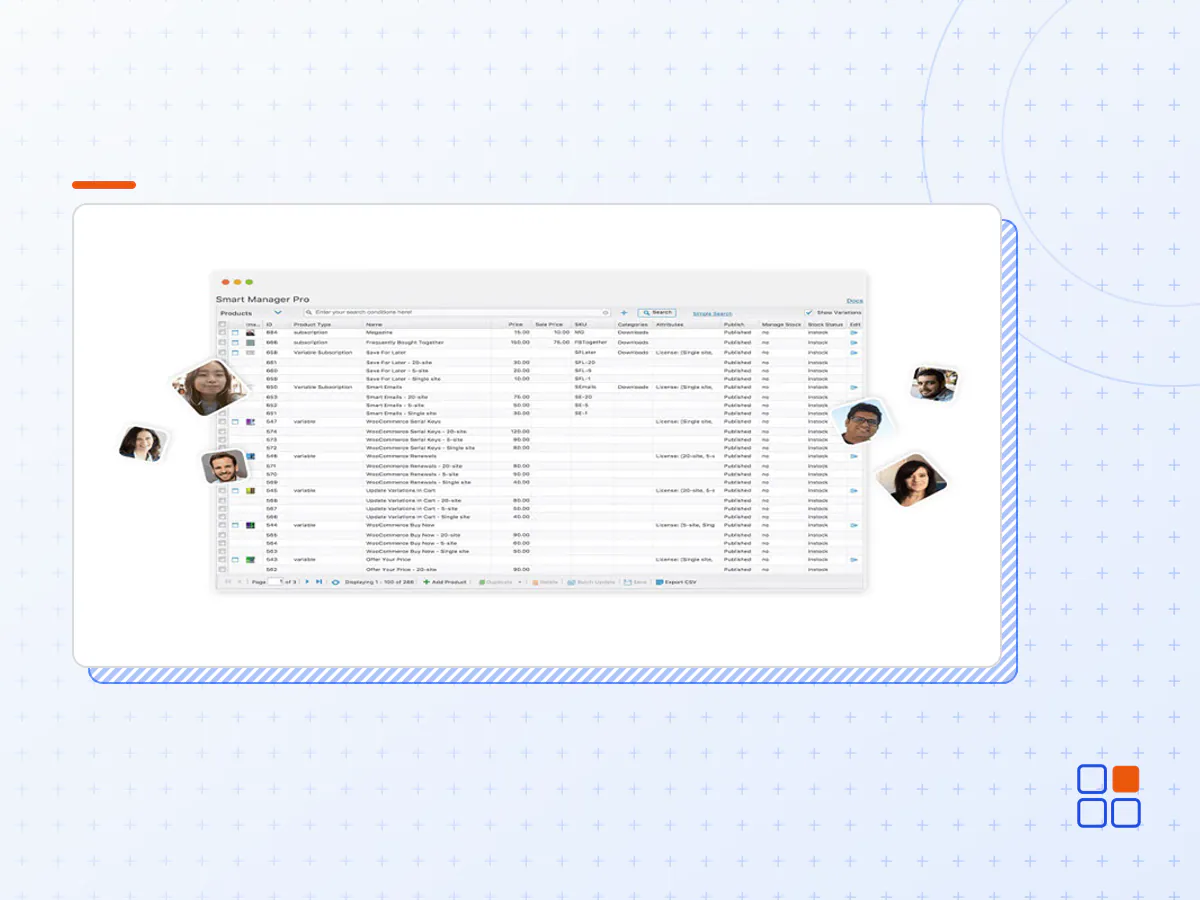
Must-have WooCommerce advanced bulk edit and stock management plugin. Manage products, orders, posts, coupons, users, subscriptions or any WordPress post type using an Excel-like sheet editor.
Sheet Editor / Table Editor
Smart Manager plugin works just like an Excel spreadsheet. So making changes and navigating is fast and simple! Select a dashboard and start making changes instantly.
Quick Inline Edit
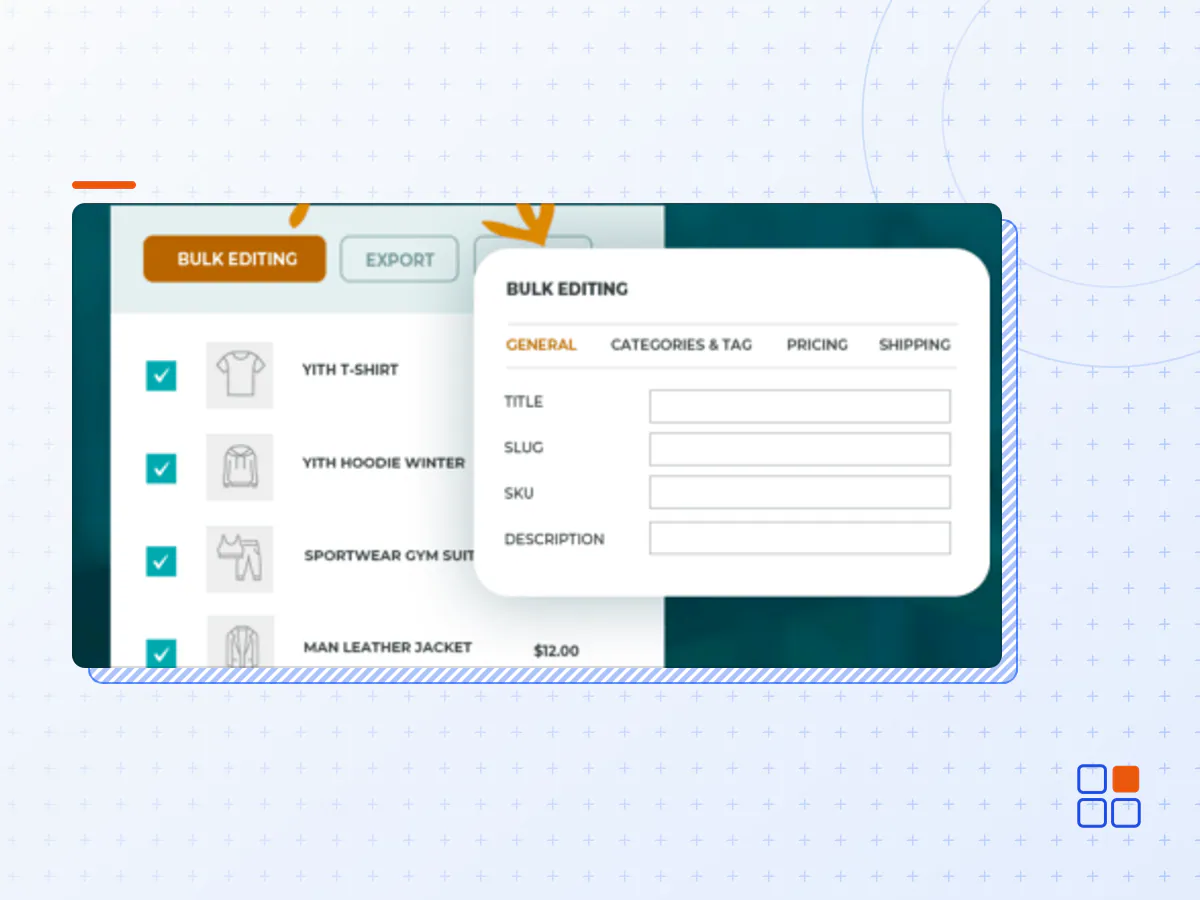
Create, remove or update many items at once directly from the grid. Edit multiple column values using the auto-fill option or use copy-paste and save all at once. Switch to the native editing screen for full editing control.
Bulk Stock Management
Update stock quantities, set and modify sale price / regular price. Set backorders, delete products, filter and bulk edit stock for many WooCommerce products and variations at once. Inventory management was never so simple.
WordPress Bulk Edit
Manage posts and pages. Make changes in bulk to status, title, content, categories, tags, SEO status, keywords… Create multiple posts/pages at once or copy information between them. Update ‘Product Gallery Images, Featured Images’ using the media library directly from the spreadsheet.
Order Management, Coupons, Users…
View all orders on one screen, change order statuses, add new custom orders, bulk edit them. Review and find coupons, extend store credits, modify discounts…all in bulk. View all users and customer details, edit user roles, view lifetime value and purchases, export data to CSV.
Delete, Duplicate, Export CSV…
Bulk delete all products permanently or move them to trash. Same for orders, coupons and other post types. Use the Duplicate feature to create a copy of selected or all records. Export all your store data or based on date, search and column filters to CSV. Unlimited export, anytime.
Admin Columns and Custom Views
Display, hide data columns to the grid you wish to manage. Sort data in ascending or descending order. Set up customized dashboards (Custom Views/Column Sets) to view, edit and manage only specific data columns all the time.
Bookings, Product Addons, Memberships…Anything!
Use the same table like interface to view, manage and bulk edit all types of custom post types and custom taxonomies. Smart Manager supports many third-party plugin data-types too! That’s why it’s a popular WordPress and WooCommerce advanced bulk edit plugin.
- The StoreApps Smart Manager plugin archive (.zip), exactly as the developer released it.
- Uploads straight from the WordPress dashboard — no FTP or extra tools needed.
- GPL licensing: install it on every site you manage, client sites included.
- A year of downloads and newer versions with a single purchase, or permanent access with the lifetime upgrade.
- Also unlocked by every membership plan, together with the rest of the plugin catalogue.
Not included
- A licence key from the developer — features that run on the developer's own servers (cloud services, vendor auto-updates, vendor support) may be unavailable.
How to install StoreApps Smart Manager
- 1Download StoreApps Smart Manager from Downloads in your account. Keep the file zipped.
- 2In your WordPress dashboard open Plugins → Add New Plugin and click Upload Plugin.
- 3Choose the .zip, click Install Now, then Activate.
- 4Open the StoreApps Smart Manager settings screen and configure it for your site.
- 5If a notice asks for a licence key you can dismiss it; the plugin itself runs without one.
To update later, download the newer version from your account and upload it the same way — WordPress offers to replace the installed copy and keeps your settings.
Is this the developer's original StoreApps Smart Manager file?
Yes. The archive is the release the developer published, with nothing added or removed. It is distributed under the GNU GPL, which is what allows WordPress GPL to offer it; you are buying the download and updates, not a licence key from the vendor.
Can I use StoreApps Smart Manager on client websites?
Yes. The GPL places no limit on the number of sites, so you can install it on your own projects and on sites you build for clients.
How do I get newer versions of StoreApps Smart Manager?
When a newer release reaches our catalogue it replaces the file in your account, and you can request one from this page if you need it sooner. A single purchase covers a year of downloads (or longer with the lifetime upgrade); a membership covers updates while it is active.
Does it come with support from the developer?
No — vendor support is tied to a licence bought from the developer. We help with downloading and installing the file, and if it turns out to be broken you can ask for a refund within 14 days.