SocialV - Social Network and Community BuddyPress Theme
- Type
- Theme
- Licence
- GNU GPL
- Delivery
- Instant download
- Access
- 12 months, or lifetime
- Sites
- Unlimited
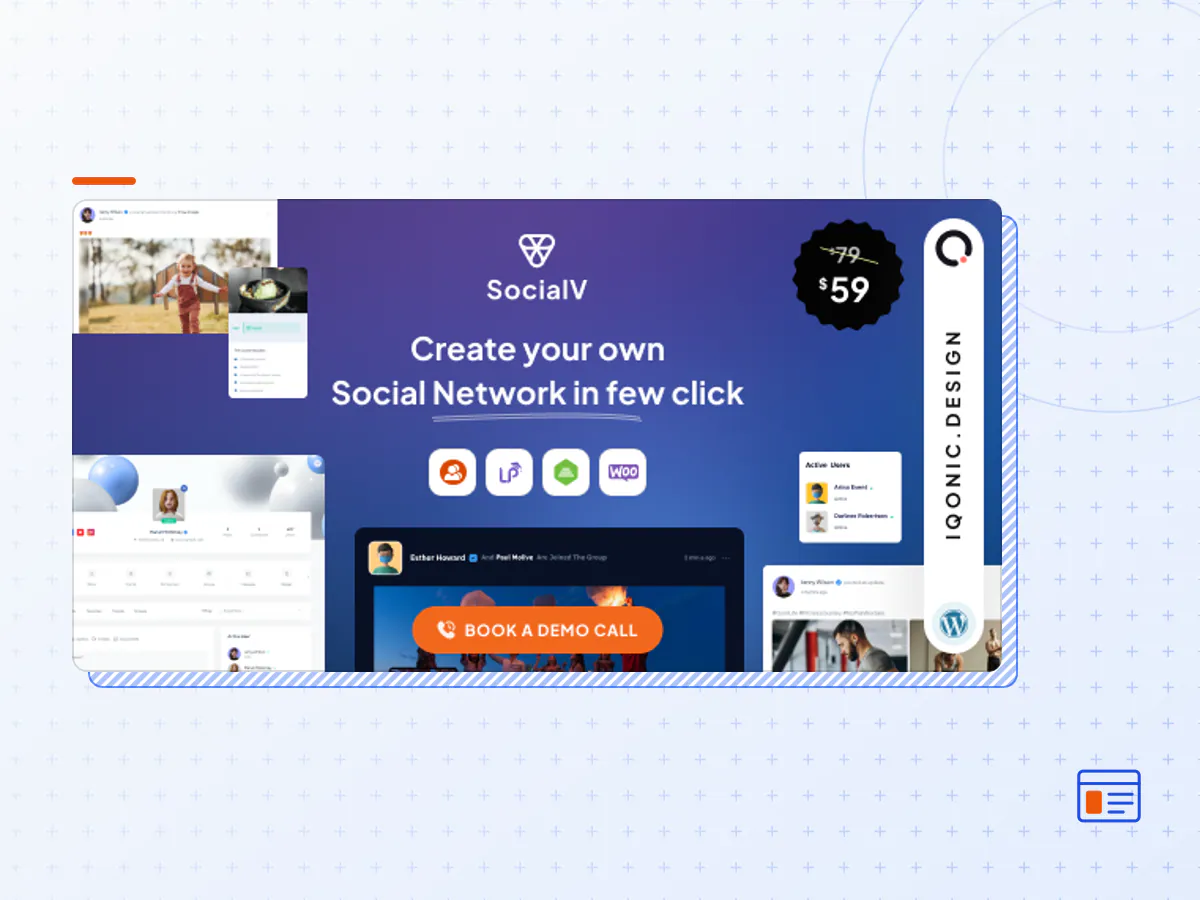
SocialV is a stunning theme for Social Network Community BuddyPress Theme.
SocialV is the perfect theme for Social Networking Community BuddyPress Theme. It comes with responsive and ready-to-use pages. SocialV was created from the inspiration of creating a WordPress theme for a large group of people coming together via the internet with a common interest or people with the same vision.
SocialV is a stunning theme for Social Network Community BuddyPress Theme.
Social media is constantly evolving, and this community BuddyPress theme is well-equipped to handle whatever comes next. SocialV social network theme like Facebook is perfect for any type of listing page for startups, communities, and businesses. With its clean code, component-based structure, and responsive design, you can launch a community or social media-related project using this BuddyPress theme quickly and easily. The SocialV community BuddyPress theme comes with the latest Elementor drag-and-drop builder, which makes customising your site easy, even if you don’t know how to code.
Premium Story Plugin.
Plus, it includes a premium “Stories” plugin that lets you post stories and share them with your friends. And its news feed pages are gorgeous and always up to date. Intuitive profile pages round out the package, making it easy to keep track of your personal information. If you’re looking to launch a one-of-a-kind project, SocialV is the perfect platform for you. With its fully customizable options, SocialV gives you the power to create exactly the project you envision. launch your dream project today with SocialV! The SocialV theme is perfect for creating an engaging Facebook-like social networking site with BuddyPress. The theme is highly flexible and can be easily customised to suit your needs.
LearnPress
Learnpress is a popular eLearning plugin for WordPress. It has become increasingly attractive to those who want to create a learning community, due to its integration with the BuddyPress social media plugin. This integration allows users to log in with their social media accounts and track their progress. It also makes it easy for instructors to create and manage courses, And monitor student activity.
SocialV including Learnpress is an excellent option for those who want to create a learning community. Its integration with social media platforms makes it easy to use and manage, while also providing a wealth of features and functionality.
LearnPress Features List
- LearnPress With BuddyPress Integration
- In Course Details Page Show Multiple Data with LoadMore Button.
- Users Courses Show in BuddyPress User Profile.
- In Side Bar Course Recent / Features and Category List Widget
- Easily Search Course In Header Search Box
- In Course pages Show Grid/List View.
- LearnPress Supported with RTL & Dark Mode
Live Chat integration With Better Messages Plugin
- Realtime Messaging
- Header Live Chat Notification Bell
- User Online/ Offline Status
- Broadcast Users / Subject In Chat
- User Suggestion
- User to User Block
- Role Based Access Control
- Private Message Direct Chat or Selection Wise (Members List , User Profile )
- Also Integrated In Dark / Light Mode With RTL
WooCommerce
The SocialV Community BuddyPress Theme is the perfect way to start selling products with WooCommerce BuddyPress Integration. With a beautiful and sleek design, your products will look amazing online. Plus, the easy-to-use WooCommerce plugin makes setting up your shop a breeze. Get started today and the SocialV Community BuddyPress theme can make for your business.
Block, Suspend, and Report Module
Blocking and reporting are two of the most popular features that users have requested. Now you can block and report any user, group, or content you wish to stop communicating with. This is a must-have feature for all social platforms, as it allows you to control your personal experience on the platform.
Main Features
- Multiple Menu styles
- WP Story Plugin
- Live Style Customizer
- Dark/Light Mode
- RTL Support
- Live Chat
- Live Chat Notification Bell
- Compatible With Plugins
- LearnPress
- BuddyPress
- BBPress
- GamiPress
- WP Story
- MediaPress
- Better Messages
- BP XProfile Location Plugin
- Verified Member
- WooCommerce
- Contact Form 7
- Powerful Theme Options panel
- Gorgeous Newsfeed
- Like, Comment And Share Options
- Intuitive Profile Pages
- Create Friends With Ease
- Notification And Messages
- Create And Join Groups
- Public/Private/Hidden Groups
- Multiple Groups Invitation Options
- Send Invitation To Your Friends
- Create And Share Albums
- Block, Suspend, and Report Module
- Badges ( GamiPress )
- GamiPress Points / Ranks Tab / Point Tab Show In User Profile
- Forums Discussion
- News, Photo & Video feed
- Interactive Ajax Search
- SignIn / SignUp Form
- Create Your Social Blog
- Engaging Widgets
- Compatible With WooCommerce
- Adaptive Font System
- Typography Settings
- Cross-Browser Compatibility: FireFox, Chrome, Microsoft Edge
- WordPress 5.4.0+ Tested and Approved
- One Click Demo Import
- Fully Responsive
- Clean, Trending and Modern Design
- Professional Support
- Free Lifetime updates!
- Child Theme Included
- Quick & Faster Support
- Detail Documentation Included
- No coding knowledge required
- Google Fonts
- And so Much More…
- The SocialV theme package as the developer released it.
- The installable theme .zip, plus whatever else the developer ships with it — often a child theme and documentation.
- GPL licensing: use it on as many sites as you like, for yourself or for clients.
- A year of downloads and newer versions with a single purchase, or permanent access with the lifetime upgrade.
- Also unlocked by every membership plan, together with the rest of the theme catalogue.
Not included
- A licence key from the developer — demo importers or bundled-plugin updates that check a key on the developer's servers may need manual steps.
How to install SocialV
- 1Download SocialV from Downloads in your account.
- 2If the download holds several files, unzip only that outer package and find the installable theme .zip (usually named after the theme).
- 3In WordPress open Appearance → Themes → Add New Theme → Upload Theme, choose that .zip and click Install Now.
- 4Activate the theme. If it recommends companion plugins, install them from the notice it shows.
- 5Optional: import the demo content from the theme's own setup screen, then replace the demo text and images with yours.
Using a child theme keeps your custom CSS and template edits safe when you upload a newer version of the parent theme.
Is SocialV the original theme?
Yes — the package is the developer's release, unmodified, redistributed under the GNU GPL. WordPress GPL sells the download and updates; it does not issue vendor licence keys.
Will the SocialV demo import work?
Usually, yes. Most demo importers run inside WordPress. A few download demo files from the developer's servers and check a licence key first; in that case you can still build the pages yourself with the bundled templates.
How do theme updates work?
When a newer version of SocialV reaches our catalogue it replaces the file in your account. Upload it over the current theme (Appearance → Themes → Add New Theme → Upload Theme) and WordPress replaces it while keeping your settings.
What if the theme doesn't work?
Contact us with your order number. If the file is broken or clearly not what this page describes and we can't fix it, you get a refund within 14 days of purchase.