Smart NFT - NFT Marketplace WordPress Plugin
- Type
- Plugin
- Licence
- GNU GPL
- Delivery
- Instant download
- Access
- 12 months, or lifetime
- Sites
- Unlimited
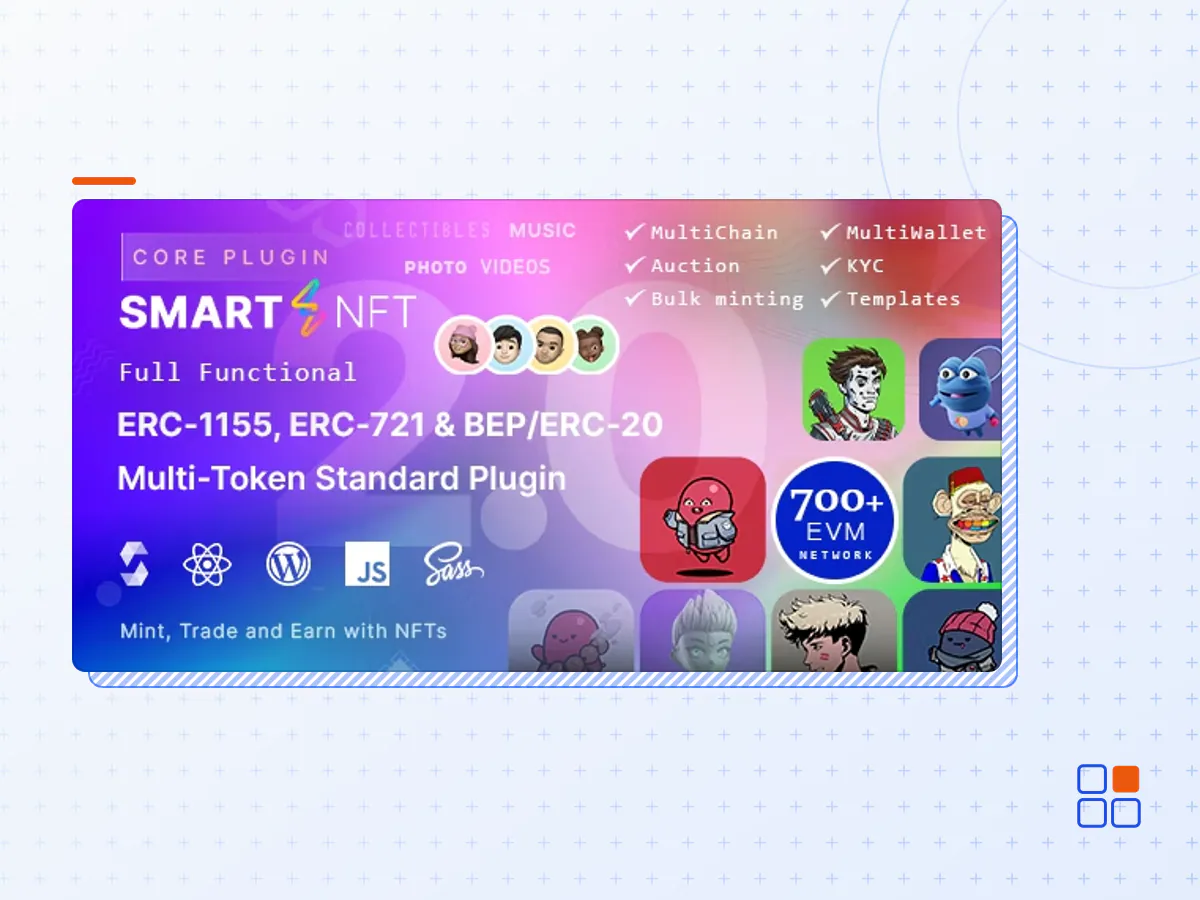
SmartNFT is a WordPress plugin focused on creating a fully functional NFT marketplace with enhanced control panels and designs. Creating an NFT was never an easy task, especially when it comes to using WordPress. As more than 55% of websites are using WordPress nowadays, we planned to make such a thing that enables users more effectively to create an NFT marketplace without coding knowledge.
The motive for making Smart NFT is to create a fully functional NFT marketplace website that is compatible with ERC-721 and ERC-1155 token standards and also supports auctions. We have worked for the last 1 year with full fledge development team working all day and night to make this plugin more meaningful, functional, creative, and intuitive. We are trying to make this plugin more efficient yet and hopefully, we will bring more features in the future. We are not only focusing on UX / UI but also on main functionality to make it up to the mark.
Smart NFT is a features-rich NFT Marketplace plugin to create your own NFT marketplaces. Thanks to web3, reactjs & etherjs for building Smart NFT features rich and flexible for users.
* Note : For full source code for reactjs components you have to buy extended licence *
- Mint/Create NFT: Smart NFT allows users to Mint an NFT on a deployed smart contract.
- Deploy and Manage Smart Contracts: Deploying your smart contract with Smart NFT is easier and hassle-free. Deploy your smart contracts with Smart NFT-supported blockchain networks in a minute.
- Predefined Smart Contracts Networks: Put on sale: Users who buy NFTs from your Smart NFT marketplace can again put them on sale paying specific gas fees
- Remove from sale: Users who created or minted an NFT can put down their NFT from sale and make it not available for sale
- Free Minting / Lazy minting: Free/lazy minting is a feature integrated into SmartNFT which enables users to create their NFT free(without a gas fee). And the gas fee is paid by the buyer who buys that NFT.
- Unlockable Content: Unlockable contents are links/texts/paragraphs that are created during minting an NFT and which is seen only by the current owner.
- Likes: Shows like counts for an NFT created in a single instance by a wallet address.
- Sharing: Sharing NFT on different platforms and copy links.
- Owners and Creators: This Shows the creator of the NFT and the current owner of it
- All NFT Page: Shows all of the NFTs in the current active contracts with intuitive filters
- Enhanced NFT filters
- Media Types: Smart NFT supports SVG, PNG, JPEG, and WEBP image formats
- Resell an NFT
- Compatible with any theme
- Owners public profile page: Shows a profile against a wallet address
- Profile Edit: Owers can edit their profile from front end without login to wp-admin.
- Profile Social icons: Shows social icons of a profile.
- Profile Collections: Shows all NFTs of a profile purchased by that owner
- Price + Crypto coin icon
- Metamask: Log in and authenticate with Metamask wallet. Changing in wallet address makes changes in pages.
- Shortcodes: to display NFTs anywhere you want.
- Robust Settings Panel: Use Smart NFTs’ robust settings panel to manage your site effectively
- Multilingual (via Loco Translate or WPML).
- Easy to manage and Update.
- Online Documentation.
- The Smart NFT plugin archive (.zip), exactly as the developer released it.
- Uploads straight from the WordPress dashboard — no FTP or extra tools needed.
- GPL licensing: install it on every site you manage, client sites included.
- A year of downloads and newer versions with a single purchase, or permanent access with the lifetime upgrade.
- Also unlocked by every membership plan, together with the rest of the plugin catalogue.
Not included
- A licence key from the developer — features that run on the developer's own servers (cloud services, vendor auto-updates, vendor support) may be unavailable.
How to install Smart NFT
- 1Download Smart NFT from Downloads in your account. Keep the file zipped.
- 2In your WordPress dashboard open Plugins → Add New Plugin and click Upload Plugin.
- 3Choose the .zip, click Install Now, then Activate.
- 4Open the Smart NFT settings screen and configure it for your site.
- 5If a notice asks for a licence key you can dismiss it; the plugin itself runs without one.
To update later, download the newer version from your account and upload it the same way — WordPress offers to replace the installed copy and keeps your settings.
Is this the developer's original Smart NFT file?
Yes. The archive is the release the developer published, with nothing added or removed. It is distributed under the GNU GPL, which is what allows WordPress GPL to offer it; you are buying the download and updates, not a licence key from the vendor.
Can I use Smart NFT on client websites?
Yes. The GPL places no limit on the number of sites, so you can install it on your own projects and on sites you build for clients.
How do I get newer versions of Smart NFT?
When a newer release reaches our catalogue it replaces the file in your account, and you can request one from this page if you need it sooner. A single purchase covers a year of downloads (or longer with the lifetime upgrade); a membership covers updates while it is active.
Does it come with support from the developer?
No — vendor support is tied to a licence bought from the developer. We help with downloading and installing the file, and if it turns out to be broken you can ask for a refund within 14 days.