BuildPress - Multi-purpose Construction and Landscape WP Theme
- Type
- Theme
- Category
- Proteus Themes
- Licence
- GNU GPL
- Delivery
- Instant download
- Access
- 12 months, or lifetime
- Sites
- Unlimited
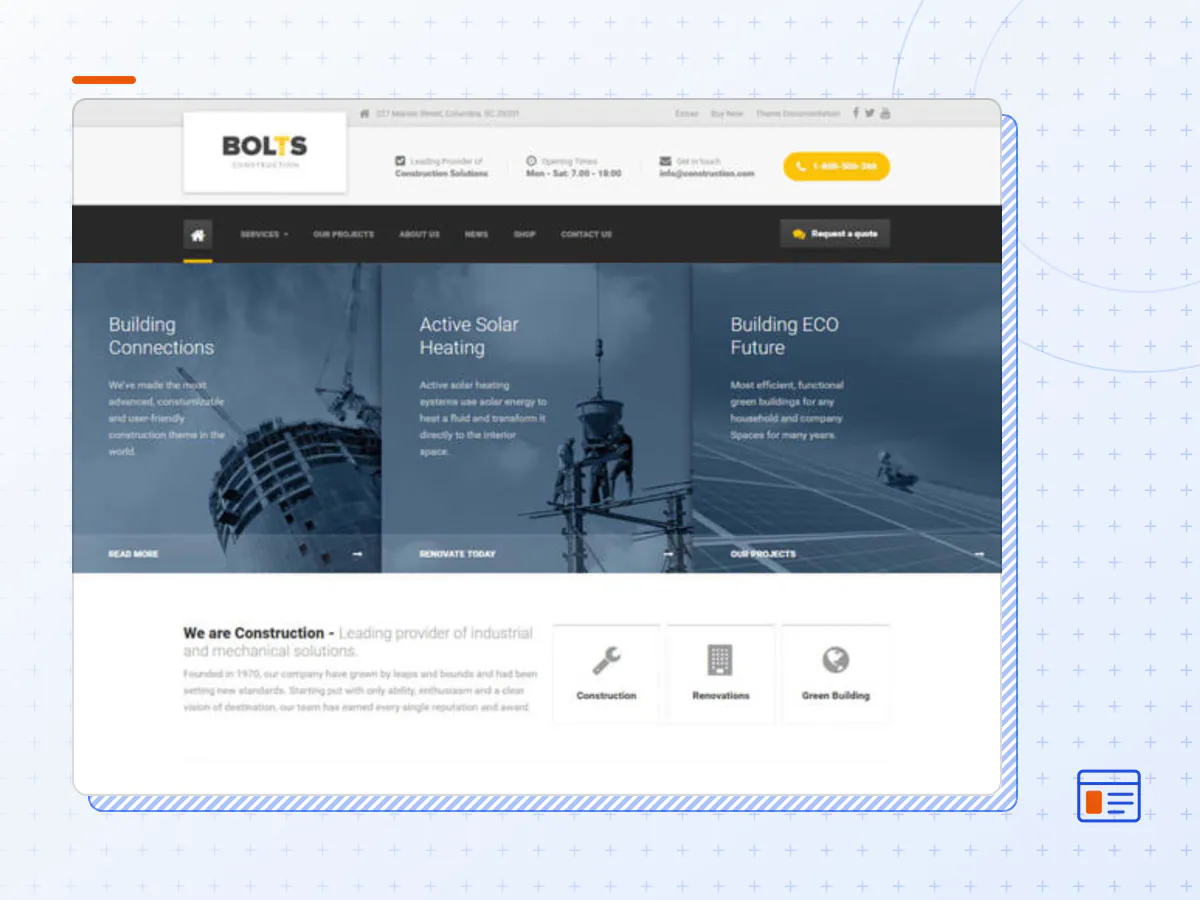
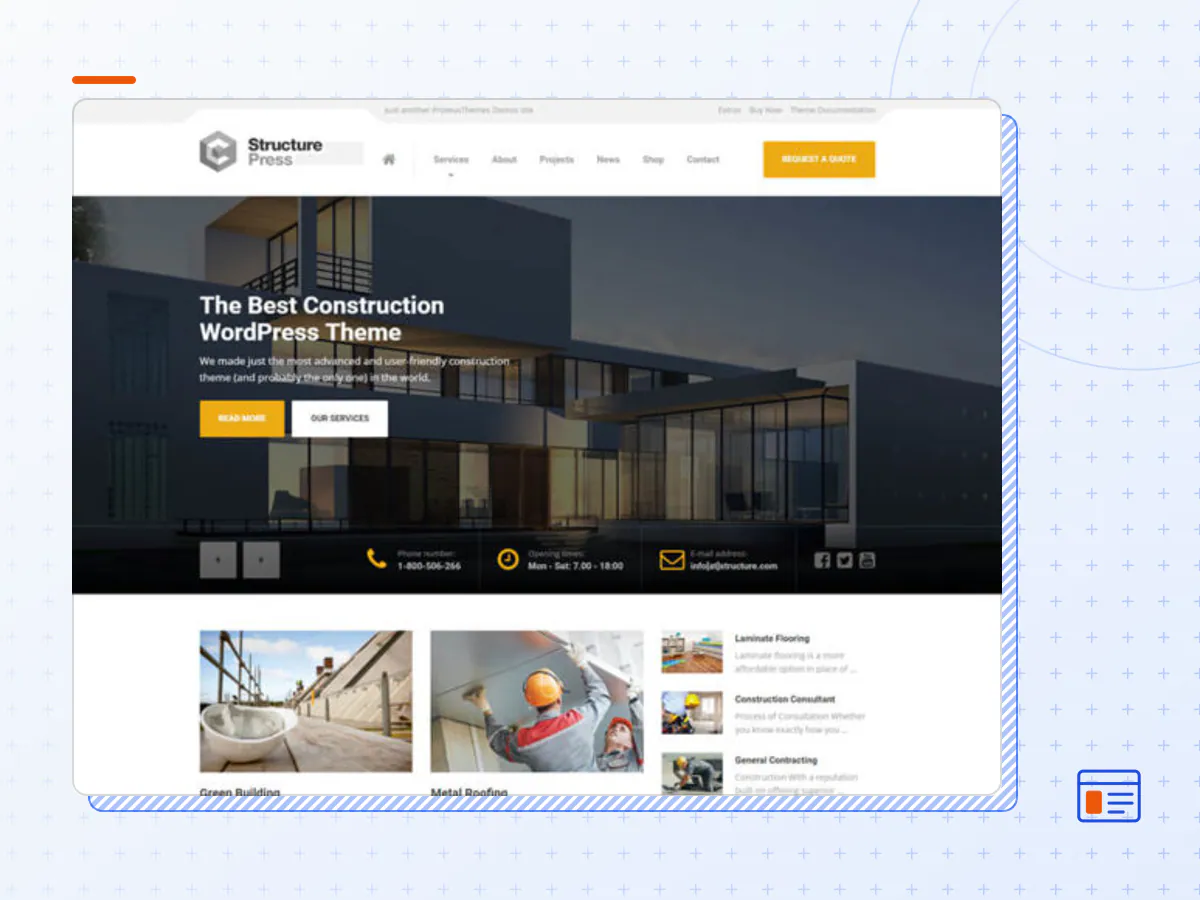
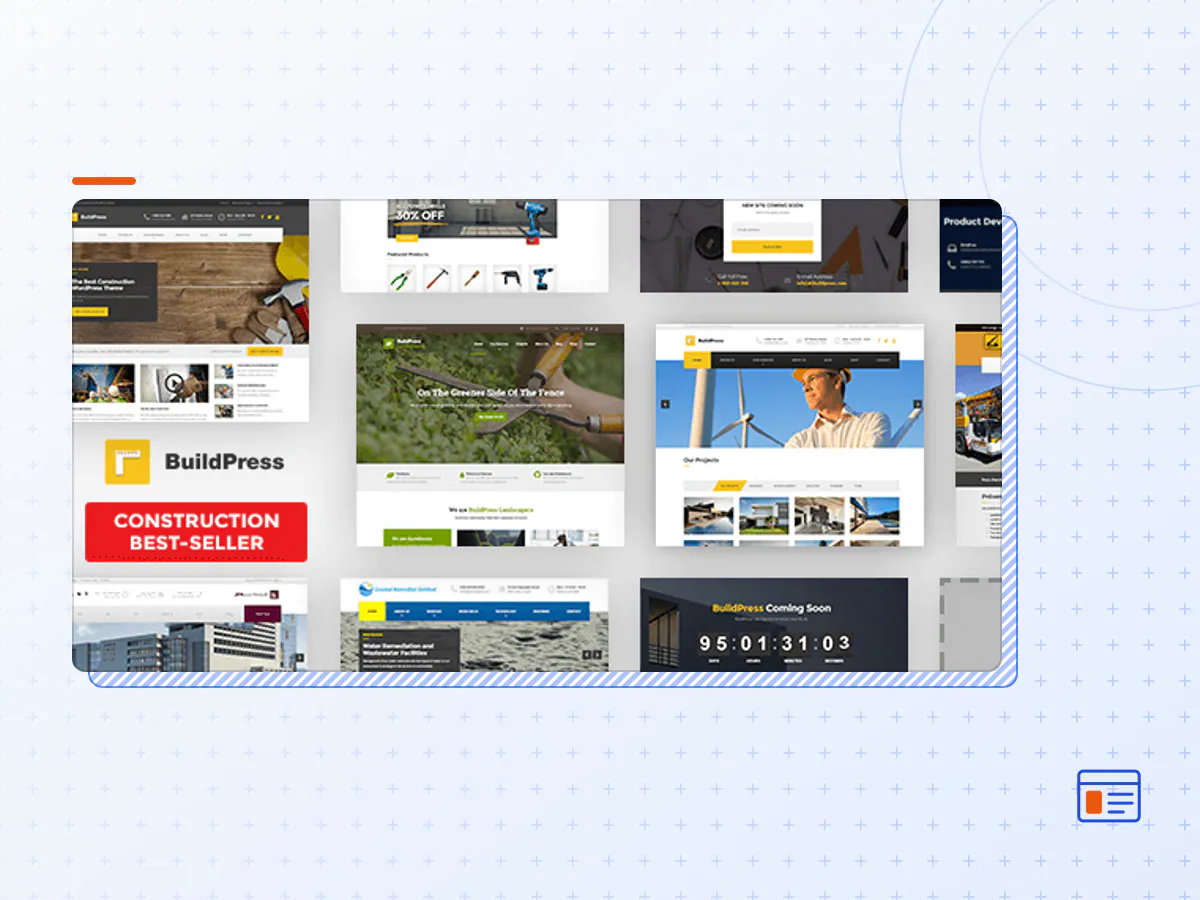
We’ve built the best premium WordPress theme for construction businesses. Introducing BuildPress – our most advanced theme to date. BuildPress is super simple to set up and use and is only available on ThemeForest. The BuildPress theme allows you to create a smart website, easily, so you can focus on what’s most important – your building projects and clients.
Main Features
Intuitive Page Builder
BuildPress has an integrated Page Builder which does all the heavy lifting for you. With its intuitive drag & drop interface, building pages becomes a pleasure.
Real-time WP Customizer & Page Layouts
Change the look and feel of BuildPress with the real-time preview WordPress customizer. See how your website looks before you make the changes live. The theme also includes many different page layouts that you can change via the Customizer (eg. front page layout, regular page, shop, blog, and more!).
One-Click Demo Installer
Import demonstration content with one click to get your theme up and running. This content will guide you through building your website for stress-free and painless website creation!
Included: Essential Grid Gallery Plugin
Premium WordPress plugin Essential Grid comes free with BuildPress. Showcase your company’s portfolio easily with the various stylish grid formats.
Sidebars and widgets
Create your own unique layout with BuildPress’ many custom widgets and sidebars.
WooCommerce compatible
Need an online shop? WooCommerce is fully integrated with the BuildPress theme, so you can quickly build your shop and start selling right away!
Popular WordPress plugins supported
BuildPress supports most popular WordPress plugins by default. Contact Form 7, Custom Sidebars, Jetpack and FancyBox for WordPress are just a few of these.
Responsive & retina-ready
BuildPress looks great on any device, from mobile to desktop and beyond. Our responsive design fits to any screen, and clean code means it loads fast too – especially on mobile!
Solid foundations
Compatibility and code quality are as important as the visual appearance of the theme. Coded by WordPress Standards, BuildPress is developer-friendly and easy to customize or add new functionality.
Built to last
The BuildPress theme lays the groundwork for your unique construction business website. With BuildPress at the heart, we guarantee your site will function well and look great – both today, and in the future.
- The BuildPress theme package as the developer released it.
- The installable theme .zip, plus whatever else the developer ships with it — often a child theme and documentation.
- GPL licensing: use it on as many sites as you like, for yourself or for clients.
- A year of downloads and newer versions with a single purchase, or permanent access with the lifetime upgrade.
- Also unlocked by every membership plan, together with the rest of the theme catalogue.
Not included
- A licence key from the developer — demo importers or bundled-plugin updates that check a key on the developer's servers may need manual steps.
How to install BuildPress
- 1Download BuildPress from Downloads in your account.
- 2If the download holds several files, unzip only that outer package and find the installable theme .zip (usually named after the theme).
- 3In WordPress open Appearance → Themes → Add New Theme → Upload Theme, choose that .zip and click Install Now.
- 4Activate the theme. If it recommends companion plugins, install them from the notice it shows.
- 5Optional: import the demo content from the theme's own setup screen, then replace the demo text and images with yours.
Using a child theme keeps your custom CSS and template edits safe when you upload a newer version of the parent theme.
Is BuildPress the original theme?
Yes — the package is the developer's release, unmodified, redistributed under the GNU GPL. WordPress GPL sells the download and updates; it does not issue vendor licence keys.
Will the BuildPress demo import work?
Usually, yes. Most demo importers run inside WordPress. A few download demo files from the developer's servers and check a licence key first; in that case you can still build the pages yourself with the bundled templates.
How do theme updates work?
When a newer version of BuildPress reaches our catalogue it replaces the file in your account. Upload it over the current theme (Appearance → Themes → Add New Theme → Upload Theme) and WordPress replaces it while keeping your settings.
What if the theme doesn't work?
Contact us with your order number. If the file is broken or clearly not what this page describes and we can't fix it, you get a refund within 14 days of purchase.