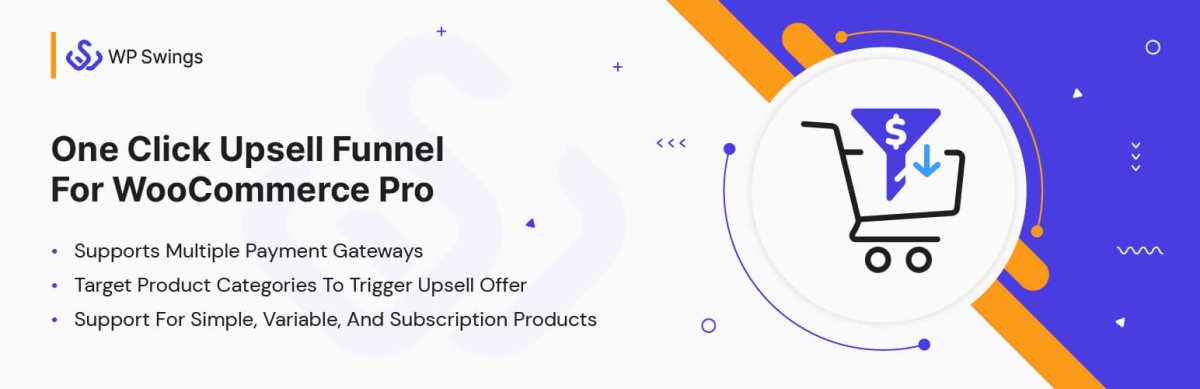
One Click Upsell Funnel for WooCommerce Pro helps merchants create exclusive post-purchase upsell offers. You can easily build highly responsive offer pages in just a few clicks. Customers can purchase the post-checkout offers in a single click without re-entering their payment information. This can result in delighted customers, a boost in Average Order Value (AOV), improved customer retention, and increased sales.
You can create layered WooCommerce upsell offers using pre-built or custom templates. If the consumer declines the first offer, you can show them a better deal.
- Triggers upselling WooCommerce funnels on target products or categories.
- Creates category-based offers or product-based offers.
- Accept payments from core payment gateways.
- Build one-time upsell offers by major page builders with zero coding.
- Show WooCommerce post-purchase upsell offers that your customers can grab in a single click.
- Compatible with Divi Theme and Elementor Page Builder
Overview
Create unlimited one-click upsell, cross-sell, down-sell, one-time offers, sales funnel, and exclusive customized offers with the WooCommerce one-click upsell plugin. Take a detailed look at the features:
- A/B Testing: We’ve integrated A/B Testing into our upsell funnel plugin, allowing admins to compare offers easily and optimize strategies for better sales.
- Mobile Responsive/Optimized Templates: You get 8 provided pre-built templates that are customizable and mobile-friendly for creating WooCommerce upsell offers.
- Launch Global Funnels: Create global funnels that will launch after every purchase irrespective of product or category, providing an opportunity to convert more users.
- Funnel Testing: The sandbox mode allows you to view customized sales funnel templates. During testing, the funnel only triggers for admin instead of customers.
- Select the Target Products & Categories: You can select the products and categories that will trigger WooCommerce upsell offers upon purchase.
- Design Custom Offer Pages: Use the Elementor editor to create your custom templates and add your creative touch to the WooCommerce upsell funnels.
- Smart Offer Skip: The Smart Skip doesn’t trigger the WooCommerce upsell funnel if the customer has already purchased the product shown in the offer.
- Minimum Cart Amount: Set a minimum cart amount to start the WooCommerce upsell offers. Customers must have equal or higher cart value to trigger the offer.
- Upsell Sales Report: You can monitor the performance of all upsell funnels created by you based on metrics like net sales, orders placed, orders purchased, and more.
- Offers for Any Product Type: Create compelling upsell offers for variable, bundled, subscription, or simple products and increase the average order value.
- Smart Upsell Offers: After checkout, display the upgraded product to the customers they have just purchased. Accepting the offer will replace the current product with the offered one.