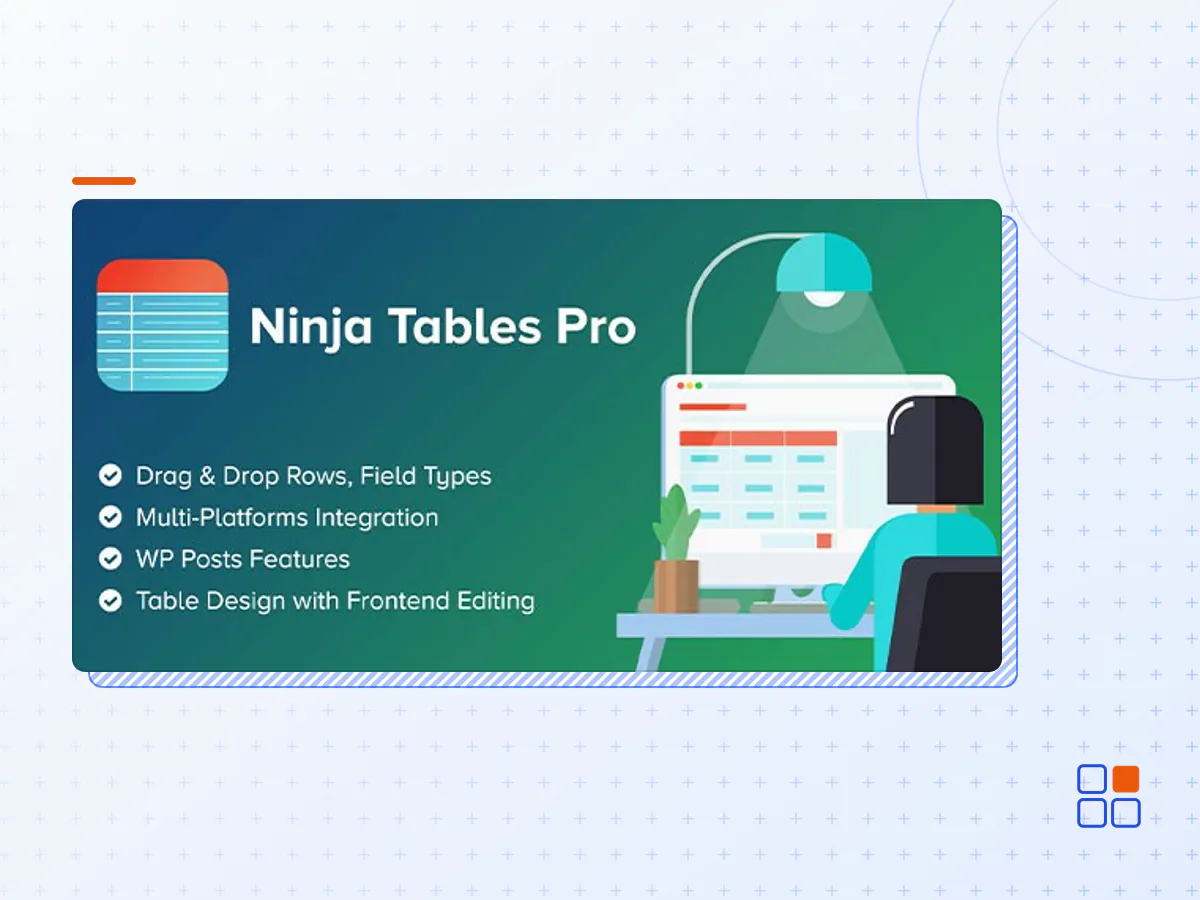
Ninja Tables Pro - The Fastest and Most Diverse WP DataTables Plugin
- Type
- Plugin
- Category
- Other Plugins
- Licence
- GNU GPL
- Delivery
- Instant download
- Access
- 12 months, or lifetime
- Sites
- Unlimited
Easiest Table Builder Plugin In WordPress!
Ninja Tables is the best table plugin to display data in tabular format. Build tables within a minute and customize however you want without coding! It’s the ultimate solution for WordPress tables.
Small Businesses & Online Stores
Display unlimited product details on organized & customizable tables. Engage more customers & boost sales!
Web Developers & Marketers
Create pricing & comparison tables, or Amazon product listing tables & customize data, colors, or layouts the way you want.
Agencies & Organizations
Smart tabular display shows students, employees, & personal data in one place. Customize with filters, colors, & more.
Why Get Ninja Tables?
See how you can get your website to the next level
Simple Design
Creating & customizing WordPress tables couldn’t get easier than this!
Fast Loading
Even unlimited data, rows, or columns won’t take time to load.
Sales-focused
Organize products online with detailed & engaging layouts to increase sales.
Big Data
Display all types & amounts of data smoothly, no matter the size.
Pick Your Table Mode
Ninja Tables gives you distinct options for table creation mode
Simple Mode
Drag & drop mode to build basic, customizable tables
Advanced Mode
Fully customizable tables with advanced features
What Makes Ninja Tables Awesome?
All cutting-edge functions & potentials!
Drag & Drop
Drag table cell elements & drop to build tables easily
WooCommerce product tables
Sell WooCommerce products in an organized table with details
Google Sheets table
Sync with Google Sheets & fetch data entries into tables
Table design customization
Customize table colors, size, background, column, texts, & everything!
Import-export
Export and import CSV/JSON files of existing tables to customize after
Pre-made templates
Edit pricing & comparison table templates in drag & drop
Multimedia
Attach images, videos, links, music, or GIFs to the table for visual appeal
Custom CSS
Tweak your table with custom CSS & control the table your way
Dynamic data
Add all types of data (media, links, numbers) to the table, not just texts
Custom filter
Add filter value, label, title, etc. to search in the table for specific data
Conditional Formatting
Apply conditions to the table column to highlight cells with colors
Transform value with HTML
Turn texts, emails, & numbers into clickable hyperlinks & connect via table
Form Data Tables
Integrate Fluent Forms & show form entries in tables
WP Posts
Fetch WordPress posts/pages & display with all properties
Merge/Split Cells
Join consecutive table cells containing identical data
Lightbox
Open image or play videos in lightbox for a clearer view
Ninja Charts
Make any kind of charts and graphs with deep-integrated Ninja Charts
More coming in the future!
We’ll add more & more features as the plugin keeps improving!
- The Ninja Tables Pro plugin archive (.zip), exactly as the developer released it.
- Uploads straight from the WordPress dashboard — no FTP or extra tools needed.
- GPL licensing: install it on every site you manage, client sites included.
- A year of downloads and newer versions with a single purchase, or permanent access with the lifetime upgrade.
- Also unlocked by every membership plan, together with the rest of the plugin catalogue.
Not included
- A licence key from the developer — features that run on the developer's own servers (cloud services, vendor auto-updates, vendor support) may be unavailable.
How to install Ninja Tables Pro
- 1Download Ninja Tables Pro from Downloads in your account. Keep the file zipped.
- 2In your WordPress dashboard open Plugins → Add New Plugin and click Upload Plugin.
- 3Choose the .zip, click Install Now, then Activate.
- 4Open the Ninja Tables Pro settings screen and configure it for your site.
- 5If a notice asks for a licence key you can dismiss it; the plugin itself runs without one.
To update later, download the newer version from your account and upload it the same way — WordPress offers to replace the installed copy and keeps your settings.
Is this the developer's original Ninja Tables Pro file?
Yes. The archive is the release the developer published, with nothing added or removed. It is distributed under the GNU GPL, which is what allows WordPress GPL to offer it; you are buying the download and updates, not a licence key from the vendor.
Can I use Ninja Tables Pro on client websites?
Yes. The GPL places no limit on the number of sites, so you can install it on your own projects and on sites you build for clients.
How do I get newer versions of Ninja Tables Pro?
When a newer release reaches our catalogue it replaces the file in your account, and you can request one from this page if you need it sooner. A single purchase covers a year of downloads (or longer with the lifetime upgrade); a membership covers updates while it is active.
Does it come with support from the developer?
No — vendor support is tied to a licence bought from the developer. We help with downloading and installing the file, and if it turns out to be broken you can ask for a refund within 14 days.