MultiPOS - Point of Sale (POS) for WooCommerce
- Type
- Plugin
- Licence
- GNU GPL
- Delivery
- Instant download
- Access
- 12 months, or lifetime
- Sites
- Unlimited
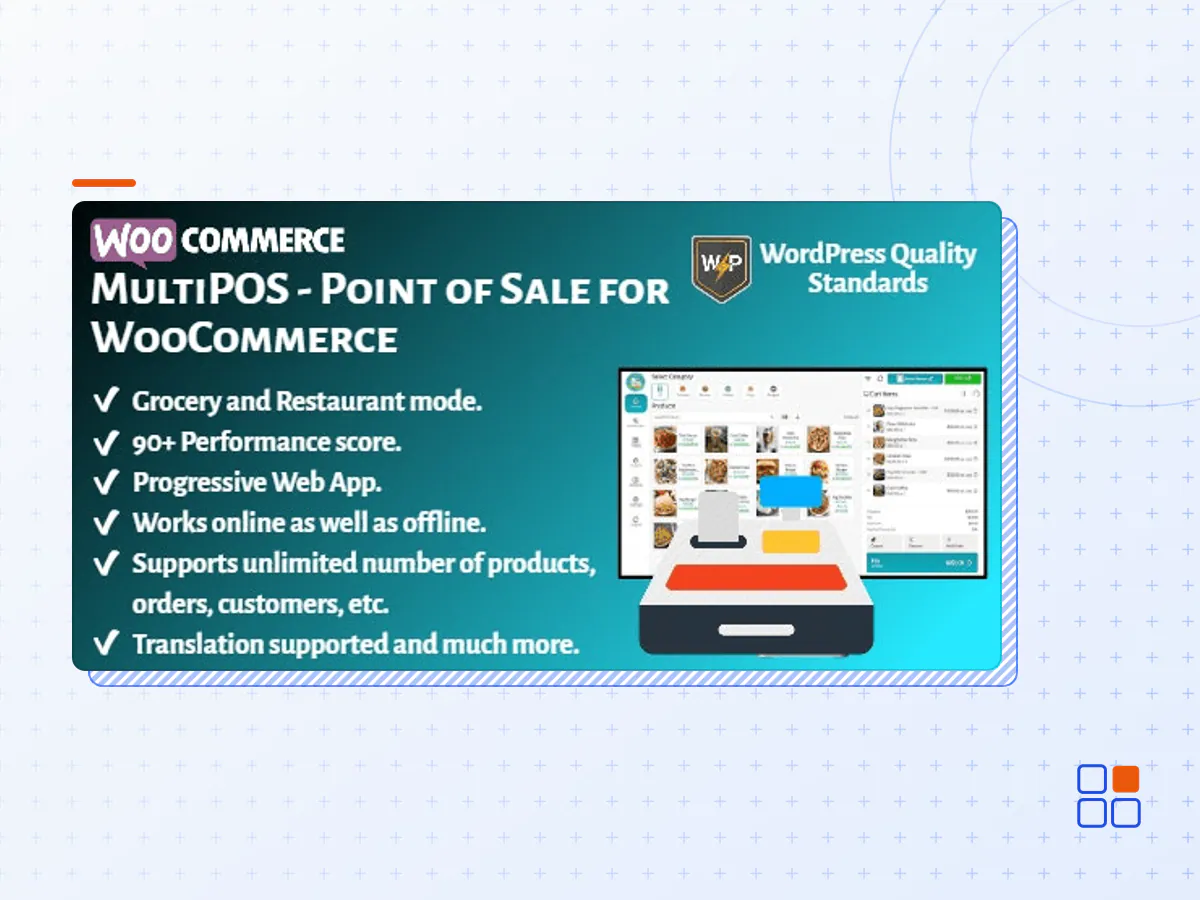
MultiPOS – Point of Sale (POS) for WooCommerce module allows store owners to sell products online as well as in their physical stores. It can sync your online store to the point of sale with orders, customers, and product listings and vice versa. This Point of Sale plugin can be used for the Grocery/Retail as well as for the Restaurant/Cafe outlet modes. Supported businesses are Retailers, pubs, gyms, Hospitals, salons, Restaurants, cafes, supermarkets, bars, Clothing Stores, and much more.
This plugin offers a wide range of features and tools to help you streamline your sales process, improve customer satisfaction, and grow your business. One of the key benefits of MultiPOS – Point of Sale (POS) for WooCommerce is the ability to manage both online and offline sales from a single platform. This makes it easy to switch between online and in-person sales, and provides you with real-time insights into your sales data, so you can make informed decisions about your business.
Another important feature of the plugin is the intuitive and user-friendly interface. The plugin is designed to be easy to use, even for those without extensive technical knowledge, making it a great option for businesses of all sizes. Additionally, the plugin offers a range of customization options, so you can tailor the interface to meet your specific needs.
In addition to these core features, MultiPOS – Point of Sale (POS) for WooCommerce also offers a range of advanced tools and features to help you manage and grow your business. For example, you can use the plugin to generate reports, manage inventory, and track sales, so you can make informed decisions about your business and stay ahead of the competition.
It works natively with WooCommerce and connects to your shop through the REST APIs. All orders made from the POS on the frontend will be automatically synced to the database of your WooCommerce, exactly as any other information concerning product stock, customers’ data, etc.
It is built with the React technology and having 90+ performance score which already makes this POS the best and fastest in the marketplace. It can handle an unlimited number of products, outlets, orders, customers, etc. easily. Desktop and Mobile PWA apps are supported in the POS. It can be worked either online or offline.
Finally, MultiPOS – Point of Sale (POS) for WooCommerce is fully compatible with the latest versions of WooCommerce, so you can be confident that it will work seamlessly with your existing eCommerce store. Whether you’re just starting out or you’re looking to grow your business, MultiPOS – Point of Sale (POS) for WooCommerce is a great option for managing your sales and improving your customer experience.
So why wait? Try MultiPOS – Point of Sale (POS) for WooCommerce today and start seeing the benefits for yourself! Whether you’re looking to streamline your sales process, improve customer satisfaction, or grow your business, MultiPOS – Point of Sale (POS) for WooCommerce has everything you need to succeed.
- The MultiPOS plugin archive (.zip), exactly as the developer released it.
- Uploads straight from the WordPress dashboard — no FTP or extra tools needed.
- GPL licensing: install it on every site you manage, client sites included.
- A year of downloads and newer versions with a single purchase, or permanent access with the lifetime upgrade.
- Also unlocked by every membership plan, together with the rest of the plugin catalogue.
Not included
- A licence key from the developer — features that run on the developer's own servers (cloud services, vendor auto-updates, vendor support) may be unavailable.
How to install MultiPOS
- 1Download MultiPOS from Downloads in your account. Keep the file zipped.
- 2In your WordPress dashboard open Plugins → Add New Plugin and click Upload Plugin.
- 3Choose the .zip, click Install Now, then Activate.
- 4Open the MultiPOS settings screen and configure it for your site.
- 5If a notice asks for a licence key you can dismiss it; the plugin itself runs without one.
To update later, download the newer version from your account and upload it the same way — WordPress offers to replace the installed copy and keeps your settings.
Is this the developer's original MultiPOS file?
Yes. The archive is the release the developer published, with nothing added or removed. It is distributed under the GNU GPL, which is what allows WordPress GPL to offer it; you are buying the download and updates, not a licence key from the vendor.
Can I use MultiPOS on client websites?
Yes. The GPL places no limit on the number of sites, so you can install it on your own projects and on sites you build for clients.
How do I get newer versions of MultiPOS?
When a newer release reaches our catalogue it replaces the file in your account, and you can request one from this page if you need it sooner. A single purchase covers a year of downloads (or longer with the lifetime upgrade); a membership covers updates while it is active.
Does it come with support from the developer?
No — vendor support is tied to a licence bought from the developer. We help with downloading and installing the file, and if it turns out to be broken you can ask for a refund within 14 days.