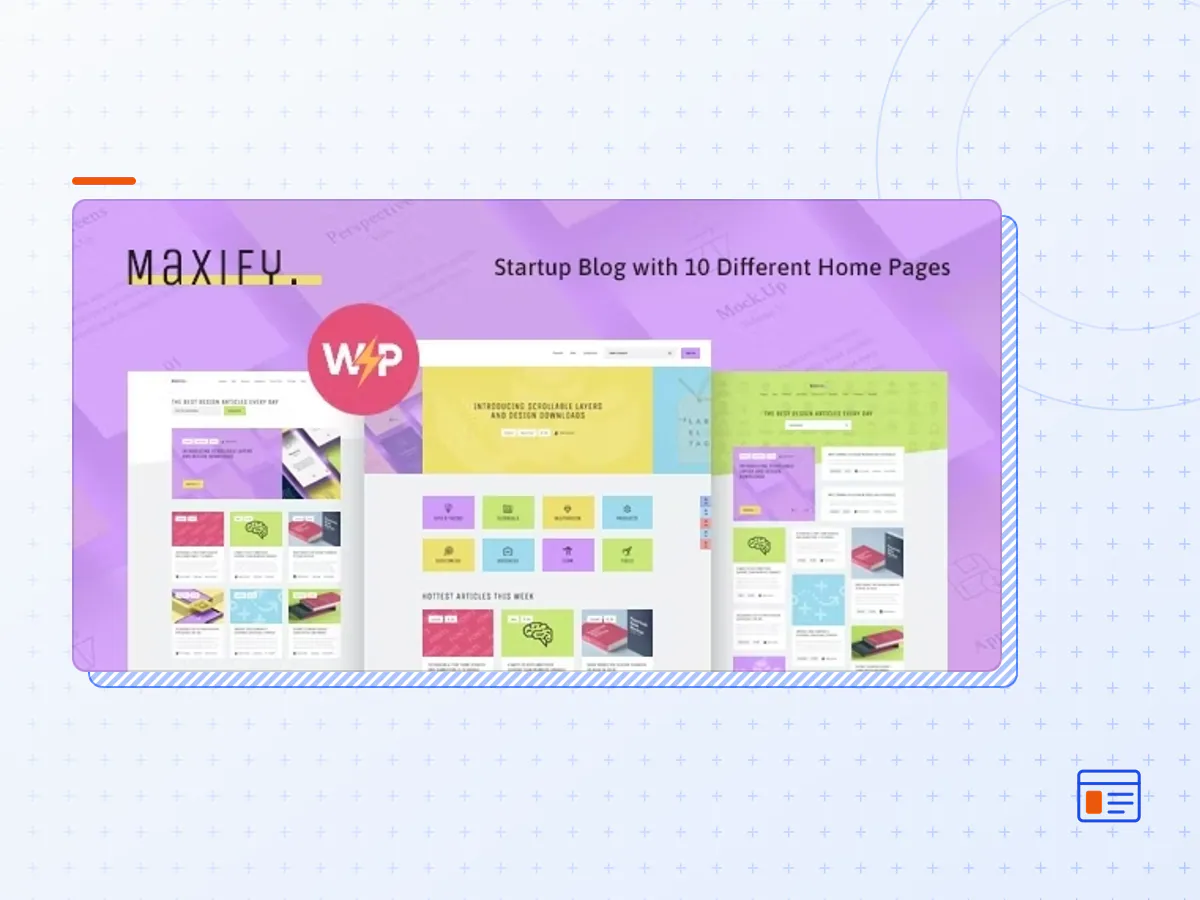
Maxify | Startup & Business News WordPress Blog Theme
- Type
- Theme
- Category
- WordPress Blog Themes
- Licence
- GNU GPL
- Delivery
- Instant download
- Access
- 12 months, or lifetime
- Sites
- Unlimited
Maxify Business Blog and Startup Magazine WordPress Theme
Maxify is a clean and modern Business Blog and Startup Magazine WordPress Theme. It is perfect for startup, web agency, company, contemporary firm and business. Also, it is great for personal and corporate blog and news magazine.
Furthermore, it works for inspirational stories, affiliate, minimal, media, freelance, news jacking, instructional, cheat sheet, entertaining & gaming. Above all it suits tutorial, industry, current events, checklists, listicles, infographics, case studies, profiles, interviews, expert opinions, reviews, comparisons, parody, funny, quizzes, surveys and polls, local, FAQs.
If you are a writer or a blogger and write articles, stories, world news, have a travel blog or entertainment blog – share your article or life style story with Maxify
Personal Blog & Review Magazine WordPress Plugins
- Elementor
- Social Pug
- Instagram Feed
- MailChimp
- Essential Grid
Personal Blog WordPress Features
Maxify offers a lot of handy functions. For example, scroll-to-topfunctionality; it supports a number of diverse blog layouts and has extra fast page load. Moreover Maxify has plenty of premade homepages, modules, shortcodes that can be used in your future project.
- The Maxify theme package as the developer released it.
- The installable theme .zip, plus whatever else the developer ships with it — often a child theme and documentation.
- GPL licensing: use it on as many sites as you like, for yourself or for clients.
- A year of downloads and newer versions with a single purchase, or permanent access with the lifetime upgrade.
- Also unlocked by every membership plan, together with the rest of the theme catalogue.
Not included
- A licence key from the developer — demo importers or bundled-plugin updates that check a key on the developer's servers may need manual steps.
How to install Maxify
- 1Download Maxify from Downloads in your account.
- 2If the download holds several files, unzip only that outer package and find the installable theme .zip (usually named after the theme).
- 3In WordPress open Appearance → Themes → Add New Theme → Upload Theme, choose that .zip and click Install Now.
- 4Activate the theme. If it recommends companion plugins, install them from the notice it shows.
- 5Optional: import the demo content from the theme's own setup screen, then replace the demo text and images with yours.
Using a child theme keeps your custom CSS and template edits safe when you upload a newer version of the parent theme.
Is Maxify the original theme?
Yes — the package is the developer's release, unmodified, redistributed under the GNU GPL. WordPress GPL sells the download and updates; it does not issue vendor licence keys.
Will the Maxify demo import work?
Usually, yes. Most demo importers run inside WordPress. A few download demo files from the developer's servers and check a licence key first; in that case you can still build the pages yourself with the bundled templates.
How do theme updates work?
When a newer version of Maxify reaches our catalogue it replaces the file in your account. Upload it over the current theme (Appearance → Themes → Add New Theme → Upload Theme) and WordPress replaces it while keeping your settings.
What if the theme doesn't work?
Contact us with your order number. If the file is broken or clearly not what this page describes and we can't fix it, you get a refund within 14 days of purchase.