Lumise Product Designer | WooCommerce WordPress
- Type
- Plugin
- Category
- WooCommerce Plugins
- Licence
- GNU GPL
- Delivery
- Instant download
- Access
- 12 months, or lifetime
- Sites
- Unlimited
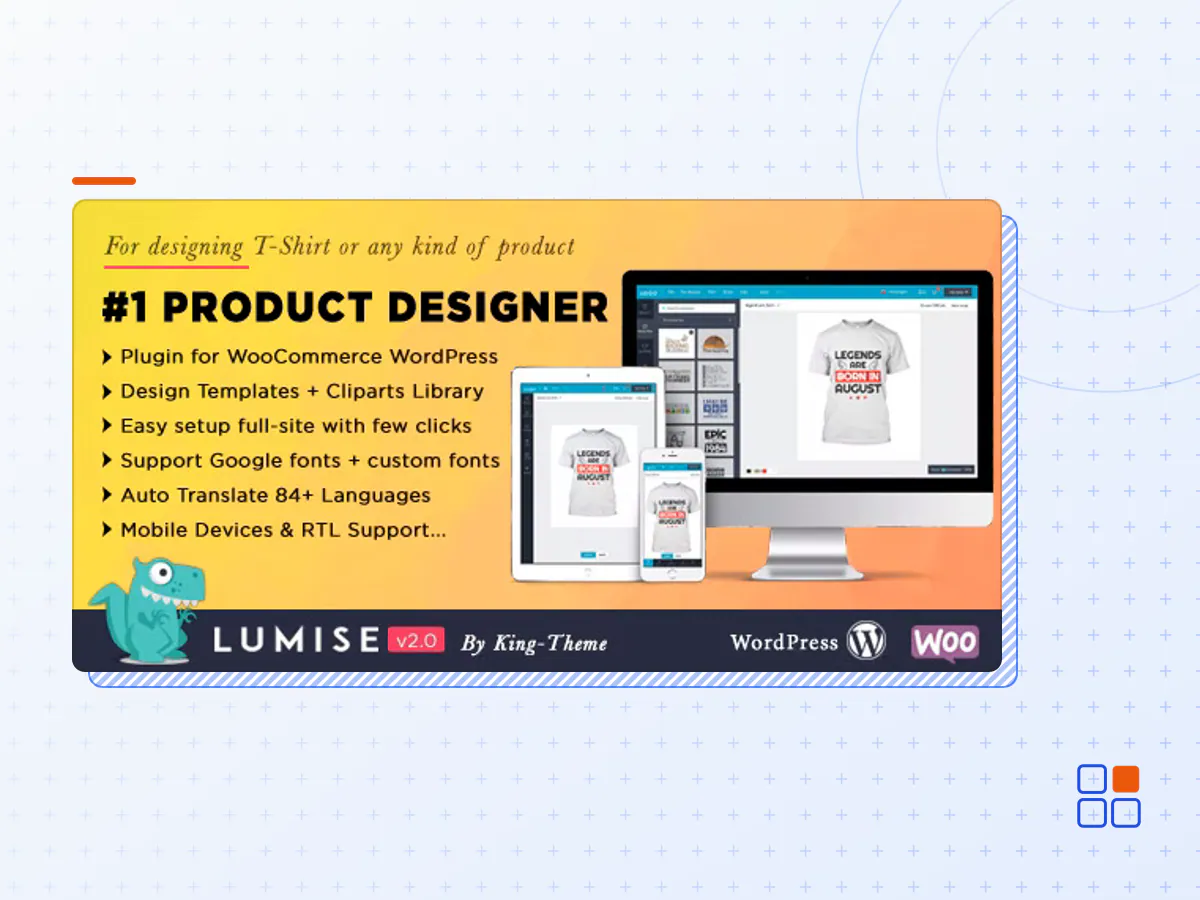
Lumise is the professional product designer tool , built by HTML5 + JavaScript technologies. It is a product of King-Theme an Elite Author on Envato. Lumise is designed to focus on the user experience and provide all in one for a breakthrough solution for your print services store. In addition, it has many powerful exclusive features and top-friendly interface to help your users easy to design any ideas.
Lumise Product Designer – Key Features!
High UI/UX
Lumise works as an application, friendly in use. We are theme provider before, so we know what is best for customers. Let’s rock with Lumise!
Pre-built Design Templates
Create awesome design templates to fit with any kind of products, Set price for that and users able to use it with one-click.
Unlimited Cliparts Stocks
Are you worry about the cliparts resource? Let us handles that for you, you can do other things you love. There are more than 2+ reosource cliparts for your customers can use: Pixabay and Openclipart with more than 120k+ items. Amazing stocks!
Export/import designs
Your customers can export design and import them from another device to continue work on or checkout. You can export design to create new template, or even save to personal data.It is really flexibility!
Multi languages
Lumise support language switching. All languages were controlled and translate automatic from the admin panel, and you can put your translate text there.
Mobile & tablet supported
Lumise can run on mobile and tablet devices as a real native app, which are popular with customers. Your website can get the order from any devices
Design ready to print after checkout
Lumise support multi-output for printing such as PDF, SVG, JSON, PNG… All of them is rendered with high quality and compatibility with all printing devices.
Social media
Your customer can get there already images from social accounts. We support Facebook, Instagram and more.
Specially cart to work with any system
Lumise provides separately cart system, which you can add an item and edit them, then your cms will handle other steps at checkout.
Undo/Redo
Working on app looks like an application on the desktop is the perfect point to attract your customers. With Lumise you can redo/undo all action once design.
Text effect
Make text more curve, fisheye effect, oblique, convexo-concave are one of many things you can do with text.
Filters effects
Lumise Filter is a versatile tool for making local adjustments to your photos. The filters named after a type of filter used for making skies darker in landscape photography, but its uses go far beyond that.
Crop/Editable photos
Whatever your object it is, Lumise has many methods to make them more personalized. Crop images, highlight object by filter colors, effects or even remove background as well.
Mask layers
Do your customers want to have a sight of the text? No problem, The Mask Layers help they get it. So amazing to have this feature!
QR code
Personalize design with QR code is not bad ideas. Customer’s friend easy gets their message with a small phone support QR code scanner.
Auto Snap
When you move a shape or layers, it will align or “snap to” the nearest intersection of lines in center points, even if the grid is not visible, or snap to other image or layers.
Flexible edit zone
Lumise helps you select edit zone easily by mouse actions. You can set the radius of the area also.
Support multi product type
Whatever your product, just have a place for print then Lumise can apply print area for that product. Phone case, sticks, mugs, posters… Lumise can handle all of them.
Ultimate printing calculate
Price base on some text, color or cliparts. There are most popular calculate for printing services; we are it all as well. It is easy for you to config them.
Set pre-template for product
For selling quickly, you can create a template and assign it to a product. Your users just need to select other values for attributes then purchase the product.
- The Lumise Product Designer plugin archive (.zip), exactly as the developer released it.
- Uploads straight from the WordPress dashboard — no FTP or extra tools needed.
- GPL licensing: install it on every site you manage, client sites included.
- A year of downloads and newer versions with a single purchase, or permanent access with the lifetime upgrade.
- Also unlocked by every membership plan, together with the rest of the plugin catalogue.
Not included
- A licence key from the developer — features that run on the developer's own servers (cloud services, vendor auto-updates, vendor support) may be unavailable.
How to install Lumise Product Designer
- 1Download Lumise Product Designer from Downloads in your account. Keep the file zipped.
- 2In your WordPress dashboard open Plugins → Add New Plugin and click Upload Plugin.
- 3Choose the .zip, click Install Now, then Activate.
- 4Open the Lumise Product Designer settings screen and configure it for your site.
- 5If a notice asks for a licence key you can dismiss it; the plugin itself runs without one.
To update later, download the newer version from your account and upload it the same way — WordPress offers to replace the installed copy and keeps your settings.
Is this the developer's original Lumise Product Designer file?
Yes. The archive is the release the developer published, with nothing added or removed. It is distributed under the GNU GPL, which is what allows WordPress GPL to offer it; you are buying the download and updates, not a licence key from the vendor.
Can I use Lumise Product Designer on client websites?
Yes. The GPL places no limit on the number of sites, so you can install it on your own projects and on sites you build for clients.
How do I get newer versions of Lumise Product Designer?
When a newer release reaches our catalogue it replaces the file in your account, and you can request one from this page if you need it sooner. A single purchase covers a year of downloads (or longer with the lifetime upgrade); a membership covers updates while it is active.
Does it come with support from the developer?
No — vendor support is tied to a licence bought from the developer. We help with downloading and installing the file, and if it turns out to be broken you can ask for a refund within 14 days.