KiviCare 2.0 - Medical Clinic & Patient Management WordPress Solution
- Type
- Plugin
- Licence
- GNU GPL
- Delivery
- Instant download
- Access
- 12 months, or lifetime
- Sites
- Unlimited
Introducing KiviCare: Your Ultimate Medical Clinic and Patient Management Solution for WordPress
Experience Excellence Across Devices: With KiviCare’s medical clinic and patient management WordPress theme, your clinic’s presence shines brilliantly on all screens. Whether it’s a desktop or a mobile device, the Hi-Definition graphics and visuals are consistently sharp, ensuring your clinic’s professionalism is never compromised.
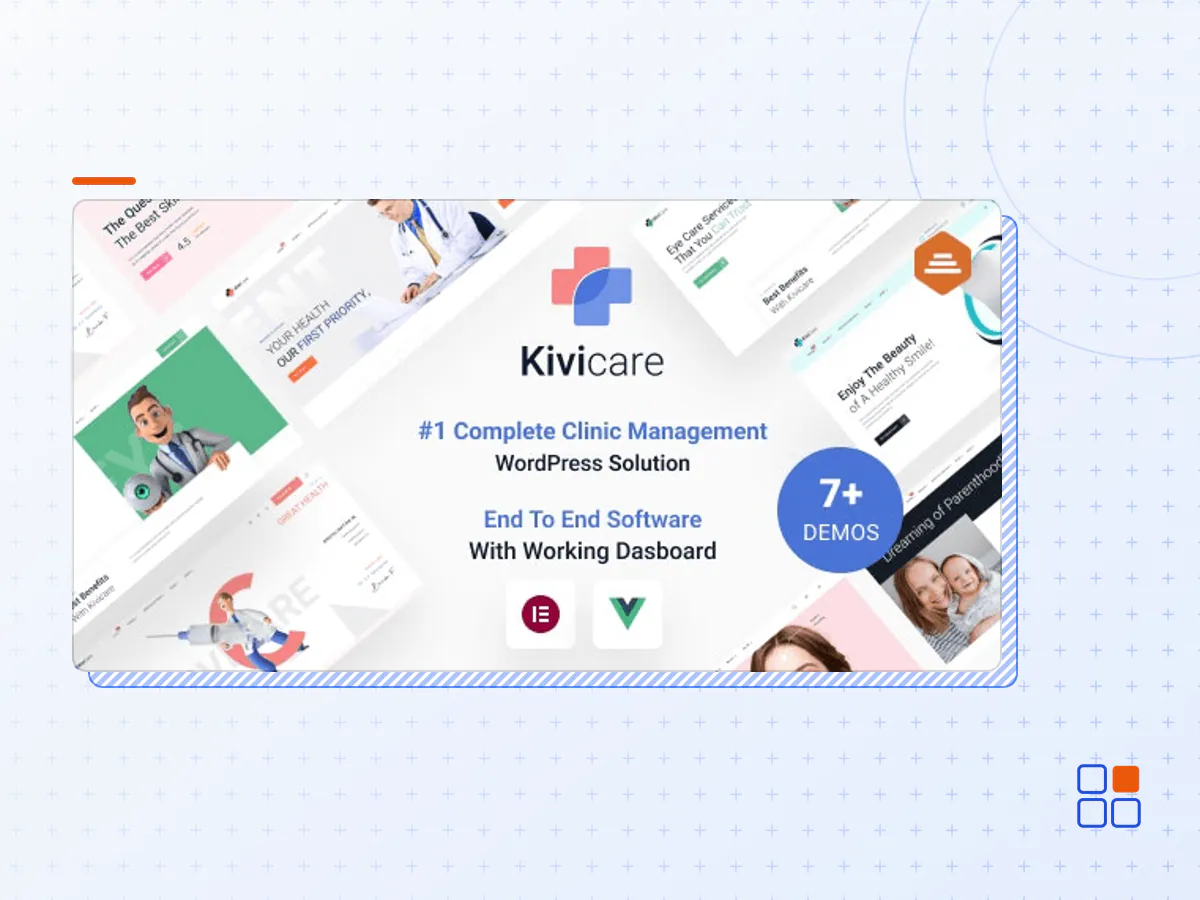
Seamless Clinic Setup in Seconds: Ranked as the #1 complete clinic management solution on the world’s most renowned website platform, WordPress, KiviCare empowers you to establish your clinic in just 60 seconds using its remarkable plugin. Say goodbye to tedious setup processes and embrace the efficiency of KiviCare.
Essential Features at Your Fingertips: KiviCare brings an array of features that redefine clinic management. Some key highlights include:
Effortless 24×7 Appointment Bookings: Simplify patient scheduling with hassle-free round-the-clock appointment bookings.
Comprehensive Patient Records: Maintain detailed patient records, ensuring you have instant access to essential information whenever needed.
Complete Medical History Tracking: Keep track of patients’ medical histories, fostering better diagnosis and treatment planning.
Streamlined Encounter Management: Seamlessly manage all patient encounters and efficiently process them for optimal workflow.
Holidays, Events, and Notices: Stay organised by effortlessly adding holidays, important events, and notices to your clinic’s calendar.
Customizable Templates: Enjoy the flexibility of customizable templates for both clinic and patient management, allowing you to tailor the experience according to your needs.
Super Admin’s Insightful Activity Log: The Super Admin gains a panoramic view of all doctors’ activities through a comprehensive activity log.
Empowered User Creation: The Super Admin holds the authority to create doctors, patients, and other users, fostering a structured and organised ecosystem.
Precise Appointment Tracking: Keep tabs on appointments with precision, ensuring you’re always on top of your clinic’s schedule.
Invoices and Encounters: Generate, create, and manage invoices and encounters with ease, ensuring accurate billing and documentation.
Real-time Session Status: Stay informed about changes in clinic sessions’ statuses in real time, enabling effective session management.
KiviCare is more than just a theme and plugin; it’s a complete clinic management software to transform your clinic’s management approach. Say hello to streamlined operations, enhanced patient care, and a platform that empowers you to focus on what matters most: delivering exceptional healthcare. Experience KiviCare today and elevate your clinic’s performance like never before.
Homepages
- Product Home
- Clinic Management
- Dental Clinic
- Eye Care Clinic
- Skincare Clinic
- Fertility Clinic
- ENT Clinic
- Psychiatrist
- Paediatrician
- Cardiac
- Orthopedics
- RTL Home Page Demo
- Comming Soon
Specialization
- Oncologist
- Neurologist
- ENT Specialist
- Cardiologist
- Audiologist
- Psychiatrist
Doctors
- Grid Two Columns
- Grid Three Columns
- Single Doctor details
Blog
- Blog
- Blog Listing
- Blog Masonry
- Blog Grid
- – Two Columns
- – Three Columns
- – Three Columns + Full Width
- – Four Columns
- – Four Columns + full Width
- Blog Sidebar
- – Left Sidebar
- – Right Sidebar
- Blog Single
- – standart
- – gallery
- – link
- – video
- – audio
- – quote
- – Blog Masonry
Shop
- Shop Listview
- – Shop Sidebar
- – Left Sidebar
- – Rigth Sidebar
- – No Sidebar
- Shop Grid
- – Two column
- – Three column
- – Three column + Full Width
- – Four column
- – Four column + Full Width
- – Five Column
- Product Type
- – Product Standard
- – Product Sale
- – Product New
- Shop Page
- – Shop
- – Cart
- – Wishlist
- – Checkout
- – Track Order
- Authontication Pages
- – Login
- – Register
- – Forgot Pwd
Main feature of clinic management software
- Hassle-free 24×7 appointment bookings
- Maintain patient records
- Maintain medical history
- Manage all encounters and process them
- Add holidays and important events and notices
- Provide customizable templates for clinic and patient management
- Super Admin can view complete activity log for all doctors
- Super admin can create doctors, patients and other users
- Keeping track of appointments
- Manage day-to-day encounters
- Create and check invoices/encounters
- Check on the status of clinic session changes
- The KiviCare 2.0 plugin archive (.zip), exactly as the developer released it.
- Uploads straight from the WordPress dashboard — no FTP or extra tools needed.
- GPL licensing: install it on every site you manage, client sites included.
- A year of downloads and newer versions with a single purchase, or permanent access with the lifetime upgrade.
- Also unlocked by every membership plan, together with the rest of the plugin catalogue.
Not included
- A licence key from the developer — features that run on the developer's own servers (cloud services, vendor auto-updates, vendor support) may be unavailable.
How to install KiviCare 2.0
- 1Download KiviCare 2.0 from Downloads in your account. Keep the file zipped.
- 2In your WordPress dashboard open Plugins → Add New Plugin and click Upload Plugin.
- 3Choose the .zip, click Install Now, then Activate.
- 4Open the KiviCare 2.0 settings screen and configure it for your site.
- 5If a notice asks for a licence key you can dismiss it; the plugin itself runs without one.
To update later, download the newer version from your account and upload it the same way — WordPress offers to replace the installed copy and keeps your settings.
Is this the developer's original KiviCare 2.0 file?
Yes. The archive is the release the developer published, with nothing added or removed. It is distributed under the GNU GPL, which is what allows WordPress GPL to offer it; you are buying the download and updates, not a licence key from the vendor.
Can I use KiviCare 2.0 on client websites?
Yes. The GPL places no limit on the number of sites, so you can install it on your own projects and on sites you build for clients.
How do I get newer versions of KiviCare 2.0?
When a newer release reaches our catalogue it replaces the file in your account, and you can request one from this page if you need it sooner. A single purchase covers a year of downloads (or longer with the lifetime upgrade); a membership covers updates while it is active.
Does it come with support from the developer?
No — vendor support is tied to a licence bought from the developer. We help with downloading and installing the file, and if it turns out to be broken you can ask for a refund within 14 days.