ThemesWordPress Medical & Health Themes
KiviCare - Medical Clinic & Patient Management WordPress Theme
- Type
- Theme
- Licence
- GNU GPL
- Delivery
- Instant download
- Access
- 12 months, or lifetime
- Sites
- Unlimited
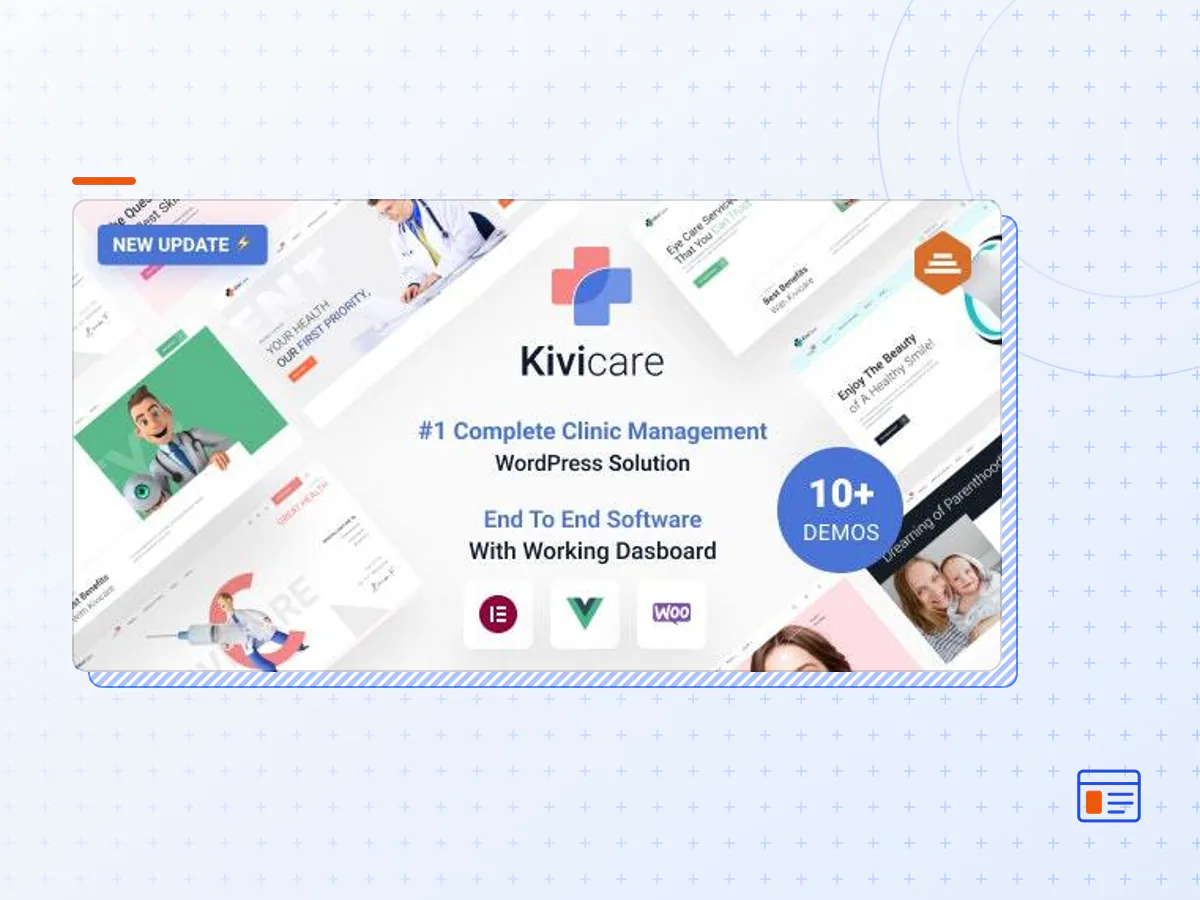
Kivicare is a 1st of kind theme with a fully functional clinic management solution built into it. You get a complete Appointment booking engine, Patient records, Medical history, and much more. Kivicare is packed with fully customizable Elmentor widgets. Our ultimate Clinic management tool is powerful & functional. It would save you 1000+ Hours and dollars for setting up software for your clinic. Its 200+ Theme Options allow crafting almost any imaginable design.
KiviCare Theme
Introducing KiviCare: Your Ultimate Medical Clinic and Patient Management Solution for WordPress
Experience Excellence Across Devices: With KiviCare’s medical clinic and patient management WordPress theme, your clinic’s presence shines brilliantly on all screens. Whether it’s a desktop or a mobile device, the Hi-Definition graphics and visuals are consistently sharp, ensuring your clinic’s professionalism is never compromised.
Seamless Clinic Setup in Seconds: Ranked as the #1 complete clinic management solution on the world’s most renowned website platform, WordPress, KiviCare empowers you to establish your clinic in just 60 seconds using its remarkable plugin. Say goodbye to tedious setup processes and embrace the efficiency of KiviCare.
Essential Features at Your Fingertips: KiviCare brings an array of features that redefine clinic management. Some key highlights include:
Effortless 24×7 Appointment Bookings: Simplify patient scheduling with hassle-free round-the-clock appointment bookings.
Comprehensive Patient Records: Maintain detailed patient records, ensuring you have instant access to essential information whenever needed.
Complete Medical History Tracking: Keep track of patients’ medical histories, fostering better diagnosis and treatment planning.
Streamlined Encounter Management: Seamlessly manage all patient encounters and efficiently process them for optimal workflow.
Holidays, Events, and Notices: Stay organised by effortlessly adding holidays, important events, and notices to your clinic’s calendar.
Customizable Templates: Enjoy the flexibility of customizable templates for both clinic and patient management, allowing you to tailor the experience according to your needs.
Super Admin’s Insightful Activity Log: The Super Admin gains a panoramic view of all doctors’ activities through a comprehensive activity log.
Empowered User Creation: The Super Admin holds the authority to create doctors, patients, and other users, fostering a structured and organised ecosystem.
Precise Appointment Tracking: Keep tabs on appointments with precision, ensuring you’re always on top of your clinic’s schedule.
Invoices and Encounters: Generate, create, and manage invoices and encounters with ease, ensuring accurate billing and documentation.
Real-time Session Status: Stay informed about changes in clinic sessions’ statuses in real time, enabling effective session management.
KiviCare is more than just a theme and plugin; it’s a complete clinic management software to transform your clinic’s management approach. Say hello to streamlined operations, enhanced patient care, and a platform that empowers you to focus on what matters most: delivering exceptional healthcare. Experience KiviCare today and elevate your clinic’s performance like never before.
- The KiviCare theme package as the developer released it.
- The installable theme .zip, plus whatever else the developer ships with it — often a child theme and documentation.
- GPL licensing: use it on as many sites as you like, for yourself or for clients.
- A year of downloads and newer versions with a single purchase, or permanent access with the lifetime upgrade.
- Also unlocked by every membership plan, together with the rest of the theme catalogue.
Not included
- A licence key from the developer — demo importers or bundled-plugin updates that check a key on the developer's servers may need manual steps.
How to install KiviCare
- 1Download KiviCare from Downloads in your account.
- 2If the download holds several files, unzip only that outer package and find the installable theme .zip (usually named after the theme).
- 3In WordPress open Appearance → Themes → Add New Theme → Upload Theme, choose that .zip and click Install Now.
- 4Activate the theme. If it recommends companion plugins, install them from the notice it shows.
- 5Optional: import the demo content from the theme's own setup screen, then replace the demo text and images with yours.
Using a child theme keeps your custom CSS and template edits safe when you upload a newer version of the parent theme.
Is KiviCare the original theme?
Yes — the package is the developer's release, unmodified, redistributed under the GNU GPL. WordPress GPL sells the download and updates; it does not issue vendor licence keys.
Will the KiviCare demo import work?
Usually, yes. Most demo importers run inside WordPress. A few download demo files from the developer's servers and check a licence key first; in that case you can still build the pages yourself with the bundled templates.
How do theme updates work?
When a newer version of KiviCare reaches our catalogue it replaces the file in your account. Upload it over the current theme (Appearance → Themes → Add New Theme → Upload Theme) and WordPress replaces it while keeping your settings.
What if the theme doesn't work?
Contact us with your order number. If the file is broken or clearly not what this page describes and we can't fix it, you get a refund within 14 days of purchase.