ThemesWordPress Ecommerce Themes
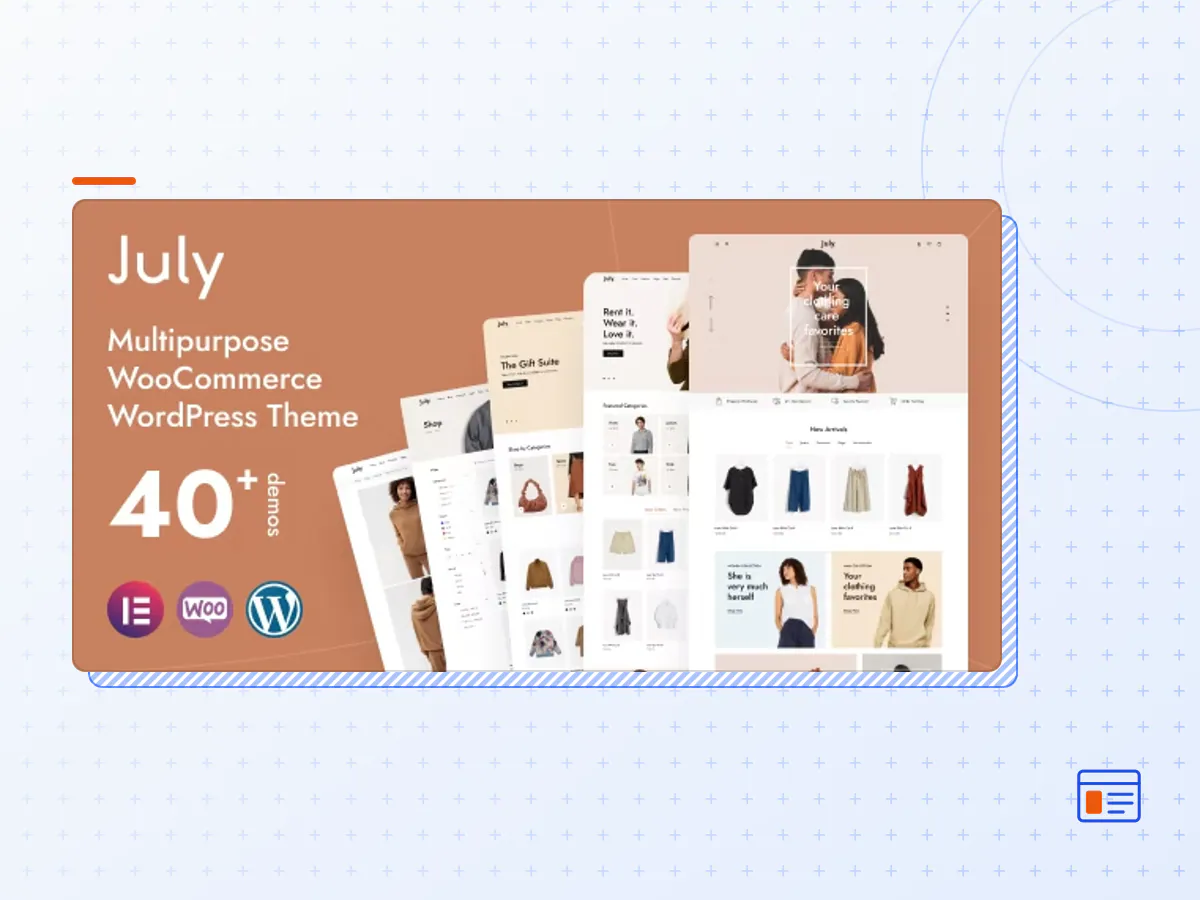
July – eCommerce WordPress Theme
- Type
- Theme
- Category
- WordPress Ecommerce Themes
- Licence
- GNU GPL
- Delivery
- Instant download
- Access
- 12 months, or lifetime
- Sites
- Unlimited
July is the awesome WooCommerce WordPress template for the eCommerce store websites with all important features. You can easily complete any kind of eCommerce activity very easily. This theme provides various demo which can help all customer who wants to create professional eCommerce websites such as clothing store, furniture store, bookstore, cosmetics shop, luxury jewelry, and accessories store…
Powerful Upsell Features
- Buy More Save More: People love discounts. We offer a tiered discount system that encourages customers to buy more of a product!
- Guest Viewing Product: Build trust by showing the number of live visitors ready to buy. It will boost conversion by encouraging store visitors to trust & buy now.
- Stock Countdown: People love discounts. We offer a tiered discount system that encourages customers to buy more of a product!
- Sale Countdown Timer: Add urgency effects to your sales events with a countdown timer to nudge customers to BUY NOW instead of later.
- Notify Me (Out of Stock): Bring shoppers back by sending back in stock notification emails to your customers automatically.
- Buy Now Button: Increase the conversion by moving the customer right to checkout with one click.
- Frequently Bought Together: As recommendations are displayed as bundles on your product page, customers are likely to buy more items, boosting sales and revenue.
- Purchase Notification: Automatically display recent sales & cart popups to boost your sales on your online store as social proof.
- Add To Cart Sticky: Automatically display recent sales & cart popups to boost your sales on your online store as social proof.
- Recently Viewed Products: Boost sales by displaying the recently viewed products on your store to nudge customers into making a purchase.
- Canvas Cart + Upsell: Offer in cart upsells on the cart page right before they go to the checkout. Use urgency and discounts to increase conversion.
- Shipping Bar Notification: Display a cart goal with our Free Shipping Bar. Motivate your customers to buy more by offering free shipping.
- The July theme package as the developer released it.
- The installable theme .zip, plus whatever else the developer ships with it — often a child theme and documentation.
- GPL licensing: use it on as many sites as you like, for yourself or for clients.
- A year of downloads and newer versions with a single purchase, or permanent access with the lifetime upgrade.
- Also unlocked by every membership plan, together with the rest of the theme catalogue.
Not included
- A licence key from the developer — demo importers or bundled-plugin updates that check a key on the developer's servers may need manual steps.
How to install July
- 1Download July from Downloads in your account.
- 2If the download holds several files, unzip only that outer package and find the installable theme .zip (usually named after the theme).
- 3In WordPress open Appearance → Themes → Add New Theme → Upload Theme, choose that .zip and click Install Now.
- 4Activate the theme. If it recommends companion plugins, install them from the notice it shows.
- 5Optional: import the demo content from the theme's own setup screen, then replace the demo text and images with yours.
Using a child theme keeps your custom CSS and template edits safe when you upload a newer version of the parent theme.
Is July the original theme?
Yes — the package is the developer's release, unmodified, redistributed under the GNU GPL. WordPress GPL sells the download and updates; it does not issue vendor licence keys.
Will the July demo import work?
Usually, yes. Most demo importers run inside WordPress. A few download demo files from the developer's servers and check a licence key first; in that case you can still build the pages yourself with the bundled templates.
How do theme updates work?
When a newer version of July reaches our catalogue it replaces the file in your account. Upload it over the current theme (Appearance → Themes → Add New Theme → Upload Theme) and WordPress replaces it while keeping your settings.
What if the theme doesn't work?
Contact us with your order number. If the file is broken or clearly not what this page describes and we can't fix it, you get a refund within 14 days of purchase.