FlyingPress - Lightning-Fast WordPress on Autopilot
- Type
- Plugin
- Licence
- GNU GPL
- Delivery
- Instant download
- Access
- 12 months, or lifetime
- Sites
- Unlimited
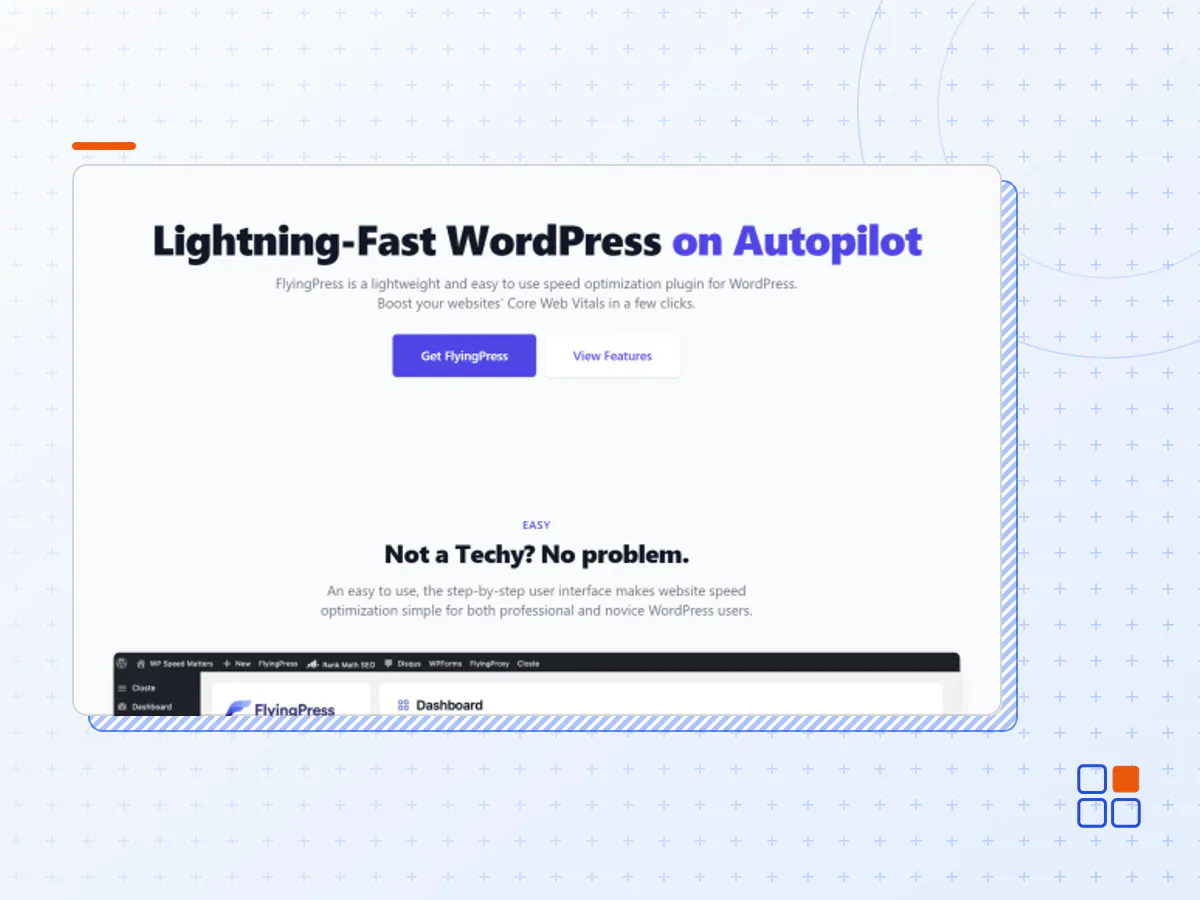
Lightning-Fast WordPress on Autopilot
FlyingPress is a lightweight and easy to use speed optimization plugin for WordPress. Boost your websites' Core Web Vitals in a few clicks.
Why FlyingPress?
An easy to use, the step-by-step user interface makes website speed optimization simple for both professional and novice WordPress users.
Easy to Use
Easy user interface makes website speed optimization simple.
Fewer Settings to Configure
Speeding up sites should be easy. FlyingPress comes with a few settings to configure.
Optimize for Core Web Vitals
Modern browser optimizations to optimize each and every page for the core web vitals.
All in One Solution
No need to install multiple plugins. FlyingPress will take care of everything.
Great Support
Support you can count on, whether it's technical or need help in setting up.
Compatibility
Compatible with all major WordPress hosting providers, themes & plugins.
Supercharge Your WordPress
Unlock the true potential of your website with FlyingPress - the ultimate solution for lightning-fast WordPress performance.
The all-in-one Optimization plugin
Everything you need for a faster WordPress site.
Page Caching
Generate static HTML pages and serve them directly from your web server.
Cache Preloading
Automatically generate cached pages when you make some changes.
Remove Unused CSS
Generate critical CSS and remove unused CSS.
Preload Links
Preloads a page in the browser right before a user clicks on it.
Delay Script Execution
Load and execute non-critical scripts only on user interaction.
Minify CSS & JS
Minify CSS & JavaScript files in the server or via FlyingCDN.
Defer Scripts
Avoid render-blocking scripts by deferring them.
Optimize Database
Optimize and clean up database tables and set them to autopilot!
Lazy Load
Lazy load images, HTML elements, videos, iFrames, and more.
Optimize Google Fonts
Self-host, combine and preload Google Fonts. Optionally display fallback fonts.
Prioritize Resources
Prioritize critical resources like the above-fold images, fonts to load in high priority.
Reduce Layout Shifts
Add missing width and height attributes to reduce layout shift caused by images.
- The FlyingPress plugin archive (.zip), exactly as the developer released it.
- Uploads straight from the WordPress dashboard — no FTP or extra tools needed.
- GPL licensing: install it on every site you manage, client sites included.
- A year of downloads and newer versions with a single purchase, or permanent access with the lifetime upgrade.
- Also unlocked by every membership plan, together with the rest of the plugin catalogue.
Not included
- A licence key from the developer — features that run on the developer's own servers (cloud services, vendor auto-updates, vendor support) may be unavailable.
How to install FlyingPress
- 1Download FlyingPress from Downloads in your account. Keep the file zipped.
- 2In your WordPress dashboard open Plugins → Add New Plugin and click Upload Plugin.
- 3Choose the .zip, click Install Now, then Activate.
- 4Open the FlyingPress settings screen and configure it for your site.
- 5If a notice asks for a licence key you can dismiss it; the plugin itself runs without one.
To update later, download the newer version from your account and upload it the same way — WordPress offers to replace the installed copy and keeps your settings.
Is this the developer's original FlyingPress file?
Yes. The archive is the release the developer published, with nothing added or removed. It is distributed under the GNU GPL, which is what allows WordPress GPL to offer it; you are buying the download and updates, not a licence key from the vendor.
Can I use FlyingPress on client websites?
Yes. The GPL places no limit on the number of sites, so you can install it on your own projects and on sites you build for clients.
How do I get newer versions of FlyingPress?
When a newer release reaches our catalogue it replaces the file in your account, and you can request one from this page if you need it sooner. A single purchase covers a year of downloads (or longer with the lifetime upgrade); a membership covers updates while it is active.
Does it come with support from the developer?
No — vendor support is tied to a licence bought from the developer. We help with downloading and installing the file, and if it turns out to be broken you can ask for a refund within 14 days.