Elementor Pro - The #1 Drag and Drop Website Builders
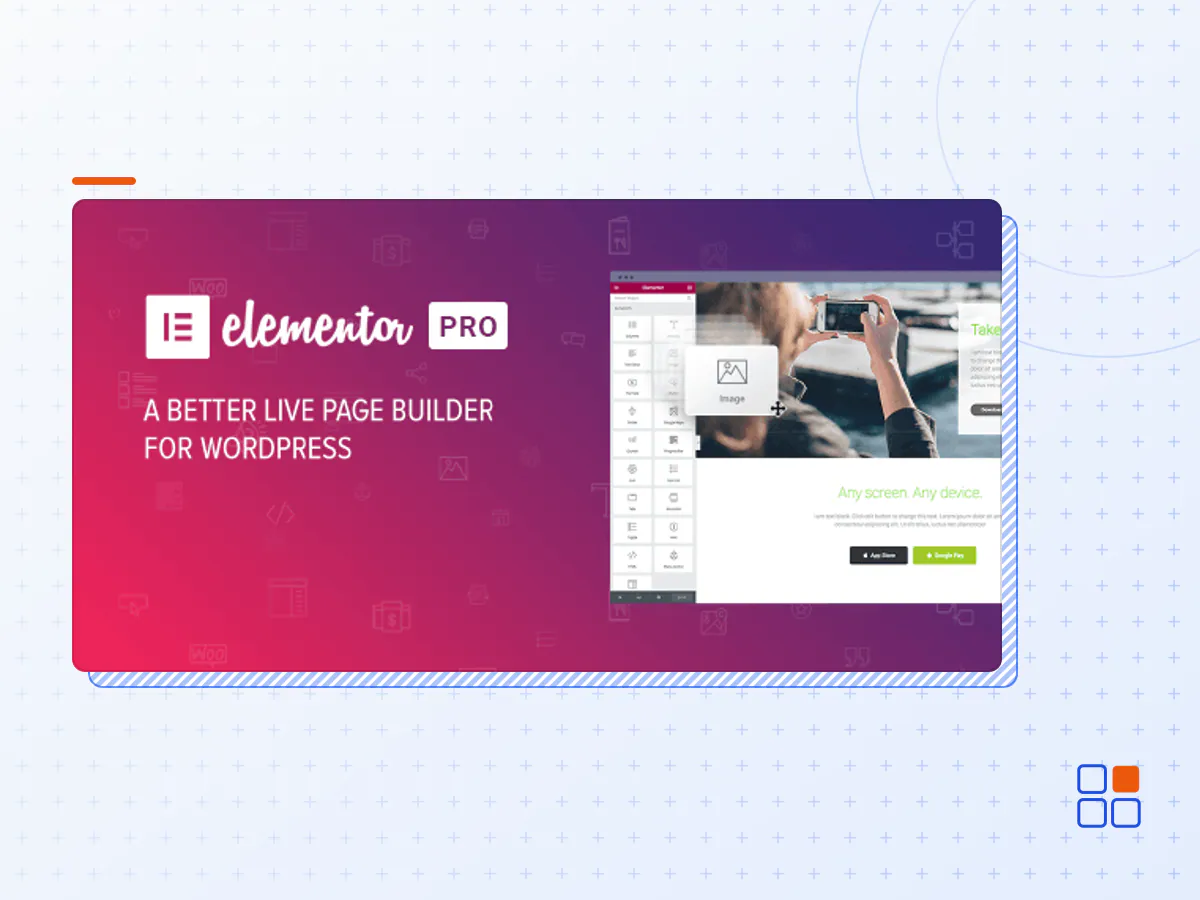
Elementor Pro is a WordPress Plugin that greatly enhances the development process and allows you to develop faster and better than ever before. Via Elementor Pro Builder everything can be done visually without code.
Changing your theme should not be so difficult. Endless programming, reaching out to developers, changing topics. The Element Builder Themes Builder from Elementor Pro transforms the entire process of creating WordPress sites making it 100% visual, including the design of the site's header, footer and pages.
Main advantages of this theme builder:
- Drag & Drop Editor. Elementor Pro has the fastest, most intuitive editor in WordPress. Simply drag, drop and customize.
- 300+ Designer Made Templates. Choose from over 300 beautifully crafted templates, designed to fit every industry and need.
- 90+ Widgets. Choose from dozens of widgets to create any content you need: buttons, headlines, forms, etc. You can do anything.
- Responsive Editing. Switch to mobile view and tweak every element to make it look perfect on any device.
- Popup Builder. Popup Builder gives you the freedom to create pixel-perfect popups, including advanced targeting options.
- Theme Builder. Use Elementor's industry leading Theme Builder to edit every part of your site without code.
- WooCommerce Builder. Take control over your WooCommerce online store by utilizing the power of Elementor Pro.
- Navigator. Navigate between all page elements or layers, quickly glance custom changes and easily access them via indicators.
- Hotkeys. Hotkeys are keyboard shortcuts that save you time when performing various actions.
- Auto Save. No more need to click save. Your work is continuously saved and backed-up automatically.
- In-line Editing. Use the in-line editing feature to type directly on-screen and make blog post and content writing an easy and intuitive process.
- CSS Filters. Using CSS filters, you can play around with the image settings and add amazing effects.
- One-Page Websites. Create a one-page website that includes click to scroll navigation, as well as all the needed sections of a website.
- Landing Pages. Creating and managing landing pages has never been this easy, all within your current WordPress website.
- TypeKit Integration. Add your own custom and Typekit fonts and use them throughout your projects.
- Drop Cap. Make the first letter of your blog post larger, to create a stylish and distinguished look.
- Woo Products Widget. Display your WooCommerce products and filter the exact products you want to display.
- Woo Add to Cart Widget. Create a product page that includes an actionable Add to cart button.
- MailChimp. Easily integrate to MailChimp and get your visitors added to your lists.
- ActiveCampaign. Easily integrate to ActiveCampaign and get your visitors added to your lists.
- Adobe TypeKit. Add your Adobe TypeKit key and get all your favorite fonts in Elementor Pro.
- Discord. Integrate your Discord server with forms submissions.
- ReCaptcha V3. Add a security verification field service to your forms, to make sure your visitors are legit without user friction.
- Facebook SDK. Intergrate to the Facebook SDK and manage the Facebook comments that you receive as an admin.
- The Elementor Pro plugin archive (.zip), exactly as the developer released it.
- Uploads straight from the WordPress dashboard — no FTP or extra tools needed.
- GPL licensing: install it on every site you manage, client sites included.
- A year of downloads and newer versions with a single purchase, or permanent access with the lifetime upgrade.
- Also unlocked by every membership plan, together with the rest of the plugin catalogue.
Not included
- A licence key from the developer — features that run on the developer's own servers (cloud services, vendor auto-updates, vendor support) may be unavailable.
How to install Elementor Pro
- 1Download Elementor Pro from Downloads in your account. Keep the file zipped.
- 2In your WordPress dashboard open Plugins → Add New Plugin and click Upload Plugin.
- 3Choose the .zip, click Install Now, then Activate.
- 4Open the Elementor Pro settings screen and configure it for your site.
- 5If a notice asks for a licence key you can dismiss it; the plugin itself runs without one.
To update later, download the newer version from your account and upload it the same way — WordPress offers to replace the installed copy and keeps your settings.
Is this the developer's original Elementor Pro file?
Yes. The archive is the release the developer published, with nothing added or removed. It is distributed under the GNU GPL, which is what allows WordPress GPL to offer it; you are buying the download and updates, not a licence key from the vendor.
Can I use Elementor Pro on client websites?
Yes. The GPL places no limit on the number of sites, so you can install it on your own projects and on sites you build for clients.
How do I get newer versions of Elementor Pro?
When a newer release reaches our catalogue it replaces the file in your account, and you can request one from this page if you need it sooner. A single purchase covers a year of downloads (or longer with the lifetime upgrade); a membership covers updates while it is active.
Does it come with support from the developer?
No — vendor support is tied to a licence bought from the developer. We help with downloading and installing the file, and if it turns out to be broken you can ask for a refund within 14 days.