DriCub - Driving School WordPress Theme
- Type
- Theme
- Licence
- GNU GPL
- Delivery
- Instant download
- Access
- 12 months, or lifetime
- Sites
- Unlimited
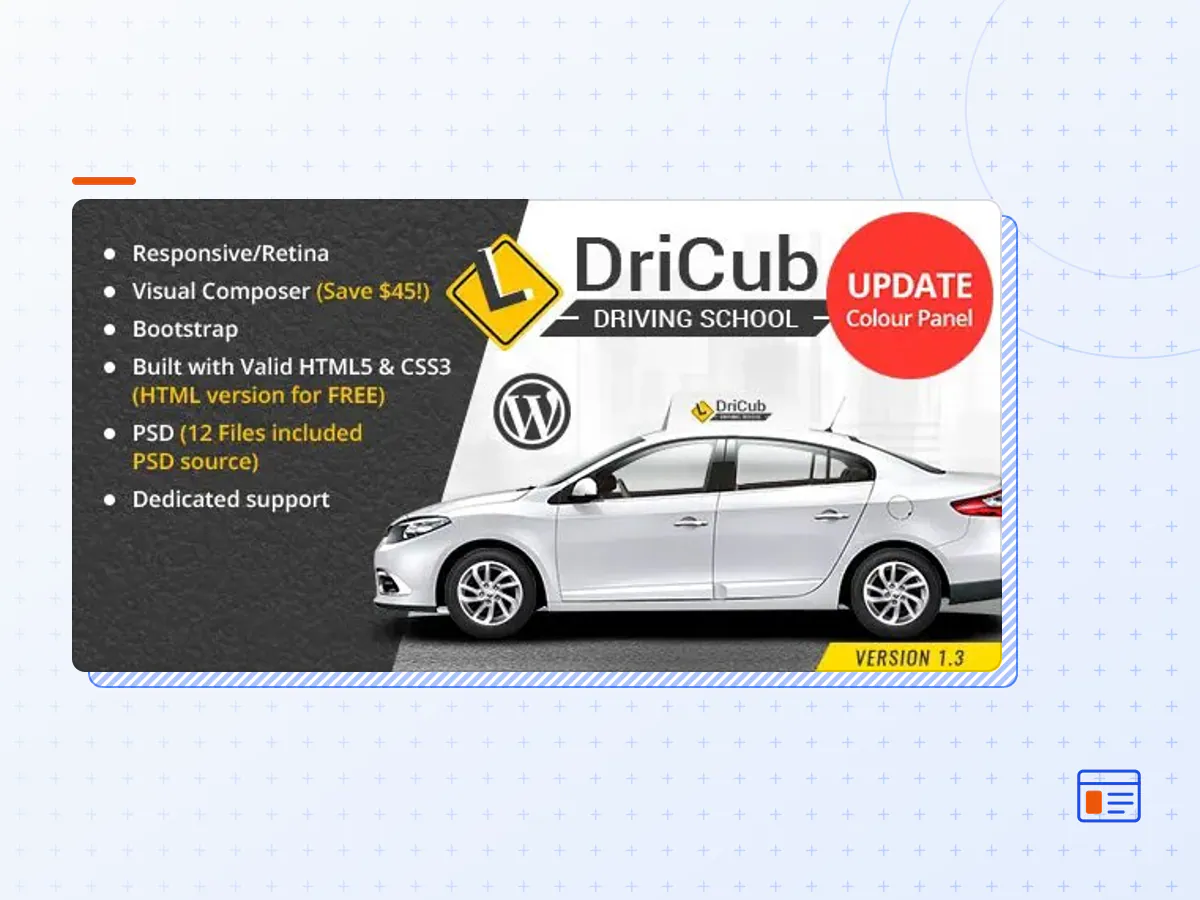
Dricub is a versatile WordPress theme that can be used for many different purposes, such as a driving school, car driving, driving class, training center, Teen Drivers Education program for seniors, winter driving courses , defensive driving classes , modern traffic school and more.
DriCub Driving School – Driving School theme is a modern, clean and professional WordPress theme which is specially created to spread and represent your driving school companies business to your potential customers. DriCub Driving School theme is fully responsive, and it looks attractive on all types of screens and devices. It comes with a lot of user-friendly and customizable features those will help you to create a robust website to achieve the main goal of online business.
DriCub Driving School theme is the best choice for all house driving school companies website. If you’re looking for a high-quality designed theme with more extra features for your driving school companies, so Driving School theme is the best option for you to release your website within very quick time.
- The DriCub theme package as the developer released it.
- The installable theme .zip, plus whatever else the developer ships with it — often a child theme and documentation.
- GPL licensing: use it on as many sites as you like, for yourself or for clients.
- A year of downloads and newer versions with a single purchase, or permanent access with the lifetime upgrade.
- Also unlocked by every membership plan, together with the rest of the theme catalogue.
Not included
- A licence key from the developer — demo importers or bundled-plugin updates that check a key on the developer's servers may need manual steps.
How to install DriCub
- 1Download DriCub from Downloads in your account.
- 2If the download holds several files, unzip only that outer package and find the installable theme .zip (usually named after the theme).
- 3In WordPress open Appearance → Themes → Add New Theme → Upload Theme, choose that .zip and click Install Now.
- 4Activate the theme. If it recommends companion plugins, install them from the notice it shows.
- 5Optional: import the demo content from the theme's own setup screen, then replace the demo text and images with yours.
Using a child theme keeps your custom CSS and template edits safe when you upload a newer version of the parent theme.
Is DriCub the original theme?
Yes — the package is the developer's release, unmodified, redistributed under the GNU GPL. WordPress GPL sells the download and updates; it does not issue vendor licence keys.
Will the DriCub demo import work?
Usually, yes. Most demo importers run inside WordPress. A few download demo files from the developer's servers and check a licence key first; in that case you can still build the pages yourself with the bundled templates.
How do theme updates work?
When a newer version of DriCub reaches our catalogue it replaces the file in your account. Upload it over the current theme (Appearance → Themes → Add New Theme → Upload Theme) and WordPress replaces it while keeping your settings.
What if the theme doesn't work?
Contact us with your order number. If the file is broken or clearly not what this page describes and we can't fix it, you get a refund within 14 days of purchase.