Chaty Pro - Floating Chat Widget, Contact Icons, Messages, Telegram, Email, SMS, Call Button
- Type
- Plugin
- Licence
- GNU GPL
- Delivery
- Instant download
- Access
- 12 months, or lifetime
- Sites
- Unlimited
With Chaty for WordPress, you can improve your business by:
- Closing more sales
- Getting more reviews
- Increasing subscribers
- Collecting more emails
- Fielding more calls
- Improving support
The ultimate WordPress chat plugin
Your visitors are out there using WhatsApp, Facebook Messenger, Viber, Telegram, and other chat apps. By using a WordPress chat plugin, you can make yourself available to the channels they usually use to communicate.
Choose from social media platforms and messaging apps
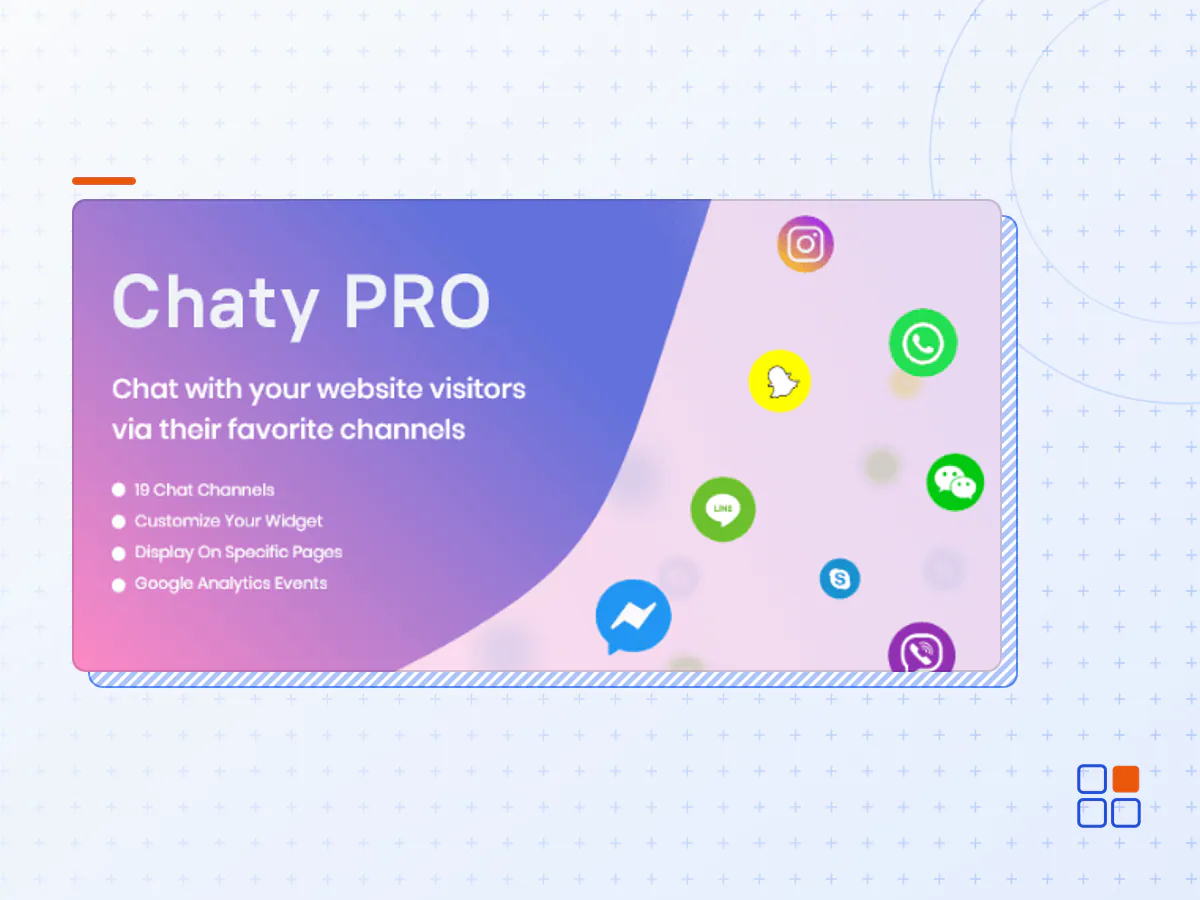
Chaty for WordPress proudly supports: WhatsApp chat for WordPress, Facebook Messenger, Email, SMS, Snapchat, Skype, Vkontakte, Phone (click to call), LinkedIn, Instagram, Telegram, Line, WeChat, Viber, Waze, Google maps, link to an external channel/contact page, launching a Poptin popup
Supported channels and platforms by Chaty for WordPress
Chaty covers most (if not all) of the widely popular social networks including the most popular ones like WhatsApp, Messenger, Telegram & more.
Supported channels and platforms by Chaty for WordPress
Integrate various social media platforms and messaging apps in your WordPress site like WhatsApp, Messenger, Email, SMS, Phone, LinkedIn, Instagram, Telegram, Line, Poptin, Viber, and more!
Use 20+ Social Messaging Platforms
Whether it is Facebook, WhatsApp, Telegram, Viber, or any social media - use Chaty for WordPress to make yourself available to your customers whatever the platform.
Frictionless Communication
By using Chaty, your users can communicate with you from their preferred social messaging channel, making engagement easy breezy for everyone.
Improve the Quality of Support
By being readily available in the channels your customers are present, you’ll be able to improve your quality of support and tend to their needs faster.
Supports Custom Channels
Want to add a custom channel that Chaty doesn't support? Add custom channels with a click of a button and add up to 5 custom channels.
Unlimited Customization
The Chaty for WordPress UI is fully customizable (change colors, button placement, custom icon, fonts, & more) which you can edit according to your branding preferences.
Customizable WhatsApp Preset Messages
Want to greet your users with a preset message when they choose WhatsApp? With Chaty for WordPress, you can set messages to wow your visitors.
Triggers & Targeting Rules
Chaty for WordPress comes with a wide range of triggers & targeting features to fine-tune the behavior of the plugin to suit your needs.
Great Compatibility, Documentation, and Support
Chaty for WordPress uses the best coding convention and is compatible out of the box with almost all WordPress plugins. It also comes with a premium support team.
Tracking Metrics via Google Analytics
Track channel opens, clicks, traffic sources, page source & more with Chaty for WordPress’ Google Analytics integration.
What do you get in the free plan of our WordPress chat plugin?
Looking for the best chat plugin for WordPress? With the free version of Chaty you can:
- Show different clicks to chat channels, including an embedded WhatsApp pop up and contact form
- Select the location of the widget (bottom left/right)
- Add a custom Call-To-Action beside your widget
- Choose between 7 different colors
- You decide if you want to show the widget on mobile & desktop or both!
- Show different channels for mobile and desktop. For example, you can display a call now button & a Viber button on mobile, but show a different widget combination like a WhatsApp & Telegram button on desktop
What do you get in the Pro plan?
- Show all the channels you want at the same time (we support up to 25 different click-to chat buttons and other icons.)
- Add multiple agents in your chat widget. For example, allow visitors to reach for pre-sales info or support with different channels on WhatsApp
- Use custom colors or CSS to fully customize your widget
- Add custom images and icons for better widget design
- Specialized targetting and triggers - show your widget to visitors who meet certain criteria like traffic source, country, website page, etc
- Create pre-set WhatsApp chat message and pre-set email subject line. When people click on your WhatsApp button or email icon, your pre-set message will automatically load.
- Available days and hours - display the widget on specific days and hours based on your opening days and hours
- Automatically forward your contact form leads to email
- Date scheduling - set a start and end date for your chat buttons (E.g. show a WhatsApp chat button from a specific date.)
- and many more awesome features! 🥳
- The Chaty Pro plugin archive (.zip), exactly as the developer released it.
- Uploads straight from the WordPress dashboard — no FTP or extra tools needed.
- GPL licensing: install it on every site you manage, client sites included.
- A year of downloads and newer versions with a single purchase, or permanent access with the lifetime upgrade.
- Also unlocked by every membership plan, together with the rest of the plugin catalogue.
Not included
- A licence key from the developer — features that run on the developer's own servers (cloud services, vendor auto-updates, vendor support) may be unavailable.
How to install Chaty Pro
- 1Download Chaty Pro from Downloads in your account. Keep the file zipped.
- 2In your WordPress dashboard open Plugins → Add New Plugin and click Upload Plugin.
- 3Choose the .zip, click Install Now, then Activate.
- 4Open the Chaty Pro settings screen and configure it for your site.
- 5If a notice asks for a licence key you can dismiss it; the plugin itself runs without one.
To update later, download the newer version from your account and upload it the same way — WordPress offers to replace the installed copy and keeps your settings.
Is this the developer's original Chaty Pro file?
Yes. The archive is the release the developer published, with nothing added or removed. It is distributed under the GNU GPL, which is what allows WordPress GPL to offer it; you are buying the download and updates, not a licence key from the vendor.
Can I use Chaty Pro on client websites?
Yes. The GPL places no limit on the number of sites, so you can install it on your own projects and on sites you build for clients.
How do I get newer versions of Chaty Pro?
When a newer release reaches our catalogue it replaces the file in your account, and you can request one from this page if you need it sooner. A single purchase covers a year of downloads (or longer with the lifetime upgrade); a membership covers updates while it is active.
Does it come with support from the developer?
No — vendor support is tied to a licence bought from the developer. We help with downloading and installing the file, and if it turns out to be broken you can ask for a refund within 14 days.