Boompay - Payment Solution
- Type
- Plugin
- Licence
- GNU GPL
- Delivery
- Instant download
- Access
- 12 months, or lifetime
- Sites
- Unlimited
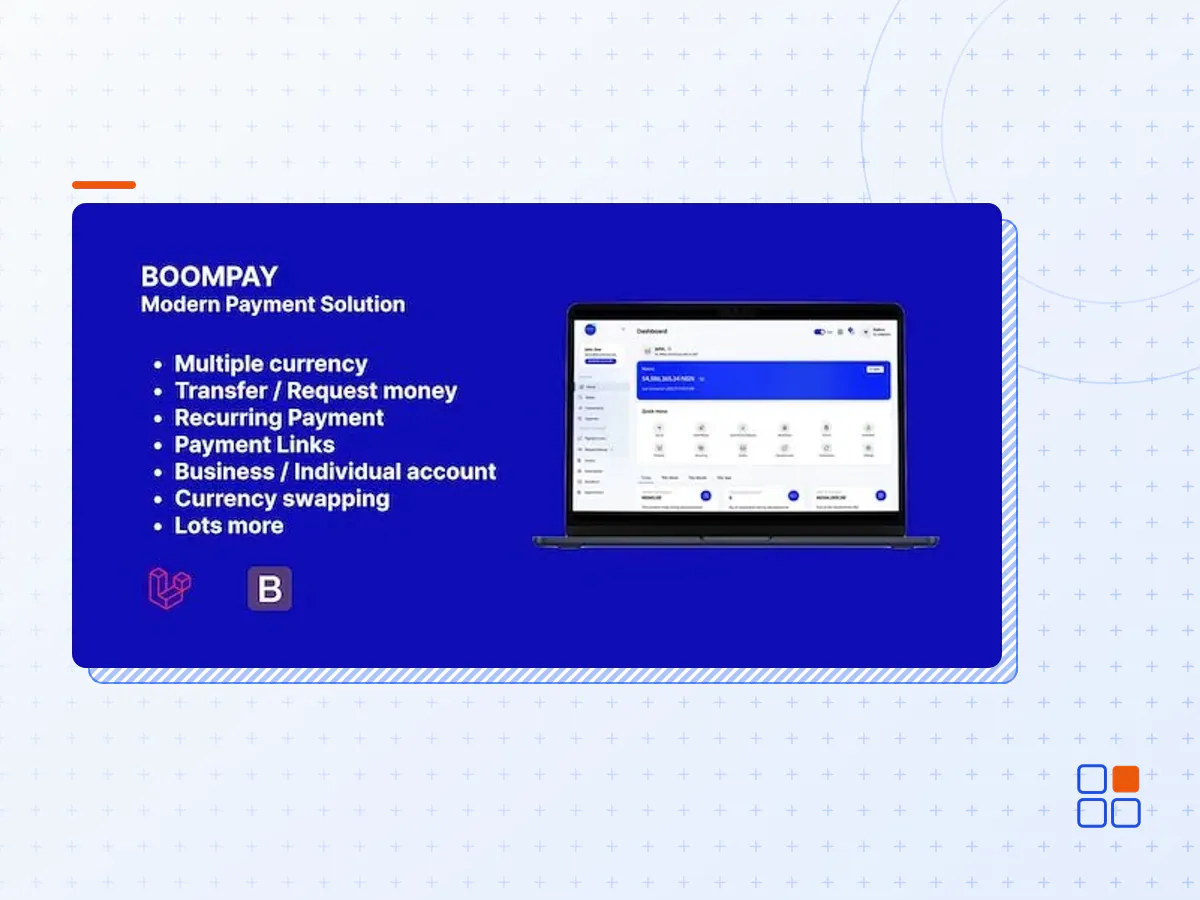
Boompay is a payment solution built with the latest laravel framework. Boompay solves problems related to money collection and money transfer. Its supports multiple currencies, transfer to anyone, requests money, payment links, storefront, recurring, invoice, appointment booking, expense & budgeting, API checkout, HTML checkout, Popup & redirect JS, currency swapping, payout to any bank account, compliance, and more. It’s easy to install our system within 5 minutes without any technical knowledge.
PAYMENT GATEWAYS AVAILABLE FOR FUNDING
- Stripe
- Mollie
- Instamojo
- Perfect Money
- Coingate
- Skrill
- Coinbase Commerce
- Paypal
- Flutterwave
- Paystack
DEVELOPER
Boompay support developer integration, click the link below to access the documentation.
SUBSCRIPTION SERVICE
People have been pretty much confused about what exactly this feature is. let’s say you run a dog food delivery business and you have clients that order food from you weekly, you can create a plan, send the intervals of billing, and set it to your clients for payment.
STOREFRONT & PRODUCTS
With a storefront, you can group products and sell them all in one place. Product category, shipping address & rates with more features have been added
TRANSFER & REQUEST MONEY
Users can send money to anyone with an email address. If the email is not registered, an email will be sent to prompt the recipient to register and confirm the transfer was received. The recipient has 5 days to confirm payment else the money will be refunded to the sender. You can also request money from anyone
PAYMENT LINKS/BUTTONS
Create Payment links such as a single charge link to charge your clients a fixed or any amount. Run crowdfunding events by creating donation pages with Boompay
INVOICE
Create invoices and send them to your clients for payments. An invoice can only be paid by the email address associated with it. marking an invoice as paid without payment being made on the platform will only lead to charges being deducted from your account.
COMPLIANCE & WITHDRAWAL
With the recent increase in fraud, a compliance form was to set limitations to payouts. Withdrawal privileges now range from an individual to a business account..
COUNTRIES & BANKS
To give the admin more control over where he/she wants his business to function, we have added country supported. For payouts, we have also added banks supported to make business easier.
- The Boompay plugin archive (.zip), exactly as the developer released it.
- Uploads straight from the WordPress dashboard — no FTP or extra tools needed.
- GPL licensing: install it on every site you manage, client sites included.
- A year of downloads and newer versions with a single purchase, or permanent access with the lifetime upgrade.
- Also unlocked by every membership plan, together with the rest of the plugin catalogue.
Not included
- A licence key from the developer — features that run on the developer's own servers (cloud services, vendor auto-updates, vendor support) may be unavailable.
How to install Boompay
- 1Download Boompay from Downloads in your account. Keep the file zipped.
- 2In your WordPress dashboard open Plugins → Add New Plugin and click Upload Plugin.
- 3Choose the .zip, click Install Now, then Activate.
- 4Open the Boompay settings screen and configure it for your site.
- 5If a notice asks for a licence key you can dismiss it; the plugin itself runs without one.
To update later, download the newer version from your account and upload it the same way — WordPress offers to replace the installed copy and keeps your settings.
Is this the developer's original Boompay file?
Yes. The archive is the release the developer published, with nothing added or removed. It is distributed under the GNU GPL, which is what allows WordPress GPL to offer it; you are buying the download and updates, not a licence key from the vendor.
Can I use Boompay on client websites?
Yes. The GPL places no limit on the number of sites, so you can install it on your own projects and on sites you build for clients.
How do I get newer versions of Boompay?
When a newer release reaches our catalogue it replaces the file in your account, and you can request one from this page if you need it sooner. A single purchase covers a year of downloads (or longer with the lifetime upgrade); a membership covers updates while it is active.
Does it come with support from the developer?
No — vendor support is tied to a licence bought from the developer. We help with downloading and installing the file, and if it turns out to be broken you can ask for a refund within 14 days.