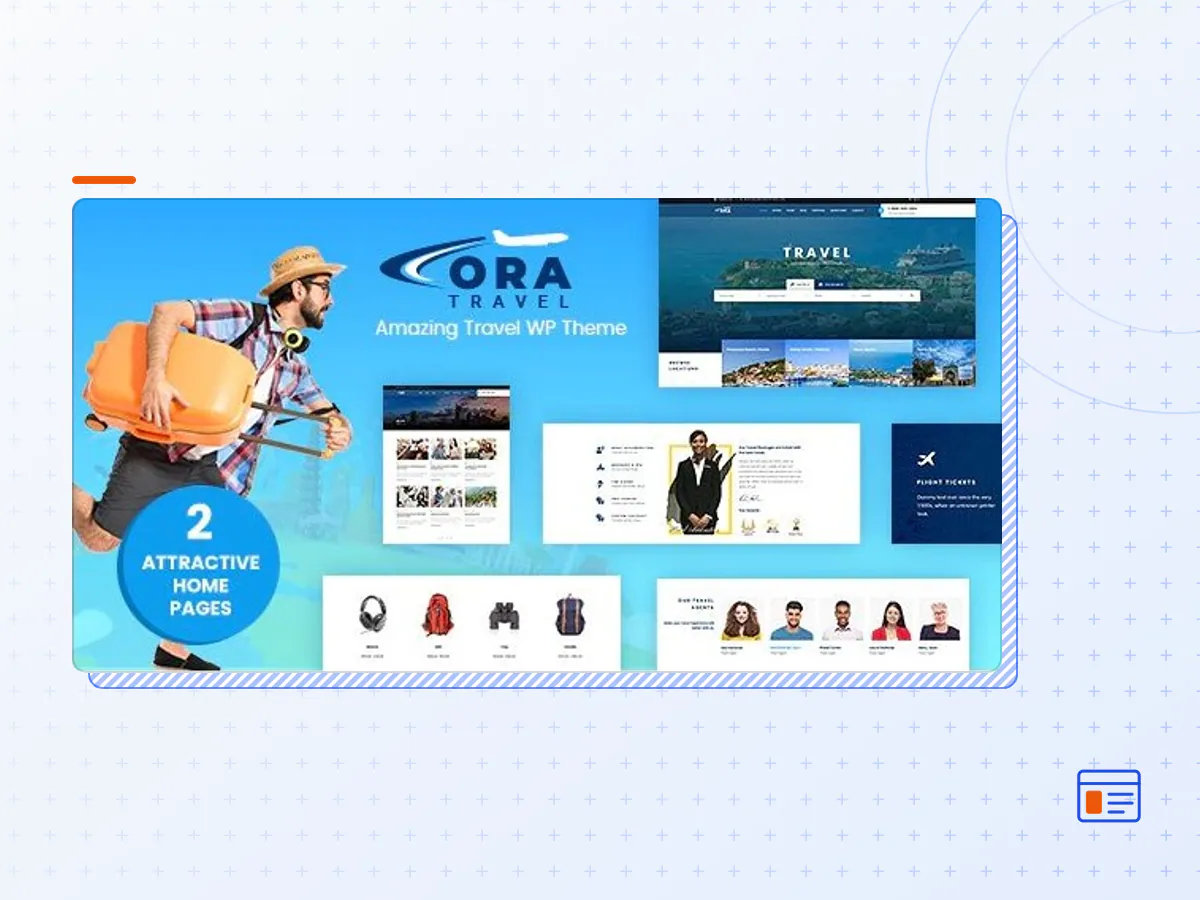
Aventura - Travel & Tour Booking System WordPress Theme
- Type
- Theme
- Category
- WordPress Travel Themes
- Licence
- GNU GPL
- Delivery
- Instant download
- Access
- 12 months, or lifetime
- Sites
- Unlimited
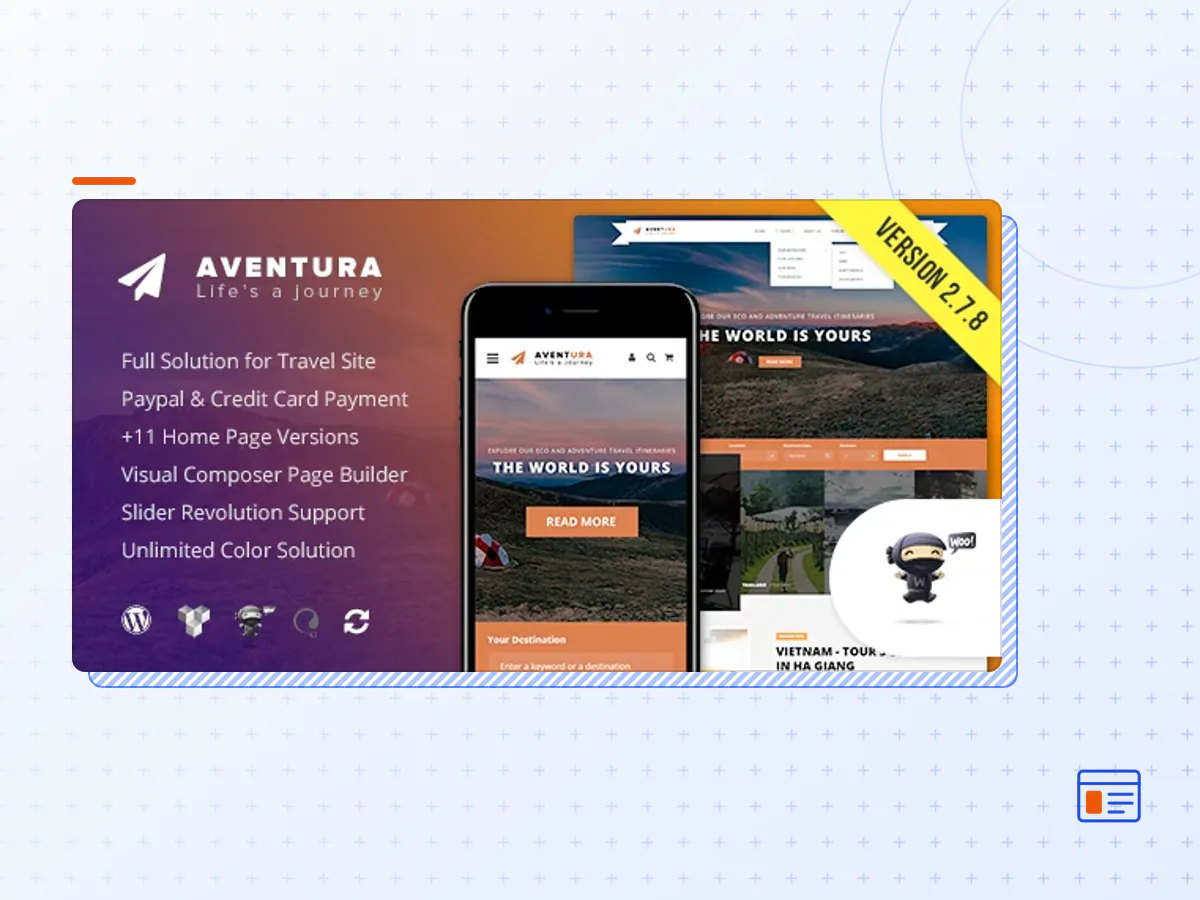
Aventura is a Travel & Tour Booking WordPress Theme developed for travel websites, like local travel agencies, adventure parks and tour companies. All special travel and tourism niche functionality is included.
Aventura provides full solution for Booking System. It is possible for customers to pay for tours directly in your website with Paypal and other payment services. Its stunning beauty, fashionable clean look and proper execution, accompanying with making use of Visual Composer, Aventura and Revolution Slider plugin, will help you to own an awesome travel site for your business.
Highlight Features:
- Full solution for Tour and Travel Agency site. No empty link, no broken link.
- Clean, modern, neat design can be used for any type of travel website
- WordPress 4 Tested and Approved
- Built with HTML5 and CSS3
- SEO Optimized ( also compatible with SEO Plugins ) Well organized, commented & clean code
- Cross-Browser Compatibility: Chrome, Firefox, Safari, IE10 ~ IE11
- 100% Responsive Theme
- Comes with the Visual Composer, most awesome visual page builder for WordPress
- 1-6 Column Support
- 7+ Home Versions, 6+ Header styles
- Parallax Feature and Video Section for any page
- Awesome CSS3 animations for every modules
- Child Theme Compatible – includes basic child theme
- Strong focus on design and typography, usability and overall user-experience.
- JQuery Enhancements
- Includes Icons Fonts, more than 600 retina ready icons included!
Advanced Customization / Themes Options
- Customize Every part of the website using the Styling options.
- Unlimited Colors options, you can customize your website to match your colors.
- Easily change Font and Font size.
- Advanced options to enable/disable individual features
Aventura & Visual Composer
- Aventura include the Visual Composer, Currently the most famous WordPress page builder
- We made 25 Modules for the Visual Page builder, you will be able to customize anything you want super easily, never code
- Change style ( design ) and color of any modules super easily
- Easily create stunning pages using our awesome modules.
- All you see on our demo is built only with the Visual Composer modules
Popular Plugin Compatible
- WPML plugin ready
- Contact Form 7 ready with full design integration
- Slider Revolution with full design integration
- Visual Composer Ready
- Newsletter Plugin Ready
WooCommerce compatible
- Plugin ready with full design integration
- Custom Visual Composer Modules to display your products
- Custom layout for your shop pages
- Custom design for single product pages
- Display products based on category, SKU, sale, featured, newest etc
- WooCommerce shortcodes are included in the visual composer.
Unlimited Color Options
- Extremely detailed styling tab in theme options
- Unlimited Color Options / Skins with backend and front end Color Picker
- Full Color Customizations – change every element with ease including all Visual Composer Modules.
Advanced Blog Options
- 6 Layouts to choose from : Classic, Grid (2,3,4 column), Fullwith then grid, Sidebar version.
- All layouts can have left or right sidebar or be full width
- 6 post types ( video, audio, gallery, image, standard )
- Set up multiple blog pages and set custom categories per page using blog module
- Select a slider to show on blog page
- Auto generated thumbnails
- Easily specify the number of items per page
- Post sharing with social icons
- Threaded Comments
- Tons of options to add remove data, excerpt, related post etc
Custom Page Templates & Page Options Included
- Customize each and every page easily
- Possibility to Use Slider on every page
- Left / Right Sidebar page
- Full with page
- Built-In 404 page
- Great designed search page
Advanced Typography Options
- Use Google Fonts or Standard fonts
- All font options are controlled in the theme options panel
- Set different font sizes for all fonts, H1-H6 headings, body, footer, header, dropdown etc
- Set different colors for all fonts
- Set font-size, line-height, font-weight for each font type as well
Advanced Background Options
- Choose Color of upload custom background image
- Set Parallax background
- Full width sections also allow background images with parallax
- Page title bar background or custom bar title background
- The Aventura theme package as the developer released it.
- The installable theme .zip, plus whatever else the developer ships with it — often a child theme and documentation.
- GPL licensing: use it on as many sites as you like, for yourself or for clients.
- A year of downloads and newer versions with a single purchase, or permanent access with the lifetime upgrade.
- Also unlocked by every membership plan, together with the rest of the theme catalogue.
Not included
- A licence key from the developer — demo importers or bundled-plugin updates that check a key on the developer's servers may need manual steps.
How to install Aventura
- 1Download Aventura from Downloads in your account.
- 2If the download holds several files, unzip only that outer package and find the installable theme .zip (usually named after the theme).
- 3In WordPress open Appearance → Themes → Add New Theme → Upload Theme, choose that .zip and click Install Now.
- 4Activate the theme. If it recommends companion plugins, install them from the notice it shows.
- 5Optional: import the demo content from the theme's own setup screen, then replace the demo text and images with yours.
Using a child theme keeps your custom CSS and template edits safe when you upload a newer version of the parent theme.
Is Aventura the original theme?
Yes — the package is the developer's release, unmodified, redistributed under the GNU GPL. WordPress GPL sells the download and updates; it does not issue vendor licence keys.
Will the Aventura demo import work?
Usually, yes. Most demo importers run inside WordPress. A few download demo files from the developer's servers and check a licence key first; in that case you can still build the pages yourself with the bundled templates.
How do theme updates work?
When a newer version of Aventura reaches our catalogue it replaces the file in your account. Upload it over the current theme (Appearance → Themes → Add New Theme → Upload Theme) and WordPress replaces it while keeping your settings.
What if the theme doesn't work?
Contact us with your order number. If the file is broken or clearly not what this page describes and we can't fix it, you get a refund within 14 days of purchase.