MarketKing - Ultimate Multi Vendor Marketplace Plugin for WooCommerce
- Type
- Plugin
- Category
- WooCommerce Plugins
- Licence
- GNU GPL
- Delivery
- Instant download
- Access
- 12 months, or lifetime
- Sites
- Unlimited
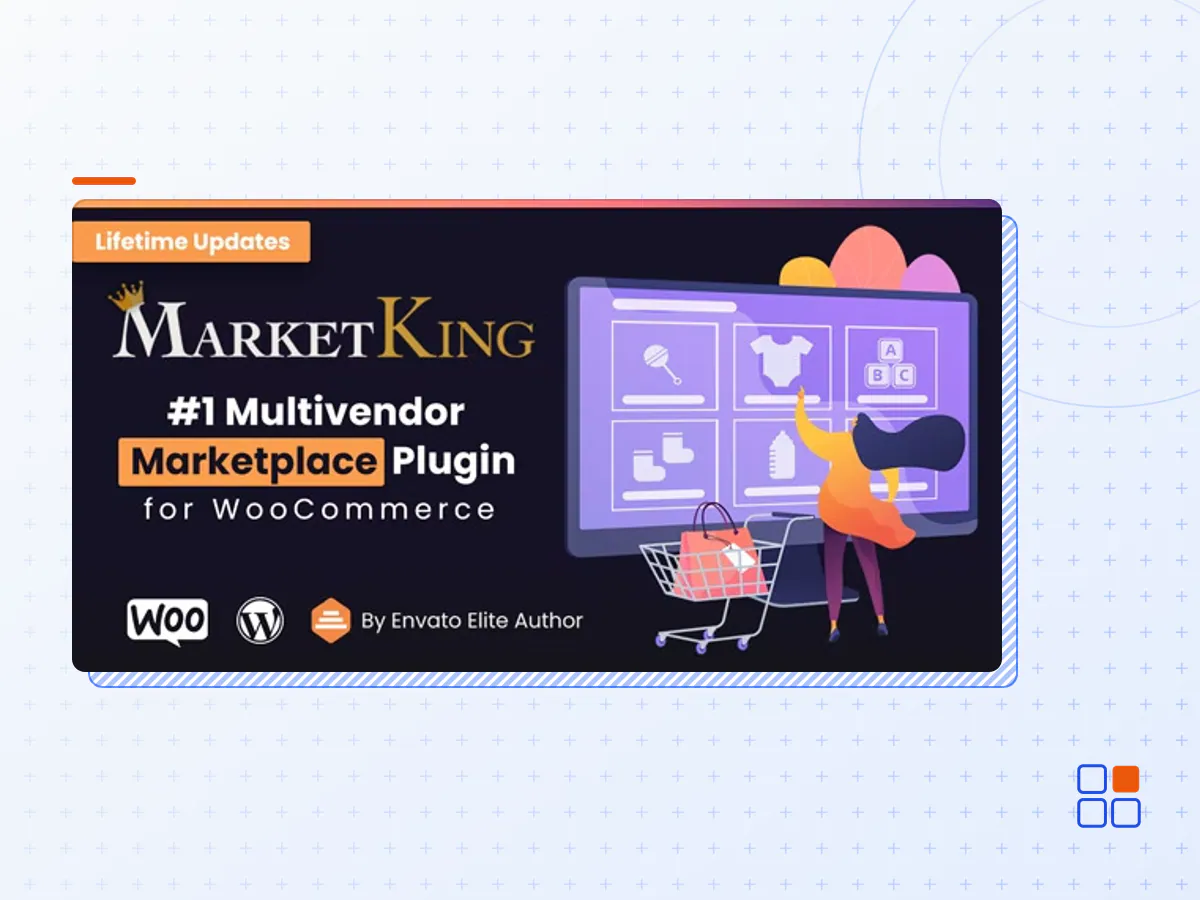
The #1 Multivendor Marketplace Plugin for WooCommerce
Ultimate solution for powerful multivendor WooCommerce stores.
- Premium Design - Modern Vendor Dashboard
- Proprietary Split Cart System (Cart split by Vendor)
- Native WooCommerce Integrations for Vendor Product, Coupon, and Order Management
- 137+ Features: Vendor Staff, Invoicing, Membership Packages, etc.
- Single Product Multiple Vendor system with proprietary design
- Vendor Documentation, Badges, Store SEO, Seller Verification
- Complex Commissions, Store Reviews, Refunds, Wholesale
Vendor Dashboard.
Premium, Modern Design.
The dashboard gives vendors in-depth control over products, orders, earnings and more.
- Announcements and Messaging Systems
- Native WooCommerce Control over Products, Coupons & Orders
- Earnings, Charts, & Payouts Panels
- In-Depth Settings: Invoicing, SEO, Policies, etc.
- Store Reviews, Refunds, Vendor Staff, Docs and more!
- Dashboard Design is independent of theme. Looks in any site just like in our demo.
Admin Control.
25+ Powerful Modules.
Set up a feature-rich store with 137+ features across 25+ modules.
- 25+ Configurable modules help you meet project goals
- Deep admin control with 18+ backend panels
- Admin dashboard, reports, vendor groups, verifications, etc.
- Modular design, deep integrations across features
In-Depth Vendor Control.
Advanced Settings.
Vendors have deep management capabilities over their own stores.
- Vendors can generate their own branded invoices
- Advanced shipping (zone-based) control
- SEO settings for each vendor store
- Vendor support through external URL, dedicated email, or built-in messaging panel.
- Store policies, notice, vacation settings & more.
Proprietary Split Cart System.
Cart Split by Vendor.
MarketKing splits the cart and subsequent orders by vendor.
- Proprietary cart design (optional) that's compatible with large nr. of themes
- Orders (from multiple stores) are split into sub-orders
- Vendors can only access and manage their own orders (or suborders)
- Smart splitter splits the cart subtotals, discounts, fees, etc.
- Customer can choose different shipping options for each package based on vendor shipping methods
Vendor Membership Packages & Subscriptions
Offer differentiated vendor options based on purchases.
- One-time addons or packages, or vendor subscriptions
- Limit available products, available categories, product type and more.
- Limit available features (e.g. SEO, Invoicing, Policies, Staff) by package.
- Compatible with WooCommerce Subscriptions, YITH Subscriptions, and more.
- Automatic vendor group switch via group rules.
Unique Vendor Stores.
Each vendor has their own store page, adapted to their settings.
- Store appearance can be selected from 3 built-in themes.
- Each vendor controls their own storefront through their settings.
- Proprietary design with tabs system, inquiries, follow button etc.
- Vendors can configure their profile and banner images via their dashboard.
Vendor Earnings.
Charts & Downloadable Tables.
Vendors can view their earnings, commissions & payouts through their dashboard.
- Earnings sortable by order, customer, month, etc.
- Plugin keeps track of vendor balance, increasing or decreasing it.
- Advanced configurations: for example COD orders can reversely affect balance.
- Complex commissions by product, category, vendor, tag, flat rate, percentage, etc.
- Downloadable vendor balance history tracks all changes to balance.
Single Product Multiple Vendors.
Proprietary Design.
Multiple vendors can sell the same product. Powerful 'Other Offers' panel.
- 'Other Offers' panel shows all vendors and compares offers. Configurable 'Show more' button.
- Sort offers by price or vendor rating.
- Smart cache & visibility system only shows the top result of a product in store pages.
- Vendors can add any product to their store with a single click.
- Admin can easily select which vendors sell which products in the backend.
- Smart sorting system can decrease priority if out-of-stock, and automatically detects changes.
MarketKing is built to be compatible with any WooCommerce theme and we have tested it with some of the most popular themes on the market today: Flatsome, WoodMart, Shopkeeper, Avada, Divi, Porto, XStore, The Retailer, Electro Electronics, MayaShop, Savoy, Basel, Atelier, Mr. Tailor, Aurum, Storefront and others.
- The MarketKing plugin archive (.zip), exactly as the developer released it.
- Uploads straight from the WordPress dashboard — no FTP or extra tools needed.
- GPL licensing: install it on every site you manage, client sites included.
- A year of downloads and newer versions with a single purchase, or permanent access with the lifetime upgrade.
- Also unlocked by every membership plan, together with the rest of the plugin catalogue.
Not included
- A licence key from the developer — features that run on the developer's own servers (cloud services, vendor auto-updates, vendor support) may be unavailable.
How to install MarketKing
- 1Download MarketKing from Downloads in your account. Keep the file zipped.
- 2In your WordPress dashboard open Plugins → Add New Plugin and click Upload Plugin.
- 3Choose the .zip, click Install Now, then Activate.
- 4Open the MarketKing settings screen and configure it for your site.
- 5If a notice asks for a licence key you can dismiss it; the plugin itself runs without one.
To update later, download the newer version from your account and upload it the same way — WordPress offers to replace the installed copy and keeps your settings.
Is this the developer's original MarketKing file?
Yes. The archive is the release the developer published, with nothing added or removed. It is distributed under the GNU GPL, which is what allows WordPress GPL to offer it; you are buying the download and updates, not a licence key from the vendor.
Can I use MarketKing on client websites?
Yes. The GPL places no limit on the number of sites, so you can install it on your own projects and on sites you build for clients.
How do I get newer versions of MarketKing?
When a newer release reaches our catalogue it replaces the file in your account, and you can request one from this page if you need it sooner. A single purchase covers a year of downloads (or longer with the lifetime upgrade); a membership covers updates while it is active.
Does it come with support from the developer?
No — vendor support is tied to a licence bought from the developer. We help with downloading and installing the file, and if it turns out to be broken you can ask for a refund within 14 days.